42
D335 User Manual Directories
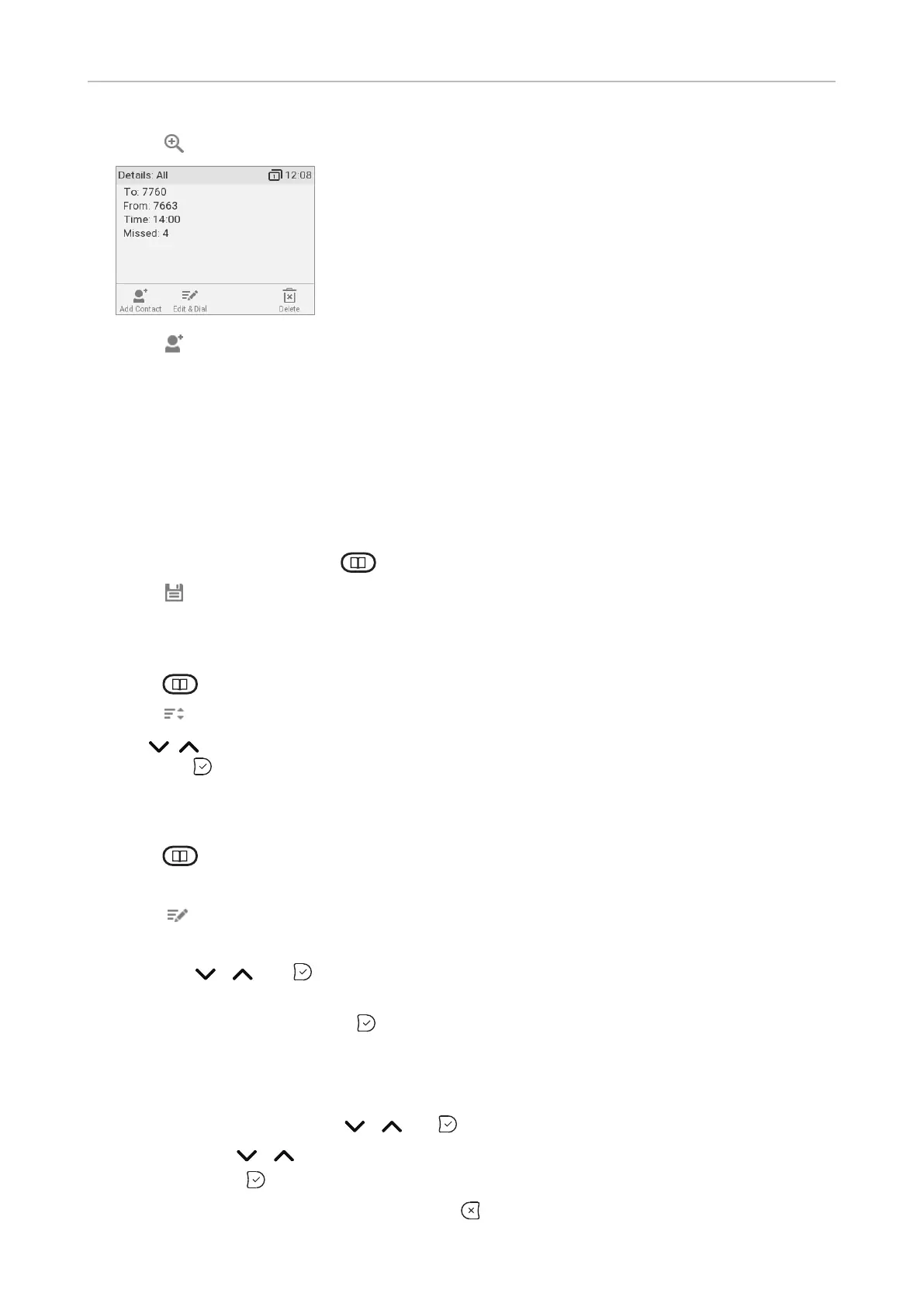
3. Press to view call Details.
4. Press to add the name (if the name was transmitted) and the number to the phone directory. If
the name has not been transmitted, the number will be used in its place.
See "Editing existing entry" on page 42 on how to add a name, phone type, group, etc.
Adding current caller
With the call on the line, you can add the caller's name (if transmitted) and phone number to the
directory. If the name has not been transmitted, the number will be used for both name and number.
See "Editing existing entry" on page 42 on how to add a name, phone type, group, etc.
1. With the call on the line, press .
2. Press to add the caller to the directory.
Sorting entries
1. Press to open the phone's directory.
2. Press .
3. Use
and press to sort.
Editing existing entry
1. Press to open the phone's directory.
2.
3. Press . The Details screen for the entry will be displayed.
4. Editing a detail.
a. Press / and to select a detail. Depending on the detail,
b. In some cases, you will see the prompt screen where you can enter or modify text. Edit the
data, if necessary, and press to save and to open the next screen. See also "Entering
numerals, letters, special characters, and symbols" on page 23.
In other cases, you will see a succession of screens with context-sensitive buttons. Example:
Modifying the settings of "group".
i. Select "group" with / and .
ii. Use / to select family, friend, colleague, work, or none.
iii. Press to save and return to the Details menu.
c. When you are done editing the entry, press .



 To Next Page