45
D335 User Manual Directories
◦ Birthday. Uses the format set at Preferences > General information > U.S. Date Format (mm/
dd)
Output when US Date Format setting is
Date Input On O
March 5, 1980 5.3.80 or 3/5/1980 03/05/80 05.03.80
March 12, 1980 12.3.80 or 3/12/1980 03/12/80 12.03.80
October 5, 1980 5.10.80 or 10/5/1980 10/05/80 05.10.80
October 12, 1980 12.10.80 or 10/12/1980 10/12/80 12.10.80
◦ Favorite: Tick box to add entry to "Favorites" list.
2. Click Add/Edit to save new entry to directory.
Editing an entry
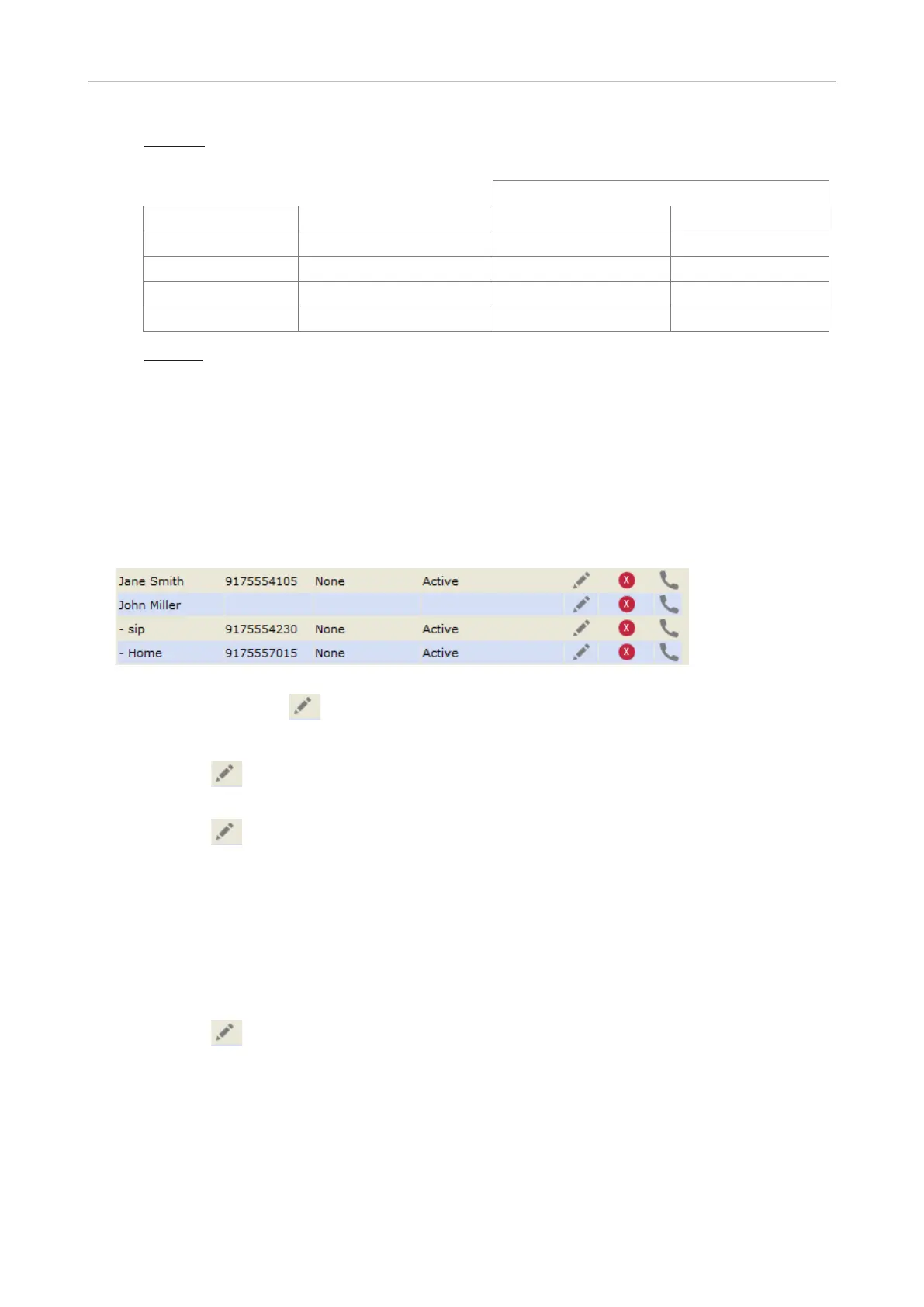
Entry" and two additional buttons, "Add Sub" and "Change", are available (see Fig. 2 and 3, below).
• Editing.
Fig. 1
◦ If single entry, click in the entry's line.
◦ If there is more than one number associated with a name:
- Click
birth and the data in the blue area applicable to the master record.
- Click in a phone number's line if you want to edit the subentry's data (phone number,
subentry only).
Make changes as necessary and click Change.
• Adding additional phone number (subentry) for a name
◦ Jane Smith's entry has only one phone number, her SIP phone number. In this example, the
phone number of Jane Smith's landline will be added to the directory.
- Click in Jane Smith's line (Fig. 1, above). The data is shown in "Add or Edit" area (Fig.
2).



 To Next Page