36
D335 User Manual Getting to Know Your Phone
How the web interface works
The vertical menu on the left side of the window is always the same, no matter which window
happens to be open at the time. Available menu items depend on whether the phone is running in
user or administrator mode.
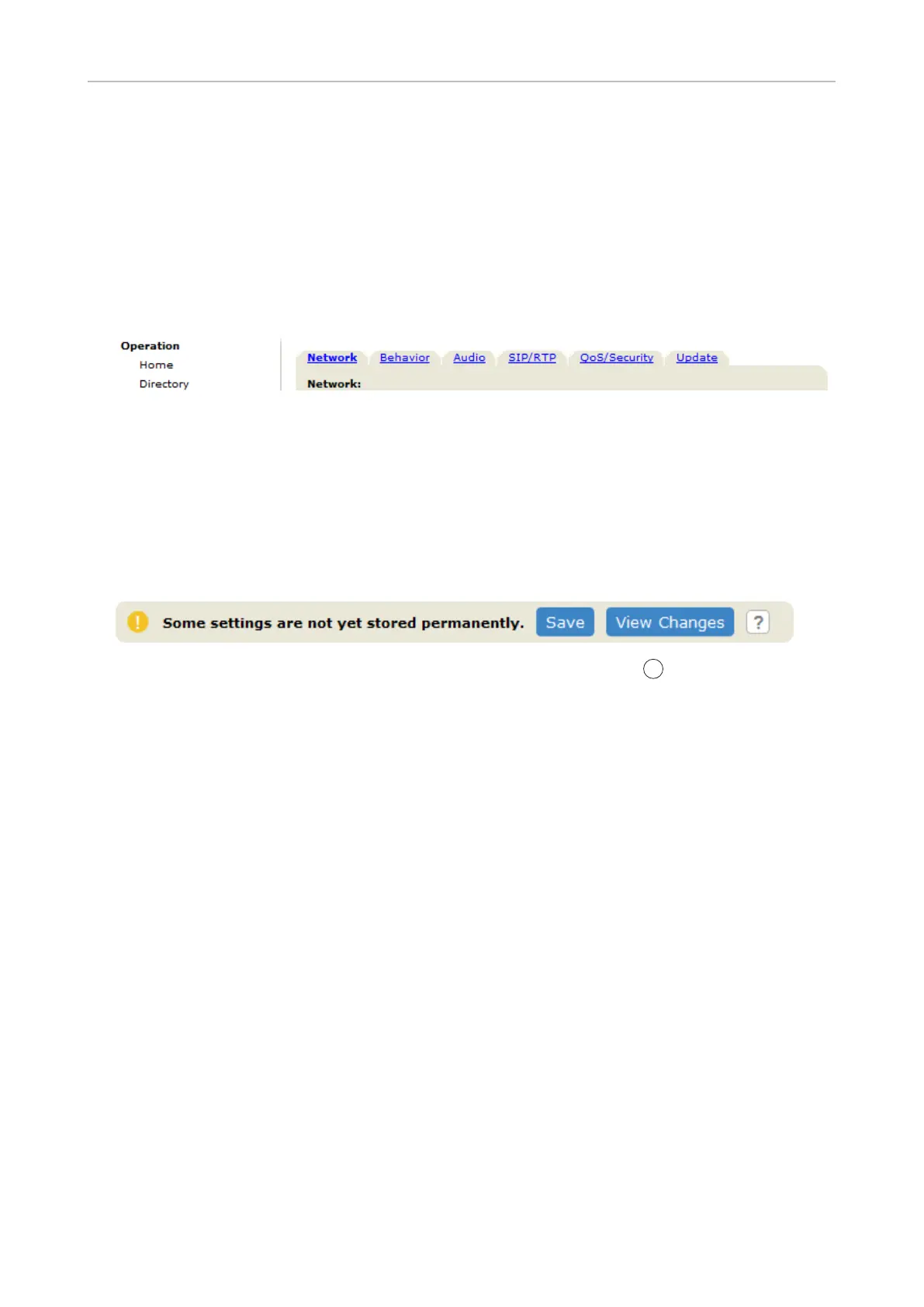
Click a menu item to open that page. Some pages contain several documents. To make a document
visible, click its tab. The font weight of the characters on the active tab is bold. Only one tab can be
active at a time.
Apply. Changes will
be lost if you open another page of the web interface or if you close the web interface
Apply.
After you have clicked on Apply, in some cases the Save button will appear at the top
of the page. Click Save to save the changes permanently. Changes that have not been
saved will be lost if and when the phone loses power or is disconnected from its power
source
To the right of each setting, there is a link symbolized by the question mark
?
. Click this link to open
a page with information on the setting (description, valid and default value, links to connected issues,
etc.). Click the return button of your browser to return to the phone's web interface.
Note: You may have to enter your HTTP password to return to the phone's web interface.
Web settings overriding manual phone settings
In some cases settings activated on the web interface override manual settings on the phone. If a
the web interface or check with your administrator.



 To Next Page