16
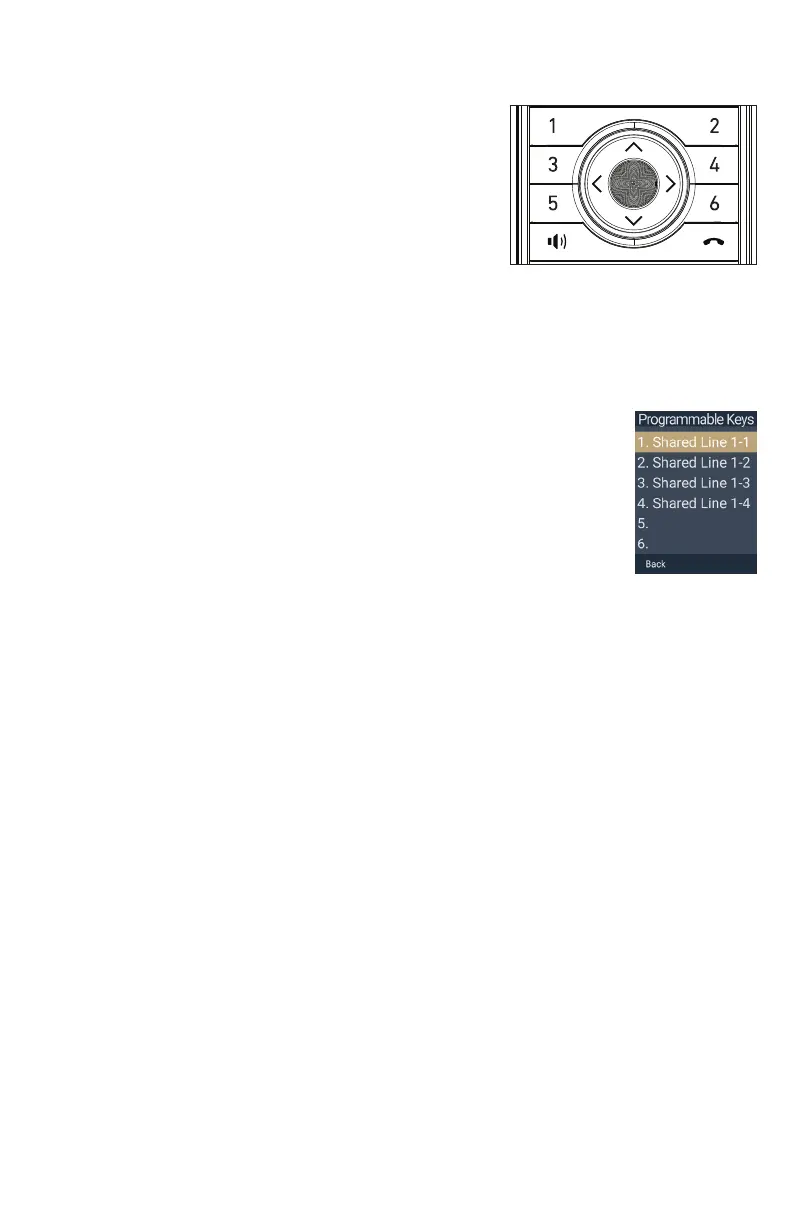
Factory Default Programmable Feature Key (PFK) Settings
Your handsets have a factory default configuration
where the PFKs (1 to 4) are set up to handle calls on a
shared line�
• All handset users can use the shared line via
the PFKs�
• The LEDs on the PFKs will be on or flashing to
indicate calls in progress across all handsets/desksets�
• A handset user can make a new call, pick up a held shared call, or barge in a
shared call by pressing the PFKs�
For more information, see “Using Shared Call Emulation” on page 46�
Please note that the PFKs may be configured differently on your phone
system� For example, a PFK might be used for a private line, to turn
DND on/off, etc� To see how the PFKs are configured on your handset,
press PFK 1-6 on the idle screen�
illustration scale 100%
Jinwook Hwang | 10. Mar. 2021 | Revision 7.1AW / SNOM M55 HS



 To Next Page