52
Listening to messages
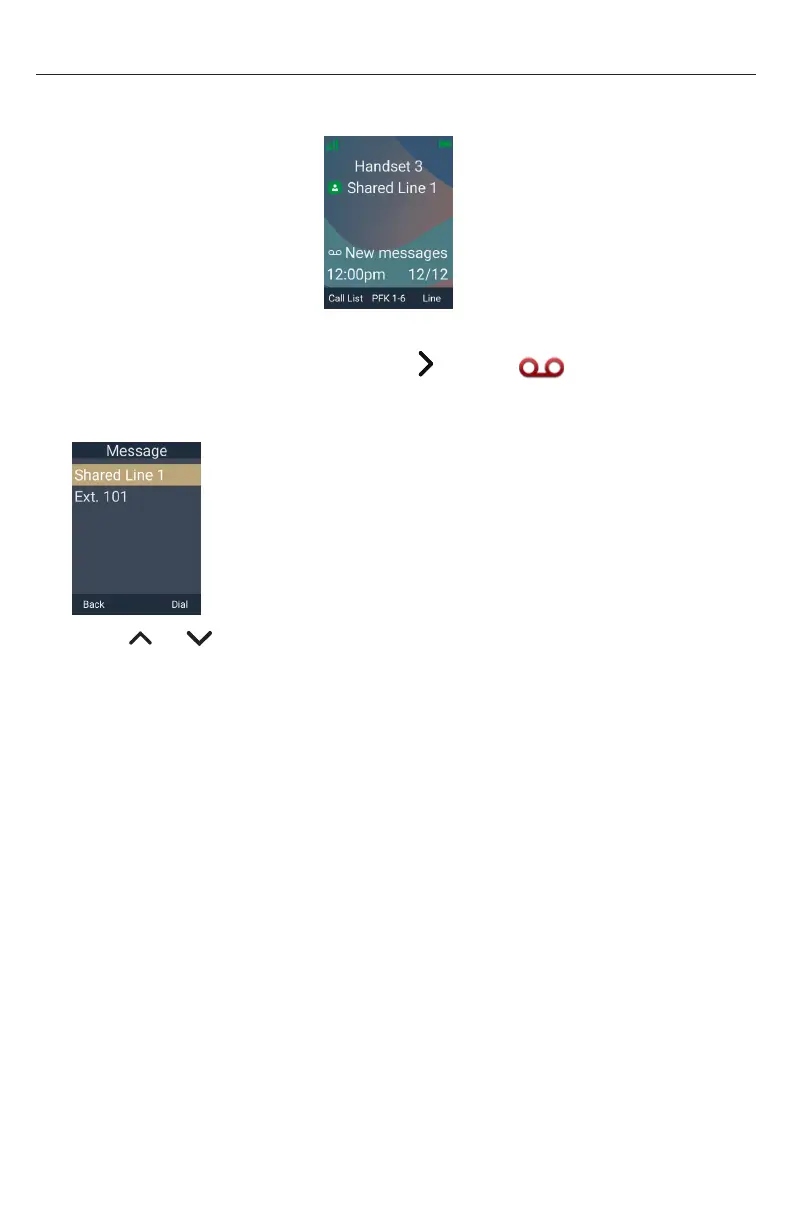
When you have new messages, the message LED flashes on your handset and the idle
screen displays a new messages notification:
To listen to your messages:
1� Press the MENU/Confirm key, then press to select (Message) and press
OK�
The Message screen appears�
2� Press or to highlight the desired dialing line (account) and press Dial�
The handset dials the voicemail access number�
3� Follow the voice prompts to listen to your messages�



 To Next Page