62
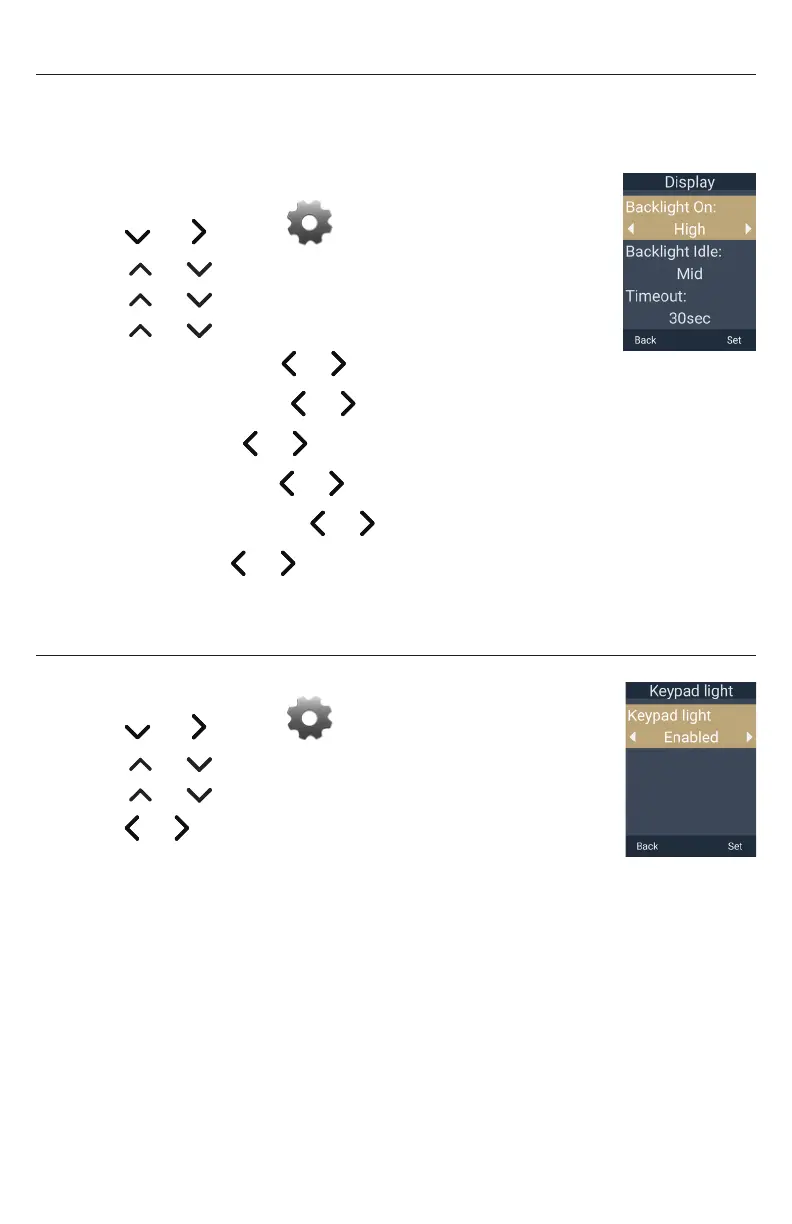
Setting the display options
You can configure the display options on the handset screen – backlight, screensaver,
power save timeout, wallpaper and display theme�
To change the display options:
1� Press the MENU/Confirm key�
2� Press and to select (Settings), then press OK�
3� Press or to scroll to User settings, and press Enter�
4� Press or to scroll to Display, and press Enter�
5� Press or to select a display option:
• Backlight On : press or to choose Low, Mid, or High�
• Backlight Idle : press or to choose Off, Low, Mid, or High�
• Timeout : press or to choose the backlight timeout (in seconds)�
• Screensaver : press or to choose Off, On (1 min), or On (2 min)�
• Call Power Save : press or to choose Disabled or Enabled�
• Theme : press or to choose a display theme�
6� Press Set to save, or press Back to cancel�
Setting the keypad light
1� Press the MENU/Confirm key�
2� Press and to select (Settings), then press OK�
3� Press or to scroll to User settings, and press Enter�
4� Press or to scroll to Keypad light, and press Enter�
5� Press or to choose Disabled or Enabled�
6� Press Set to save, or press Back to cancel�



 To Next Page