72
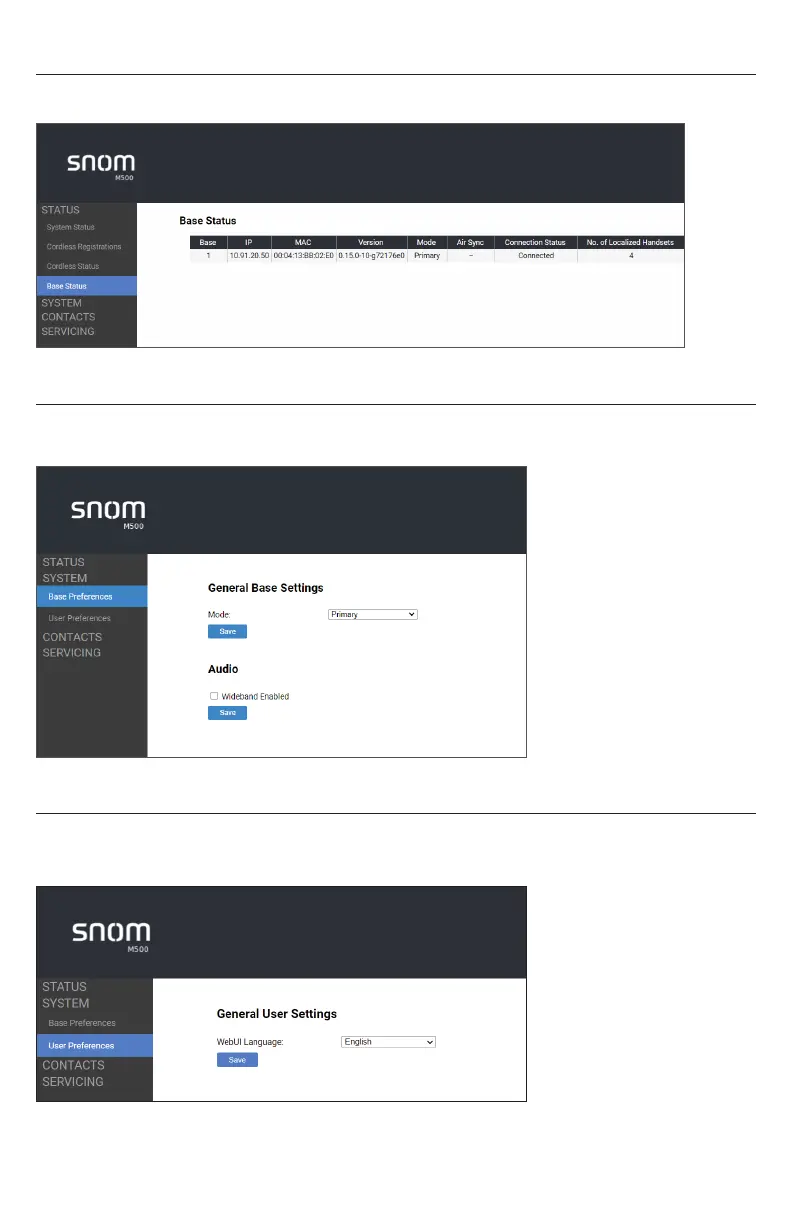
Base Status
The Base Status page shows information about each M500 base in your system�
Base Preferences
The Base Preferences page enables configuration of the base mode� Do not make any
changes on this page without first consulting with your system administrator�
User Preferences
On the User Preferences page, you can set the language that appears on the WebUI�
After changing the setting on this page, click Save to save�



 To Next Page