61
To view the IP address of your base station:
1� On the Status menu, with Network highlighted, press Enter�
2� Press or to select IPv4 or IPv6, and press Enter�
3� Press to scroll down to view the IP address�
To view the firmware version of your handset / base station:
1� On the Status menu, press or to scroll to Product Info and press Enter�
2� Press or to select This device or Base/Cell and press Enter�
3� Press to scroll down to view the firmware version�
To view the line status of your handset:
1� On the Status menu, press or to scroll to Line and press Enter�
2� Press or to select a line and press Enter�
3� Press or to scroll through the information about the line�
Setting the language
1� Press the MENU/Confirm key�
2� Press and to select (Settings), then press OK�
3� Press or to scroll to User settings, and press Enter�
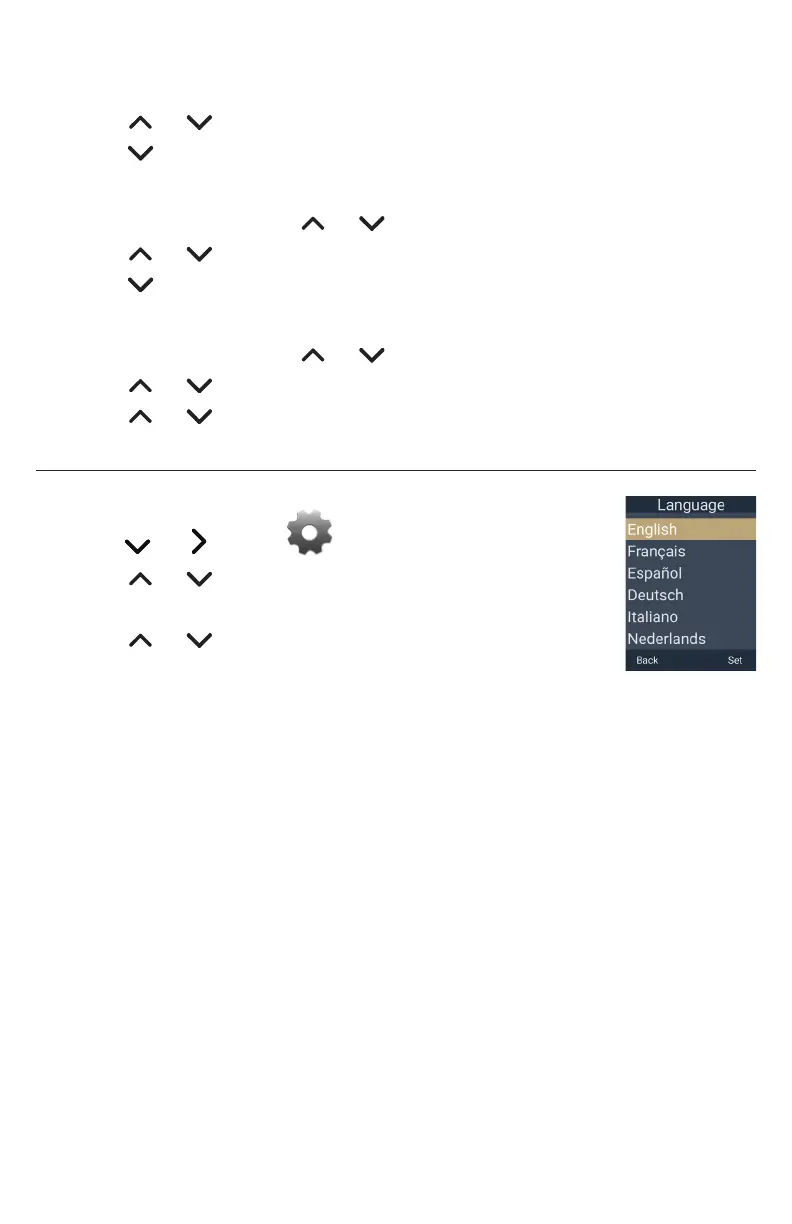
4� With Language highlighted, press Enter�
5� Press or to choose the desired language�
6� Press Set to save, or press Back to cancel�



 To Next Page