46
Using Shared Call Emulation
Your phone is equipped with Shared Call Emulation,
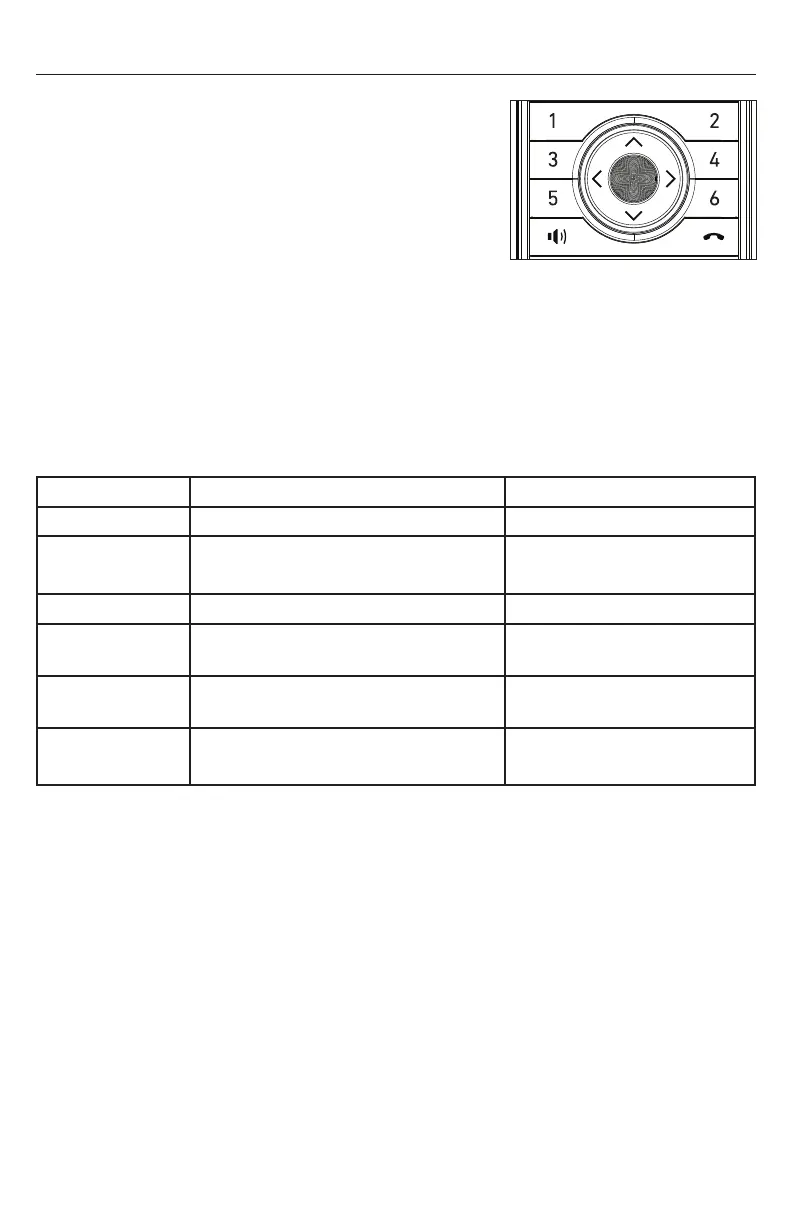
where up to six Programmable Feature Keys (PFKs)
enable direct interaction with shared calls�
The PFKs act like shortcuts to the calls in the Call List�
Shared Call Emulation can be useful for small
businesses where incoming calls are answered by a
group of people� Handset users can use the PFKs to
make new calls, answer incoming calls, pick up calls
held by other users, or barge in other users’ calls�
The examples on page 47 and 48 show how to use the PFKs to pick up a held
shared call, and barge in an active shared call� Each example shows what the screen
and PFK LEDs look like on two different handsets� In these examples, the handsets are
assumed to be configured to their factory default setting with PFKs (1 to 4) set up to
handle calls on a shared line�
For Shared Call Emulation, the LEDs on the PFKs indicate the status of calls:
PFK LED Indicates: Press the PFK to:
Off Line is idle Make a call
Quickly flashing
green
Ringing incoming call Answer the call
Steady green Call is active on your handset Put the call on hold
Slowly flashing
green
Call is active on your handset, but
the far end has put the call on hold
N/A
Slowly flashing
red
Call is on hold Retrieve the held call
Steady red Shared call is active on another
handset/deskset
“Barge in” on the shared
call
Please note that if a PFK is defined with a different function (such as Do Not Disturb or
Call Forwarding), the PFK LED indication will be different�
illustration scale 100%
Jinwook Hwang | 10. Mar. 2021 | Revision 7.1AW / SNOM M55 HS



 To Next Page