66
Setting lift handset to answer
You can enable your handset to automatically answer a call when lifted from the
charging cradle�
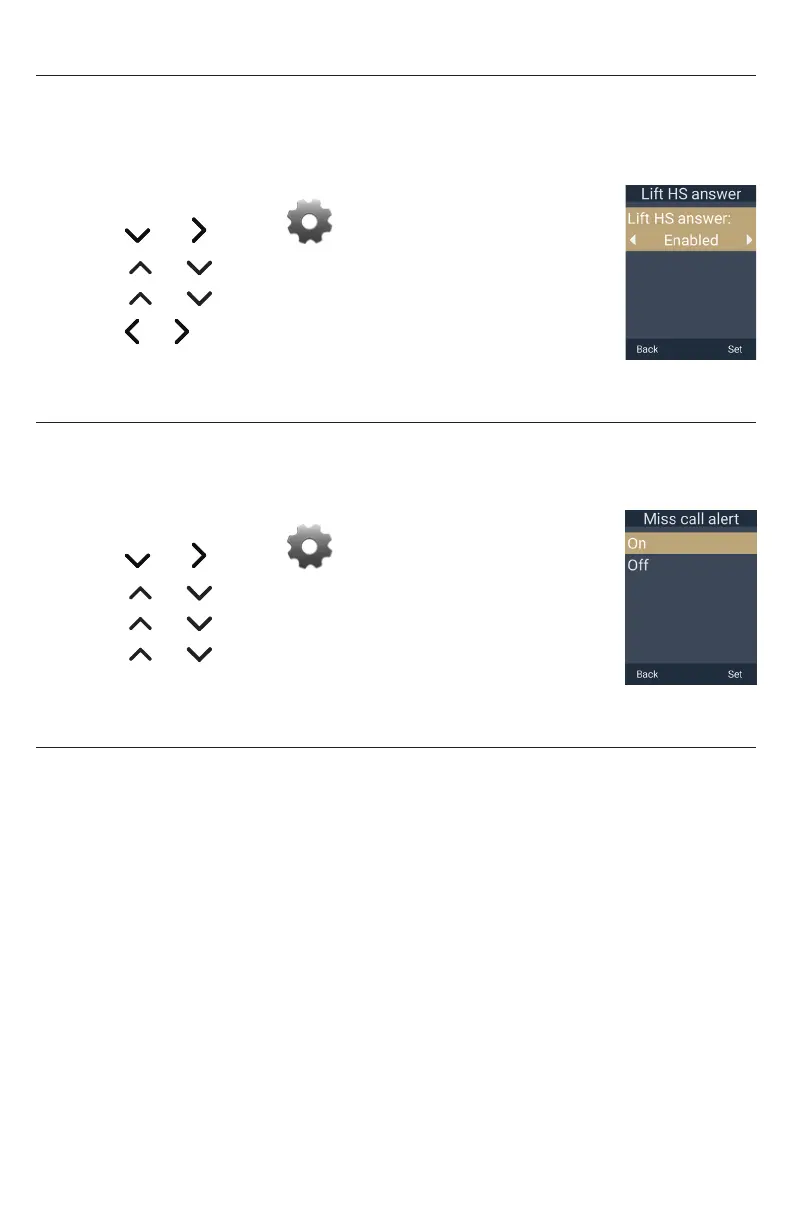
To set Lift HS answer:
1� Press the MENU/Confirm key�
2� Press and to select (Settings), then press OK�
3� Press or to scroll to User settings, and press Enter�
4� Press or to scroll to Lift HS answer, and press Enter�
5� Press or to select Disabled or Enabled��
6� Press Set to save, or press Back to cancel�
Setting the missed call alert
You can enable or disable the missed call alert that is displayed on the handset screen�
To set the missed call alert:
1� Press the MENU/Confirm key�
2� Press and to select (Settings), then press OK�
3� Press or to scroll to User settings, and press Enter�
4� Press or to scroll to Miss call alert, and press Enter�
5� Press or to select On or Off�
6� Press Set to save, or press Back to cancel�
Registering or deregistering your deskset
You can register or deregister your handset using the handset menu� Follow the
instructions in “Handset Registration” on page 24�



 To Next Page