39
Switching between two calls
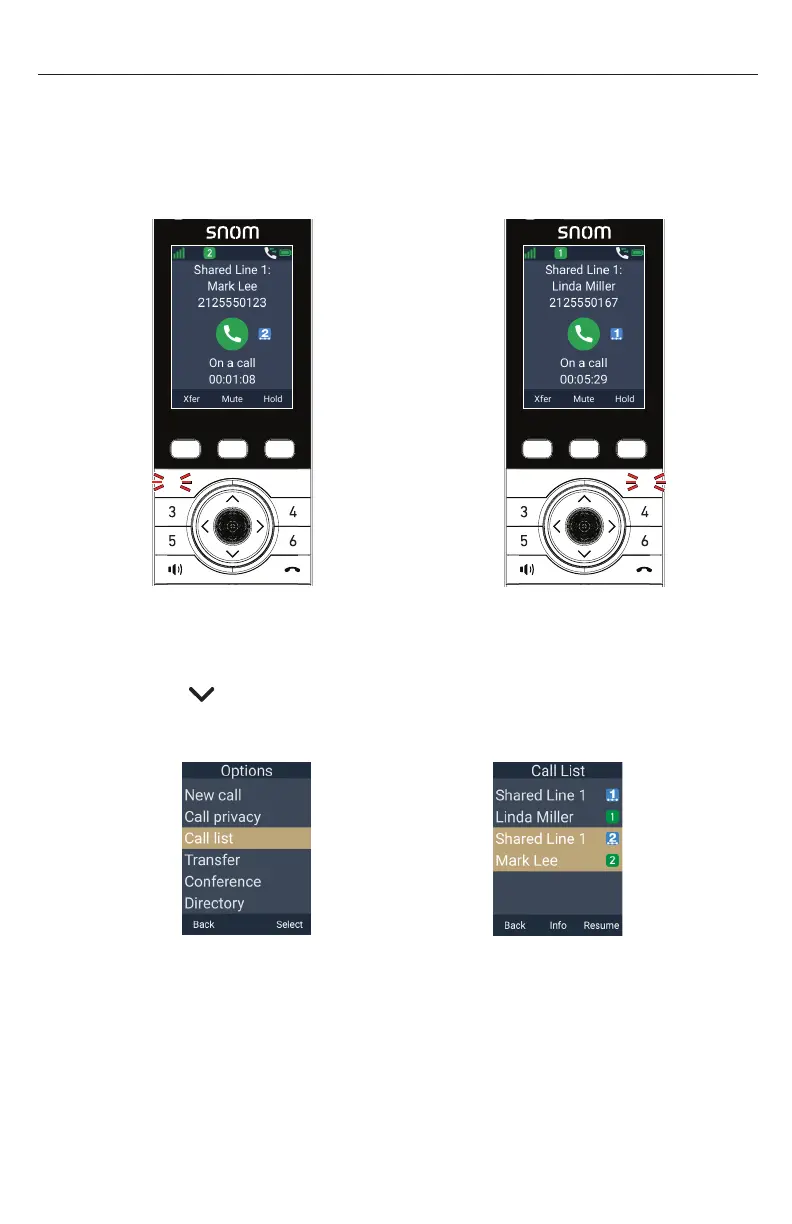
If you are managing two calls, you can switch between them by one of the following
ways:
• Press the red flashing PFK (assigned as a shared line key) of the call you want
to pick up
Press
fl ashing
1 key
1
2
2
1
-OR-
1� Press the MENU/Confirm key�
2� Press to scroll to Call list, and then press Select�
3� Press Resume�
â



 To Next Page