76
Blocked List
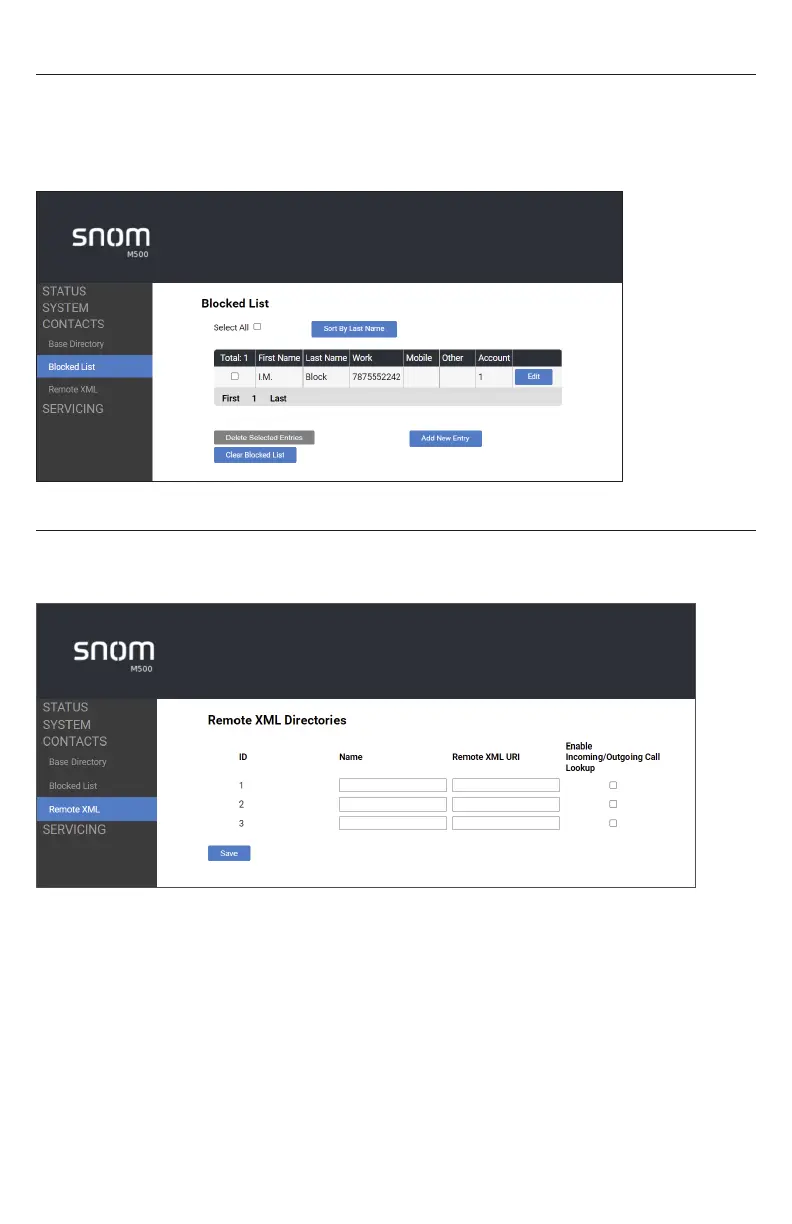
To view the Blocked List, click CONTACTS in the WebUI sidebar, and then click Blocked
List�
The Blocked List directory is identical to the Base directory, except that you cannot
configure an incoming ringer tone�
Remote XML
On the Remote XML page, you can configure up to three server-hosted Remote XML
directories to appear on the Directory menu of your deskset�



 To Next Page