36
Answering multiple incoming calls
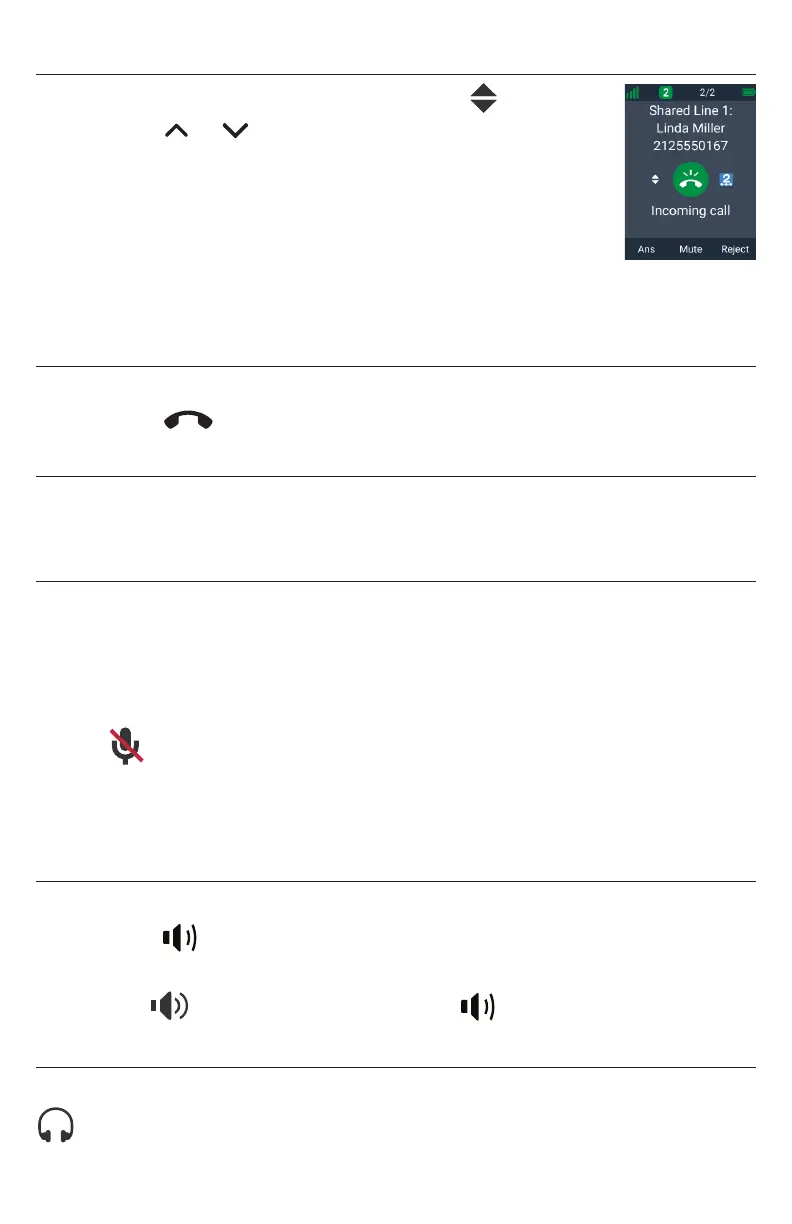
If you have multiple incoming calls, (as indicated by ):
• Press or to select the call you want to answer and
press Ans�
-OR-
Press the green flashing PFK (assigned as a shared line key)
for the call you want to answer�
The unanswered call is displayed on a Call waiting screen�
You can choose to answer, mute, or reject this call - see “Call Waiting” on page
37 for more details�
Ending a call
To end a call:
• Press
Taihoon Kim | 24. Jan. 2019 | Revision 1.0AW | M10-Handset (US version)
illustration scale 100%
Silkscreen on the Rear
Pantone 8001C
Silkscreen on the Rear
Pantone Cool Gray 3C
Silkscreen on the Rear
Pantone Cool Gray 3C
Silkscreen on the Top
Pantone 200C
Silkscreen on the Rear
Transluscent
Pantone Cool Gray 3C
Taihoon Kim | 24. Jan. 2019 | Revision 1.0AW | M10-Handset (US version)
illustration scale 100%
Silkscreen on the Rear
Pantone 8001C
Silkscreen on the Rear
Pantone Cool Gray 3C
Silkscreen on the Rear
Pantone Cool Gray 3C
Silkscreen on the Top
Pantone 200C
Silkscreen on the Rear
Transluscent
Pantone Cool Gray 3C
or place the handset in the charger�
Volume
To adjust the listening volume during a call:
• Press VOLUME – or + on the side of the handset�
Mute
The mute function enables you to hear the other party, but the other party cannot hear
you�
To mute your handset’s microphone during a call:
• Press Mute�
When your handset’s microphone is muted, the handset displays the mute
icon at the top of the screen�
To unmute your handset’s microphone during a call:
• Press Unmute�
Speakerphone
To turn the speakerphone on/off during a call:
• Press
Taihoon Kim | 24. Jan. 2019 | Revision 1.0AW | M10-Handset (US version)
illustration scale 100%
Silkscreen on the Rear
Pantone 8001C
Silkscreen on the Rear
Pantone Cool Gray 3C
Silkscreen on the Rear
Pantone Cool Gray 3C
Silkscreen on the Top
Pantone 200C
Silkscreen on the Rear
Transluscent
Pantone Cool Gray 3C
Taihoon Kim | 24. Jan. 2019 | Revision 1.0AW | M10-Handset (US version)
illustration scale 100%
Silkscreen on the Rear
Pantone 8001C
Silkscreen on the Rear
Pantone Cool Gray 3C
Silkscreen on the Rear
Pantone Cool Gray 3C
Silkscreen on the Top
Pantone 200C
Silkscreen on the Rear
Transluscent
Pantone Cool Gray 3C
to switch between speakerphone and normal handset use�
When the speakerphone is active, the handset displays the speakerphone
icon at the top of the screen, and the
Taihoon Kim | 24. Jan. 2019 | Revision 1.0AW | M10-Handset (US version)
illustration scale 100%
Silkscreen on the Rear
Pantone 8001C
Silkscreen on the Rear
Pantone Cool Gray 3C
Silkscreen on the Rear
Pantone Cool Gray 3C
Silkscreen on the Top
Pantone 200C
Silkscreen on the Rear
Transluscent
Pantone Cool Gray 3C
Taihoon Kim | 24. Jan. 2019 | Revision 1.0AW | M10-Handset (US version)
illustration scale 100%
Silkscreen on the Rear
Pantone 8001C
Silkscreen on the Rear
Pantone Cool Gray 3C
Silkscreen on the Rear
Pantone Cool Gray 3C
Silkscreen on the Top
Pantone 200C
Silkscreen on the Rear
Transluscent
Pantone Cool Gray 3C
key is illuminated�
Corded Headset
When the corded headset is active during a call, the handset displays the headset icon
at the top of the screen�



 To Next Page