21
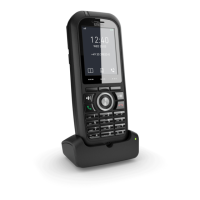
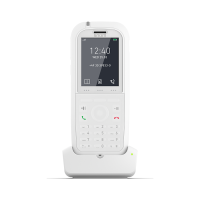
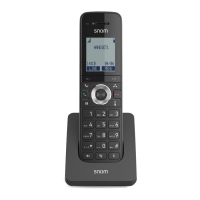
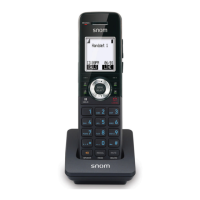
4� Charge the handset by placing it face forward in the charger�
The battery icon indicates the charge status as the battery charges�
Very low battery� Charging less than 30 minutes�
Charging less than 30 minutes�
Charging 30 to 80 minutes�
Charging 80 minutes to 7 hours�
Charging more than 7 hours� Fully charged at 11 hours�
IMPORTANT INFORMATION
• Use only the supplied rechargeable battery or replacement battery (model
number 503860AR1500)� To order a replacement battery, visit our website at
www.snomamericas.com �
• If you do not use the handset for a long time, disconnect and remove the
battery to prevent possible leakage�



 To Next Page