34
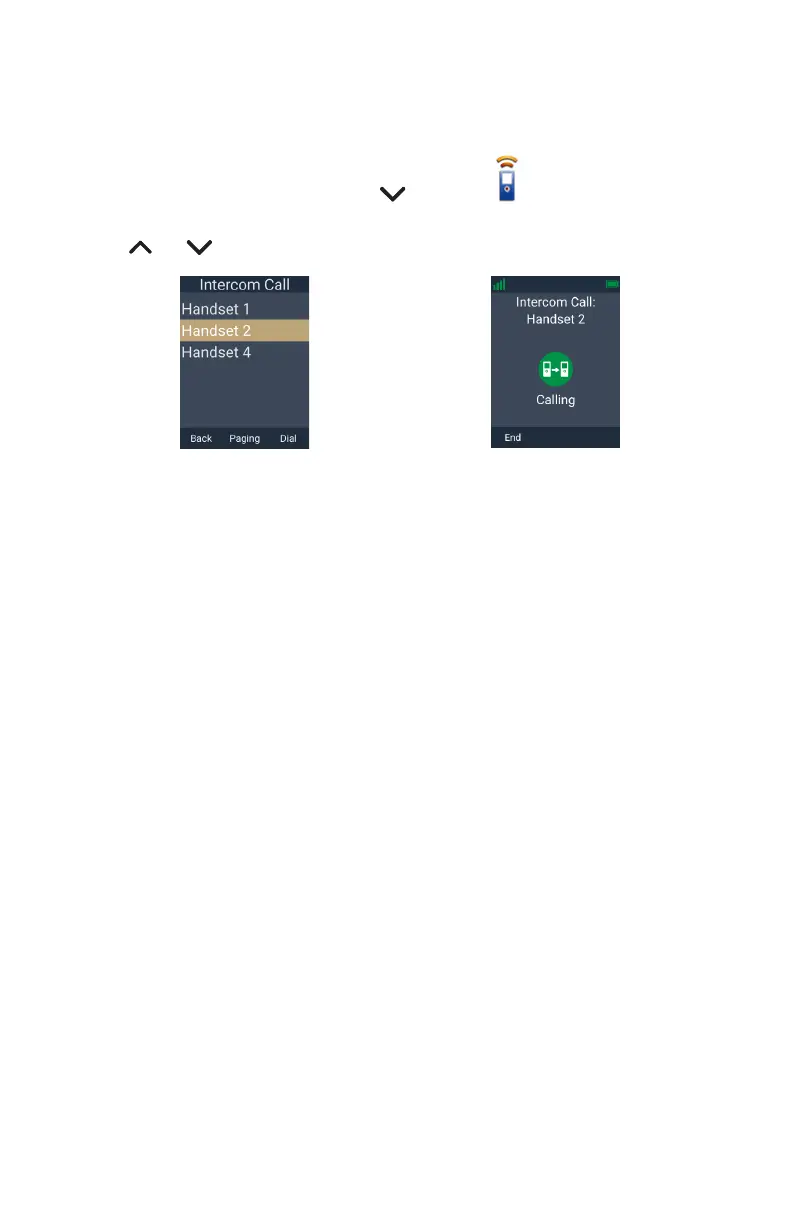
To make an intercom call to another handset or deskset:
1� Press the programmable key on the right side of the phone (below the volume
keys), and then press INT�
-OR-
Press the MENU/Confirm key, press to select (Intercom Call),
then press OK�
2� Press or to select the handset you wish to call, then press Dial�
â
Dial



 To Next Page