EasyManua.ls Logo

Solartron 1260 - Page 108

Solartron 1260
295 pages
Print Icon
To Next Page IconTo Next Page
To Previous Page IconTo Previous Page
Loading...
11.2
11.3
11.4
ADJUSTING
PLOTTER
SCALING
,
.
,
.
, f
,
Plotter
scaling
can
be
adjusted
with the
second
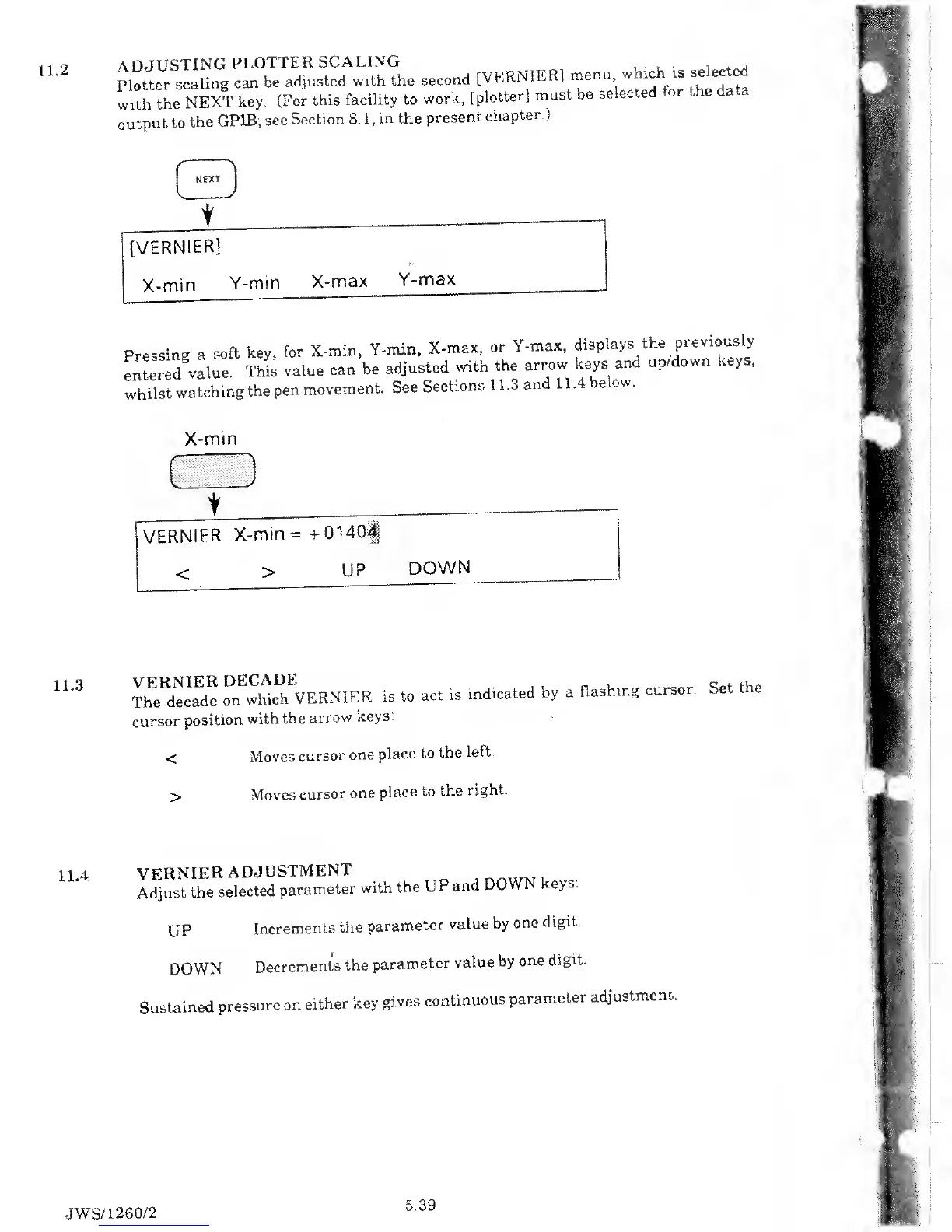
[VERNIER]
menu
which «
selected
with
the
NEXT
key.
(For
this
facility to
work,
[plotter]
must
be
selected
or e
a a
output
to
the
GPIB;
see
Section
8.1,
in
the
present
chapter.)
t
[VERNIER]
X-min
Y-min
X-max
Y-max
Pressing
a
soft
key,
for
X-min,
Y-min,
X-max,
or
Y-max,
displays
the
previously
entered
value.
This
value
can
be
adjusted
with
the
arrow
keys
and
up/down
keys,
whilst
watching
the
pen
movement.
See
Sections
11.3
and
11.4
below.
X-min
VERNIER
X-min=+0140<
<
>
UP
DOWN
VERNIER
DECADE
The
decade
on
which
VERNIER
is to
act is
cursor
position
with
the
arrow
keys.
indicated
by
a
flashing
cursor.
Set
the
Moves
cursor
one
place
to
the
left.
Moves
cursor
one
place to
the
right.
VERNIER
ADJUSTMENT
innur
.
t ,
Adjust
the
selected
parameter
with
the
UP
and
DOWN
keys.
UP
Increments
the
parameter
value
by
one
digit
DOWN
Decrements
the
parameter
value
by
one
digit.
Sustained
pressure
on
either
key
gives
continuous
parameter
adjustment.
JWS/1260/2
5.39

Table of Contents

Related product manuals