Cautions XI
Cautions
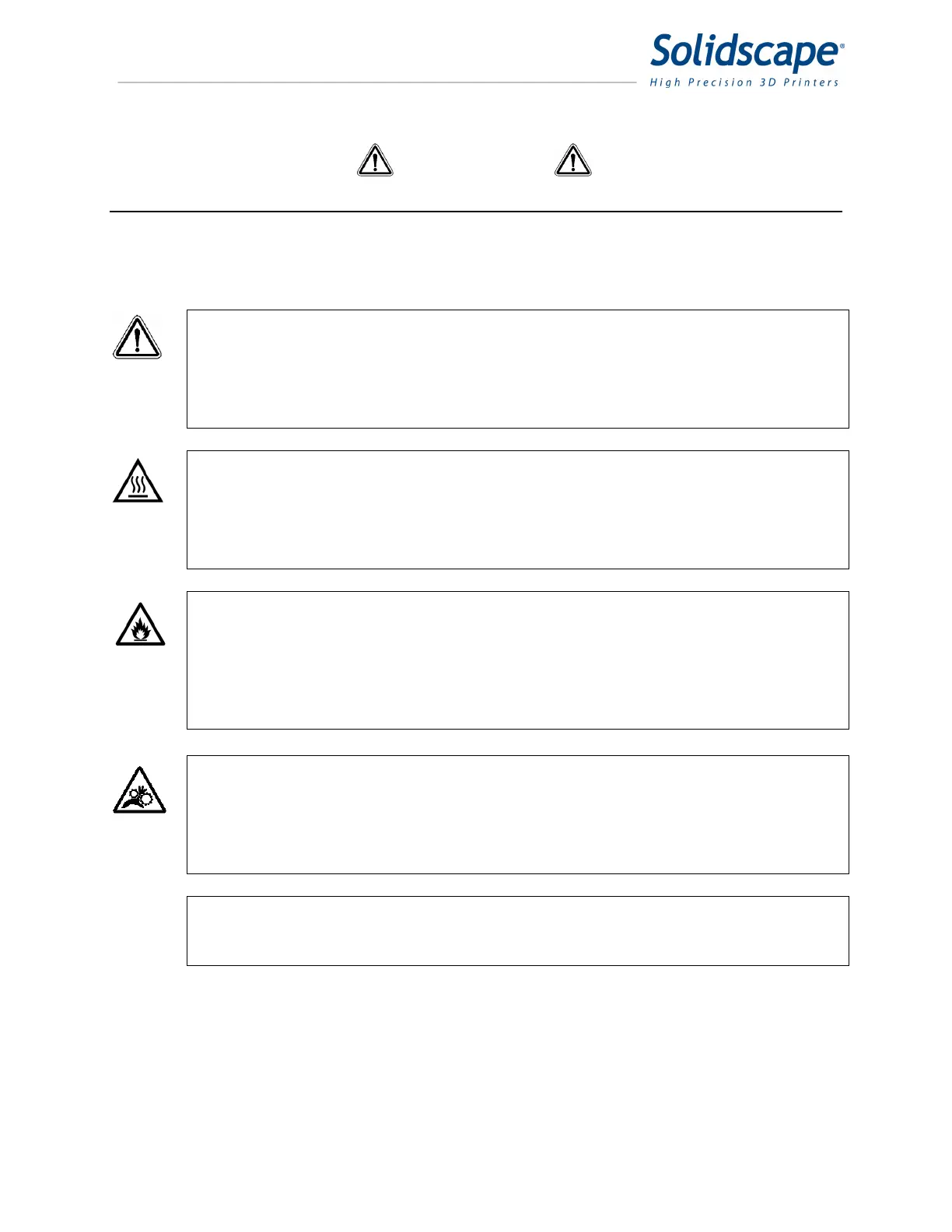
This manual includes several types of special operator notification; general CAUTIONS,
temperature related CAUTIONS, flammability related CAUTIONS and Notes. All CAUTIONS are
accompanied by an appropriate, internationally recognized symbol and all notifications are
enclosed in a bounding box to highlight their significance.
CAUTION! General cautions are further distinguished by the accompanying
international Caution symbol and are printed in bold face type.
Read the User’s Manual prior to installation or operation. Failure to
read and comply with safety instructions could result in bodily
injury or equipment damage.
CAUTION Heat related cautions are further distinguished by the
HOT! accompanying international Hot symbol and are printed in bold
face type.
Heat related cautions indicate that bodily injury could result from
failure to read and comply with the safety instructions.
CAUTION Flammability cautions are further distinguished by the
FLAMMABLE! accompanying international Flammable symbol and are
printed in bold face type.
Flammability related cautions indicate that a potential fire hazard
could result from failure to read and comply with the safety
instructions.
CAUTION Mechanical hazard cautions are further distinguished by the
MECHANICAL accompanying international Mechanical Hazard symbol and
HAZARD! are printed in bold face type.
Mechanical hazard cautions indicate that bodily injury could result
from failure to read and comply with the safety instructions.
Notes Notes provide additional information or reiterate information already
provided that may be helpful in avoiding non-critical mistakes that are
typically encountered if the associated directions are not followed.
In the event of any severe operational anomalies, power off the printer by pressing the
‘0’, side of the power switch on the left rear corner of the unit.



 To Next Page