Connecting the Printer
44
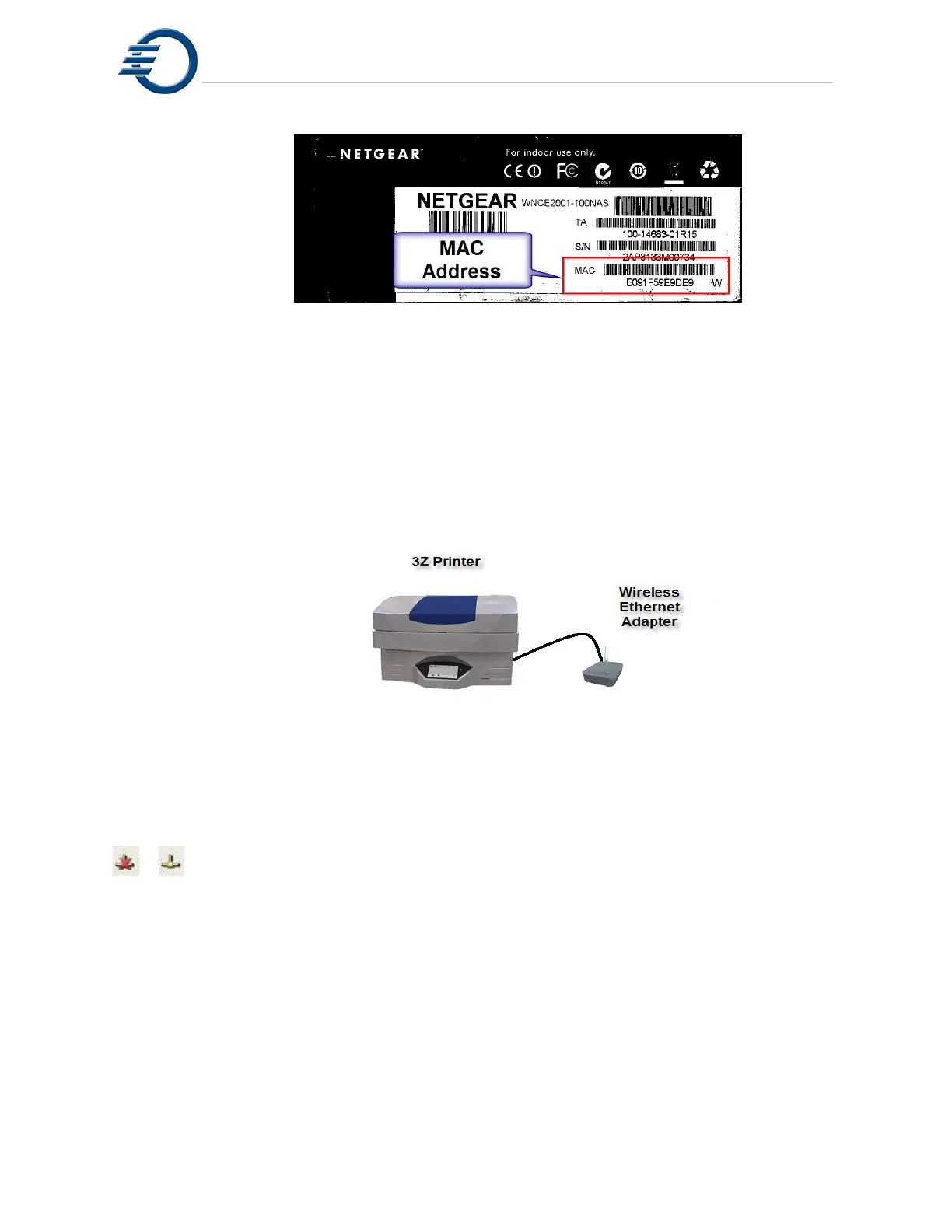
Figure 10-3 Wireless MAC Address
If your wireless network router is using MAC address filtering for security purposes, you
will need to add the wireless Ethernet adapters MAC address to the routers MAC address filter
list. See your routers documentation for information on how to this.
Once the wireless Ethernet adapter has been configured, plug the wireless Ethernet
adapter into the network port on the rear of the 3Z Series printer. Plug in the wireless Ethernet
adapters power supply. The wireless Ethernet adapter should connect to your wireless network
and supply an IP address to the 3Z Series printer. See Figure 10-4 .
Figure 10-4 Wireless Ethernet Adapter
The network connection icon in the 3Z Series printers’ status bar should change from
to . This signifies that the machine is connected to the network.
Your 3Z Series printer is now connected to your network.
10.6 Assigning a Static IP Address to a 3Z Printer
On the 3Z Series printer, touch the stylus on the black bezel just below the display
screen to open the status bar. See figure 10-5.



 To Next Page