Connecting the Printer
46
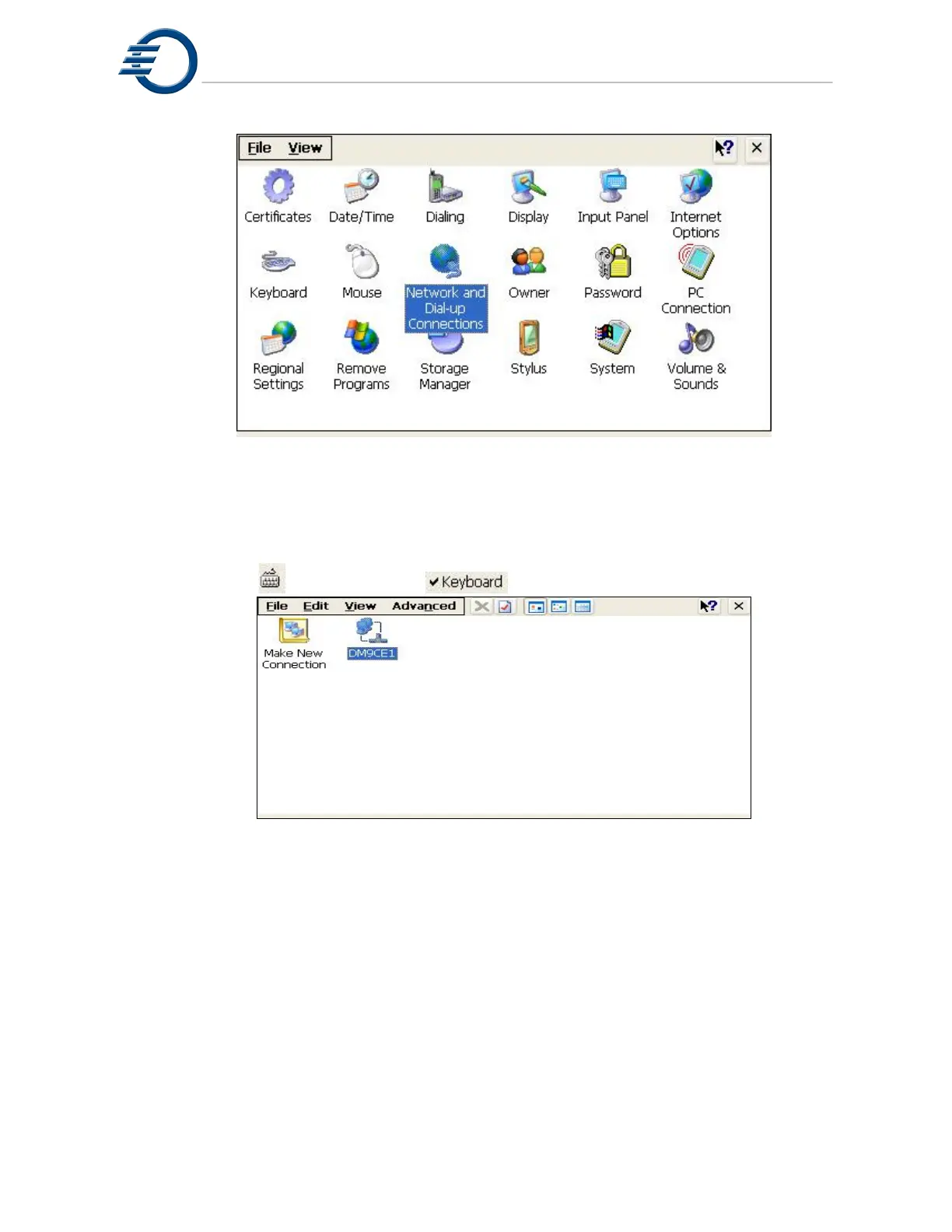
Figure 10-6 3Z Series Printer Control Panel
Once the “Network and Dial-up Connections” window opens, double click on the
“DM9CE1” icon to open the properties windows for the network adapter. Open the status bar
again and click the
icon and click the icon, this will open the virtual keyboard.
Figure 10-7 DM9CE1 Icon
Click the radio button labeled “Specify an IP address”. Using the virtual keyboard, enter
the IP address and subnet mask. In this example, we used an IP address of 192.168.2.213 and
a subnet mask of 255.255.225.0. See Figure 10-8.



 To Next Page