Printer Subordinate Systems
34
8.2 Subordinate Systems
8.2.1 Temperature information
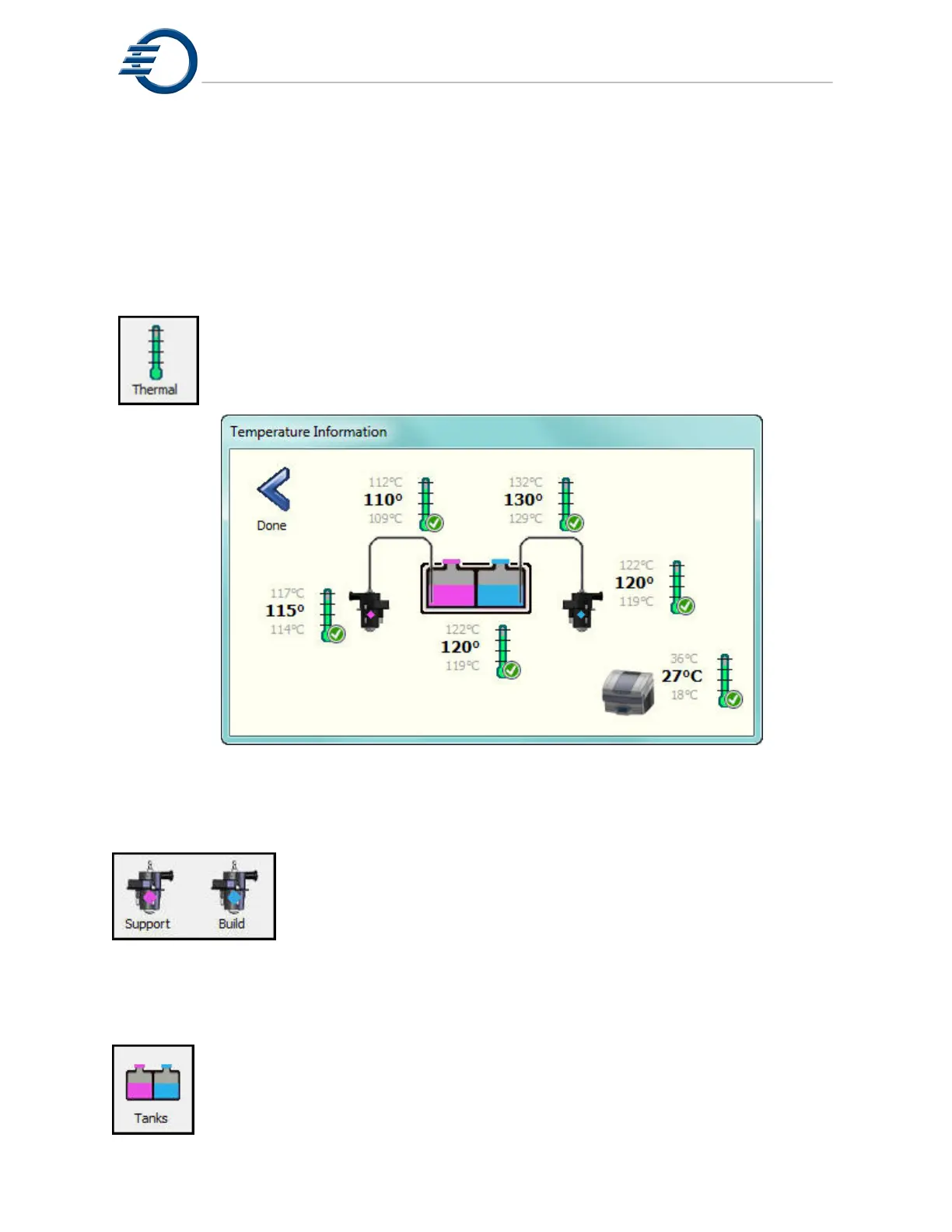
Touching the thermal icon will display the current temperatures of the printheads,
heated lines, material reservoirs and the build chamber. Normal operation requires
all devices have a green check next to the icon. See Figure 8-2 Temperature
Information. Note: Values may be different.
Figure 8-2 Temperature Information
8.2.2 Printhead Maintenance
Refer to Section 7.1 Printhead Maintenance
8.2.3 Tank Material
Touching the Tank icon will display current information for the Build and Support
materials in the printer. See Figure 8-3 Tank Material Information. To check or add
material, touch the appropriate tank icon. Then refer to section 6.2.1 Adding
Material, if needed.



 To Next Page