Maintenance and Printer Status
31
7.4 Cleaning the MDS Sensor and Purge Caps
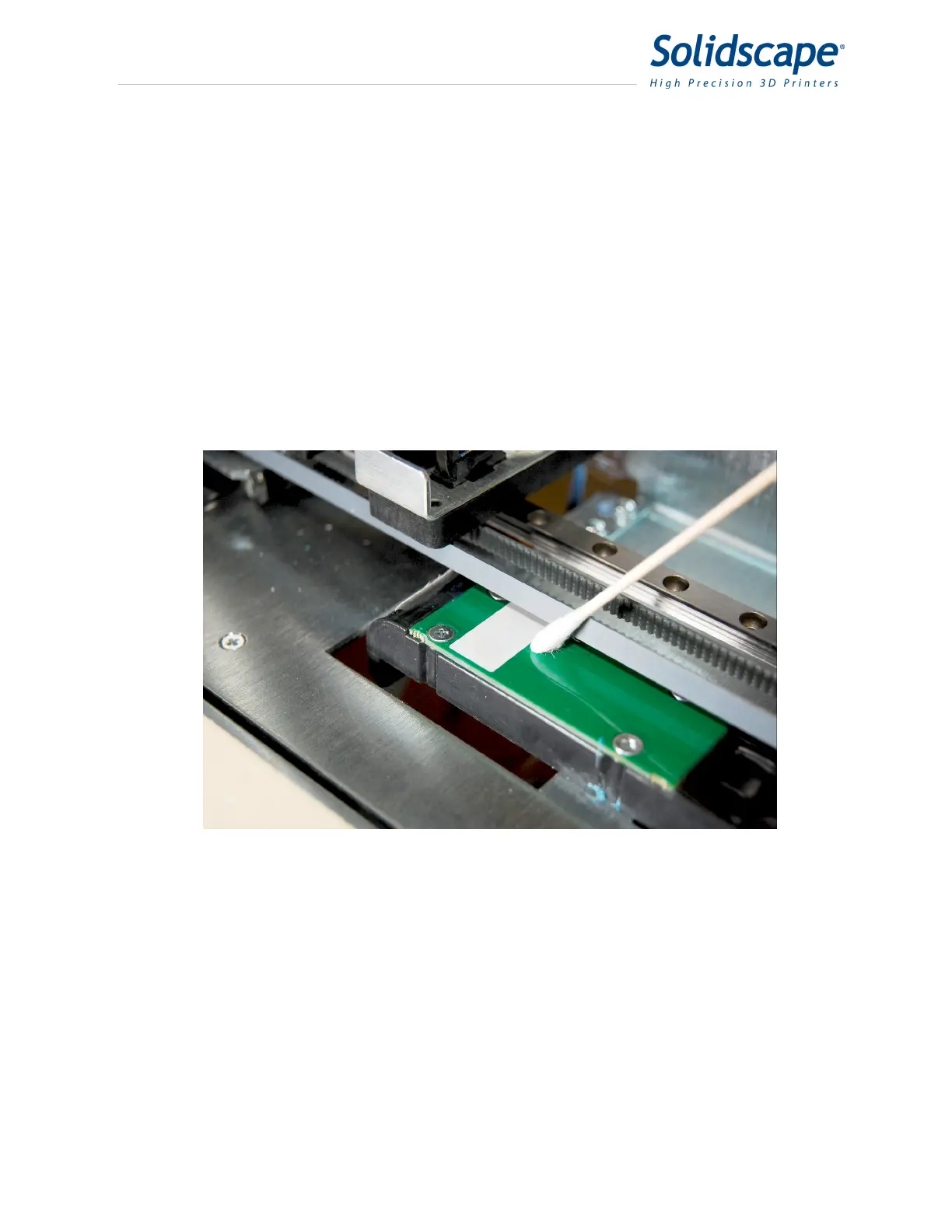
The MDS (Material Deposition Sensor) is used to calibrate and test the printheads. The sensor
must be clean and free from debris in order to function properly. The MDS sensor is located to
the right of the build plate and is normally covered by the paper tape. See Figure 7-7 Cleaning
the MDS Sensor. In order to clean the MDS sensor, the paper tape must be temporarily moved
aside. First, move the printhead carriage away from the MDS sensor. Next, move the paper
tape by rotating the paper tape roll clockwise and feeding the paper up through the spring clip.
Refer to Figure 6-1. Feed enough paper to allow access to the top of the MDS sensor. With the
paper moved aside, use a Qtip or clean cloth to clean the MDS sensor and the white reflective
strip. After cleaning, rotate the paper tape roll counter clockwise until the paper is taut over the
MDS sensor. Finally, use a clean Qtip to remove debris from the Purge caps of the Build and
Support printheads. See Figure 7-8 Cleaning the Purge Cap.
Figure 7-7 Cleaning the MDS Sensor



 To Next Page