Function Test
39
Chapter 9 – Function Test
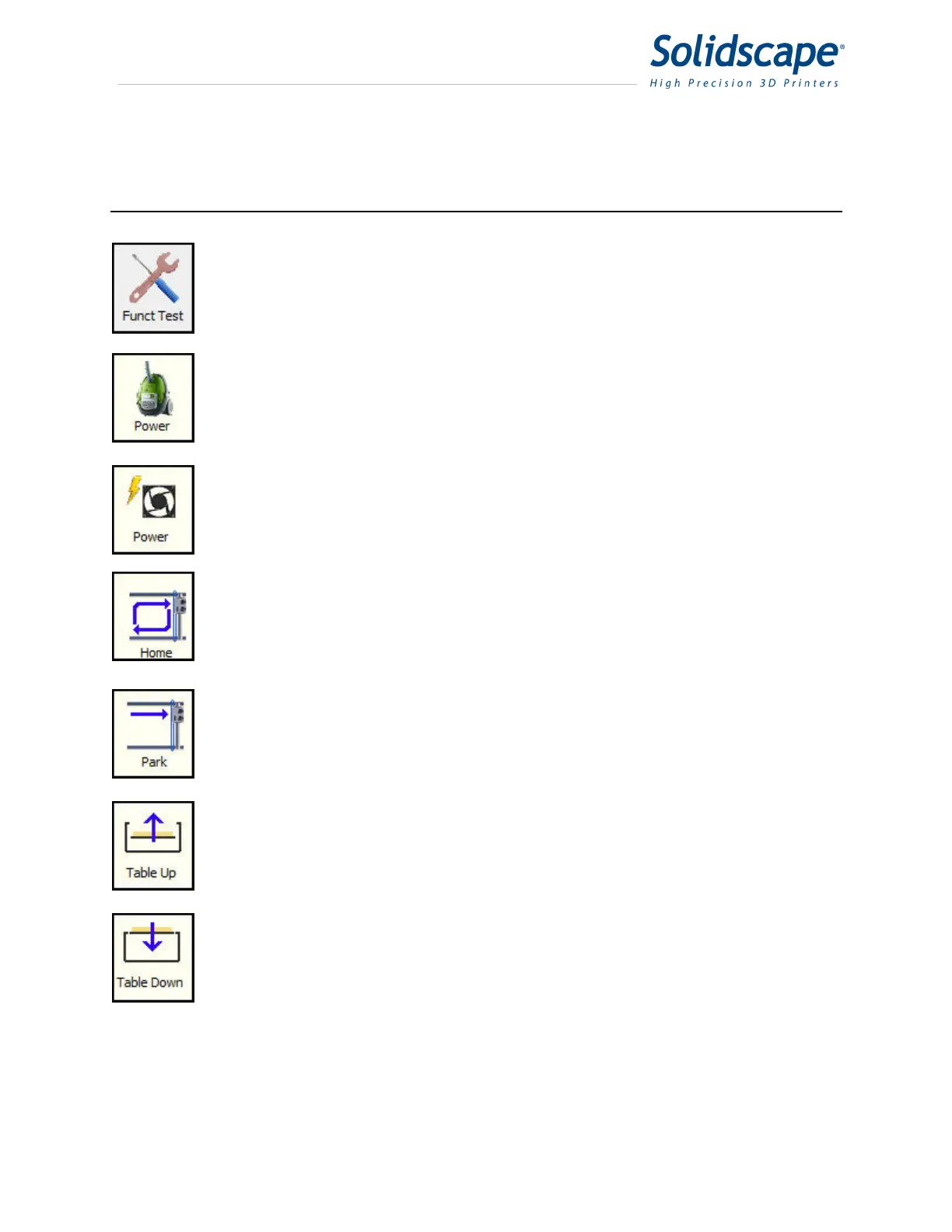
Touching the Funct Test icon will open a dialog box that allows the user to operate
and verify various sub systems within the printer.
Touching the Vacuum icon will toggle the power to the vacuum. Touch once to
apply power to the vacuum and touch again to remove power from the vacuum.
Touching the Fan Power icon will toggle the power to the chamber fan. Touch once
to apply power to the fan and touch again to remove power from the fan.
Touching the Home icon will initiate a series of commands to set the home position
for the X Y carriage. These commands assist in verifying that the carriage is able to
power itself correctly without any motion errors. It also sets the starting values for
the printers X Y location.
Touching the Park icon will move the X Y carriage to the park position. This
position is the normal position of the carriage when the printer is idle.
Touching the Table up icon once will move the Z table up ½ inch (12.5mm).
Touching the Table down icon once will move the Z table down ½ inch (12.5mm).



 To Next Page