Maintenance and Printer Status
32
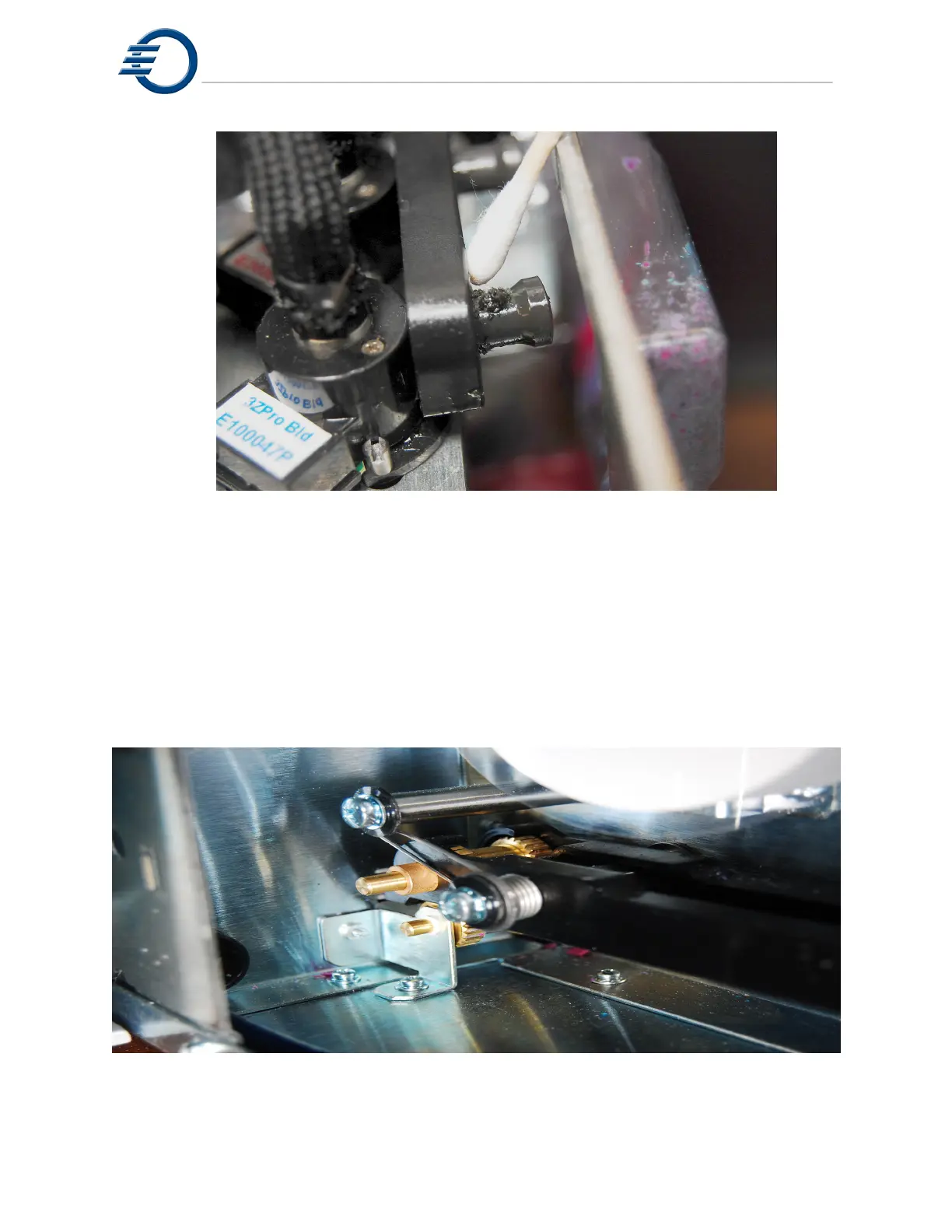
Figure 7-8 Cleaning the Purge Cap
7.5 Cleaning the Paper Tape Feed Assembly.
The paper tape feed assembly pulls the paper over the MDS sensor and then ejects the paper
out through the front of the printer. It uses a system of gears to advance the paper. These gears
should be checked periodically for debris. It is important to keep these gears clean. To clean the
assembly, first, open the right side door to access the paper tape feed assembly. Use a stiff
brush to clear any debris from the travel gears. See Figure 7-9 Cleaning the Paper Tape Feed
Assembly. Also remove any residual debris from the feeder area with a brush and vacuum.
Figure 7-9 Cleaning the Paper Tape Feed Assembly



 To Next Page