Job Finish
19
Chapter 5 – Job Finish
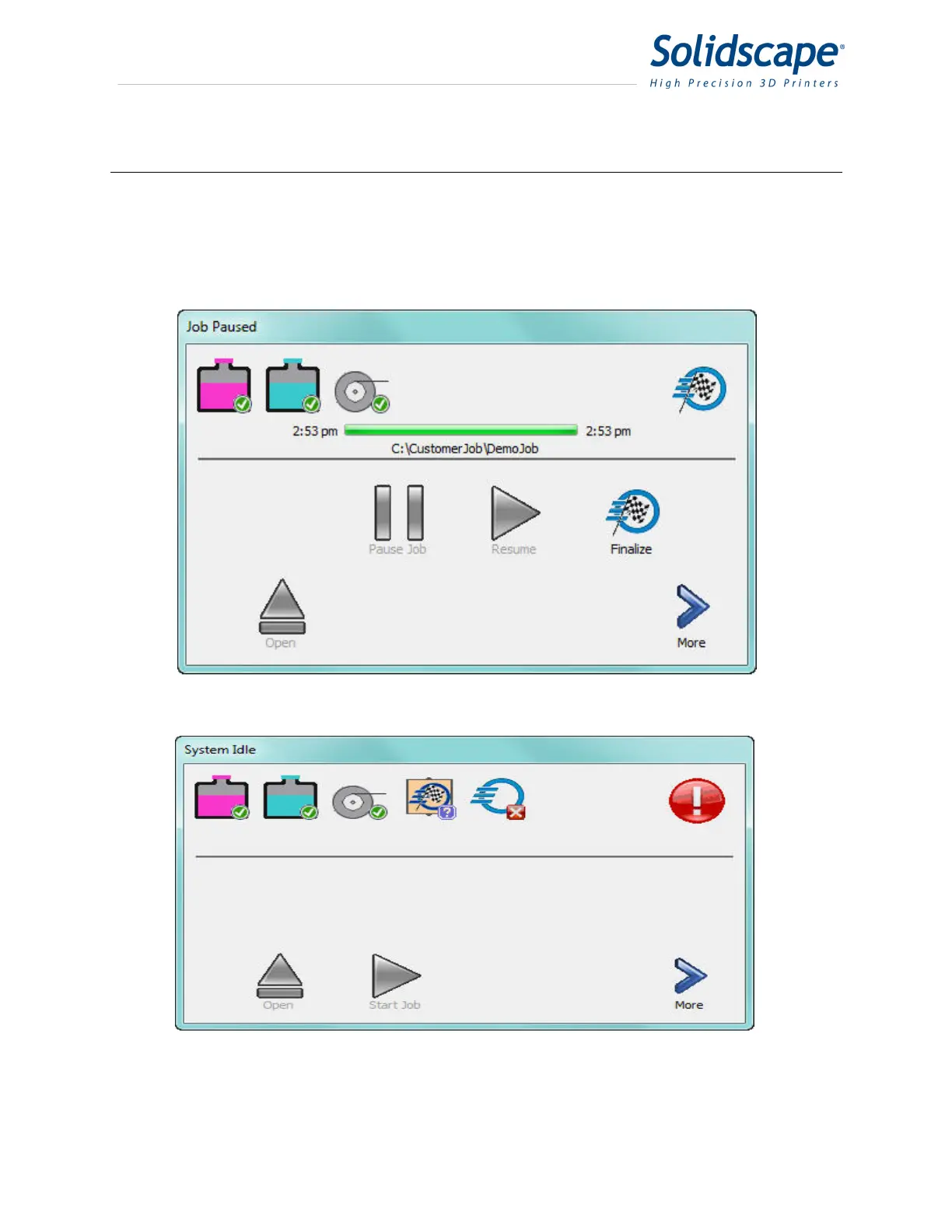
When the printing job has completed successfully, the Ready / Status indicator will display the
Finish flag. See Figure 5-1 Job Waiting for Finalize. Touching the Finalize icon will raise the
table, open the cover, and the current job file will be removed from the printer. See Figure 5-2
Job Finalized. The build plate can now be removed for post processing.
Figure 5-1 Job Waiting for Finalize
Figure 5-2 Job Finalized



 To Next Page