Printer Subordinate Systems
36
8.2.5 Job Information
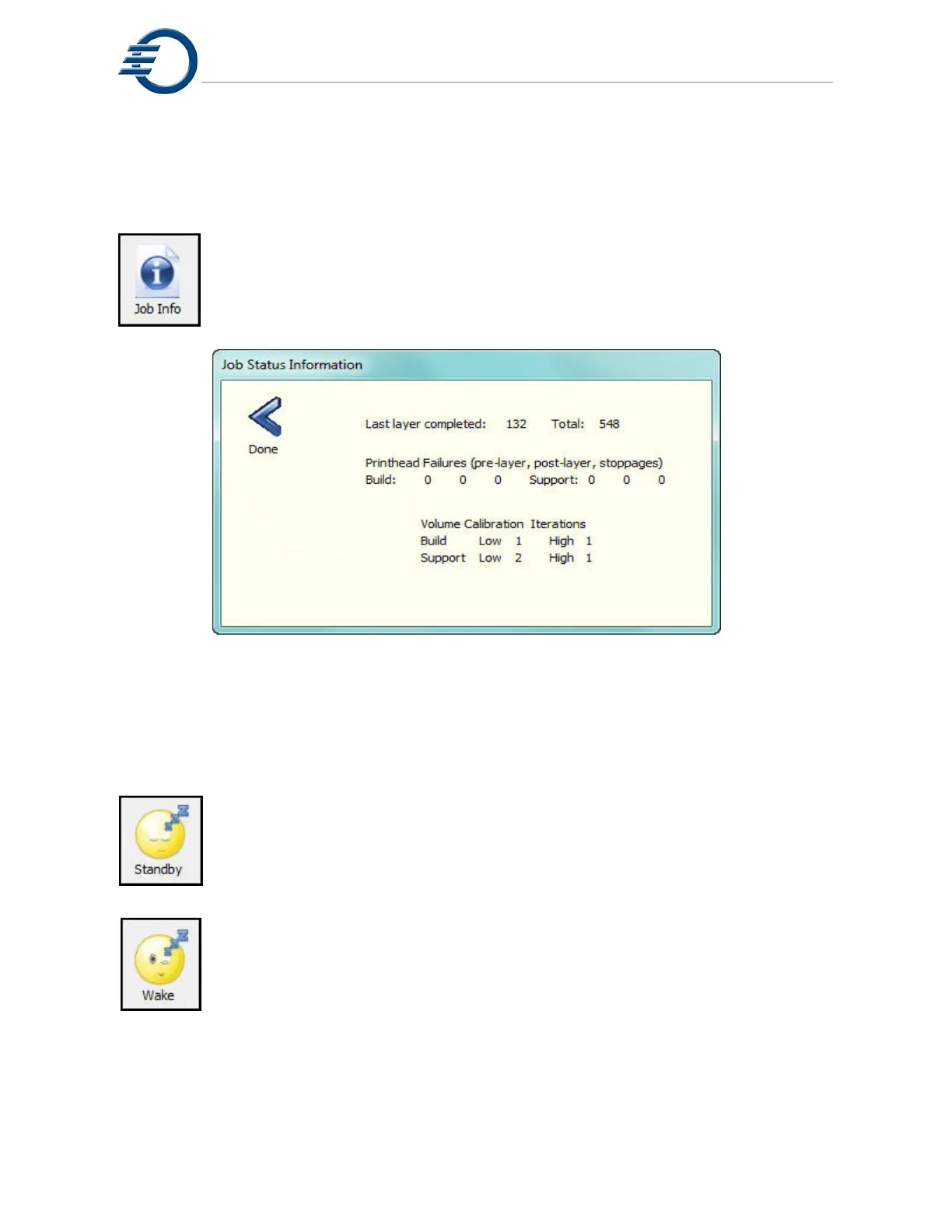
Touching the Job Information icon will open the Job Status Information dialog box.
The information displayed includes the current number of layers completed,
printhead performance and number of calibration tests required to reach the
acceptable values. Figure 8-5 Job Information.
Figure 8-5 Job Information
8.2.6 Standby
When the Standby icon is touched the printer will reduce the temperatures of the
printheads, heated lines, and reservoir tanks. This is done to reduce the effect of
heat on stagnate build and support materials. Touching the Wake icon will return
the temperatures to their normal operating temperatures.
Note: The printer will automatically go into sleep mode if it is idle for more
than 48 hours.



 To Next Page