Post Processing
56
before the VSO needs to be changed. VSO will saturate with 3Z Support at some point
(depending on model geometry or quantity of models) and will have to be changed.
Dispose of used VSO in accordance with your local regulations. As a general rule of
thumb, the less the model is exposed to heat, the more accurate it will remain. This
procedure is set to operate at the maximum temperature possible to continually maintain
accuracy with 3Z materials. Temperatures above 55
o
C will cause permanent
dimensional expansion depending on exposure temperature and duration.
Note: The ideal de-waxing temperature range is between 50°C - 55°C
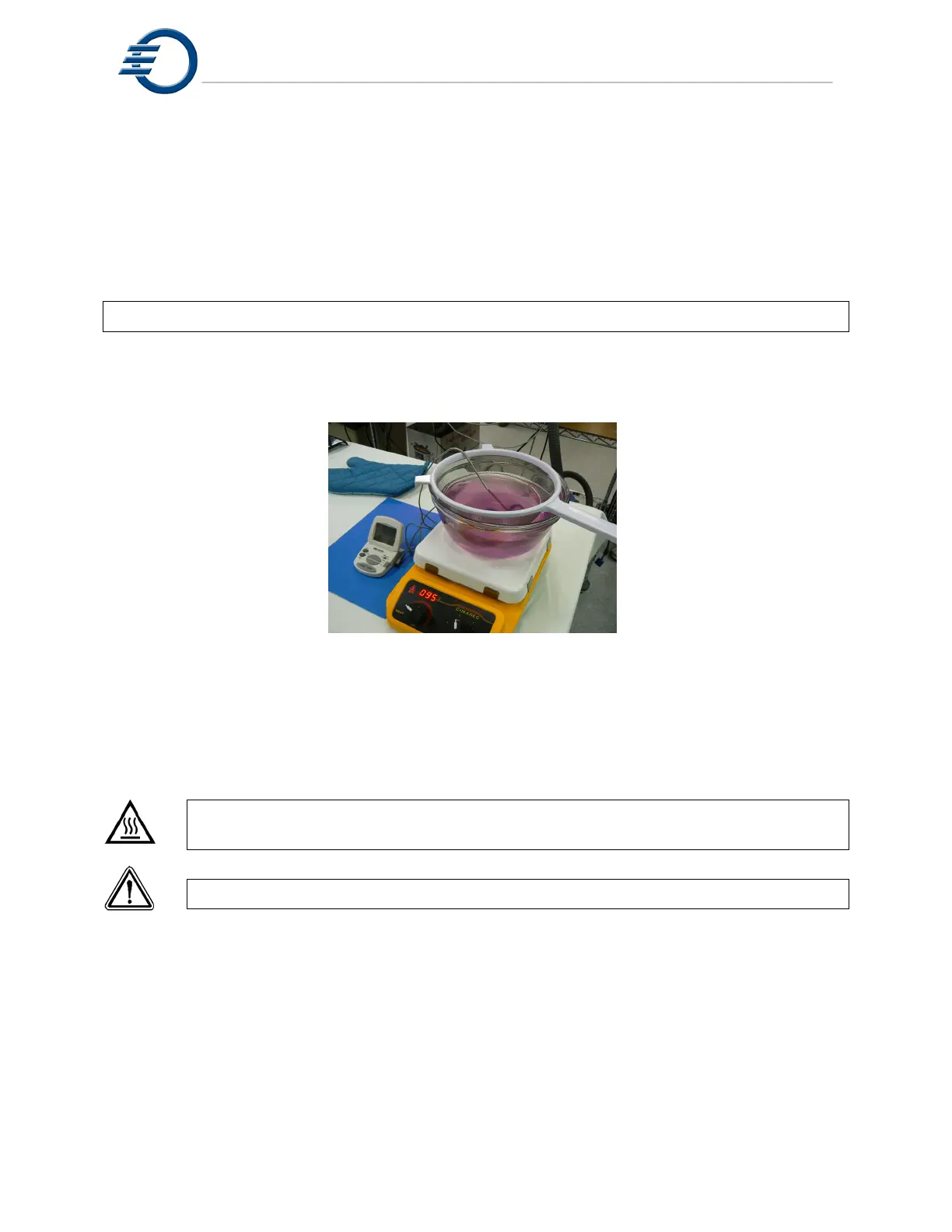
Figure 11-1 Dewaxing System
11.3 Model Removal from 3Z Base
CAUTION The Heater Stirrer gets hot. Wear gloves or use caution when
HOT! removing the model.
CAUTION! Do not use force to remove the model.
1. Remove any loose dust or debris from the model that is about to be de-waxed. This may be
done manually by brushing it off, or by using compressed air and blowing it off. Use caution
to not damage any delicate features of the model.
2. Place the entire build plate consisting of plate with 3Z Base and model attached, onto the
Heater Stirrer shown in Figure 11-2 Heater Stirrer with build plate
3. Check the model every 15 minutes to see if it has released from the 3Z Base. Do this by
gently twisting the model. The sides of the model where there is a high concentration of 3Z
Support will be soft and may deform as you grasp it. If the model does not twist, leave the
model on the plate and check it again in another 10 minutes. If the model does twist, slide it



 To Next Page