Printer Subordinate Systems
37
8.2.7 About
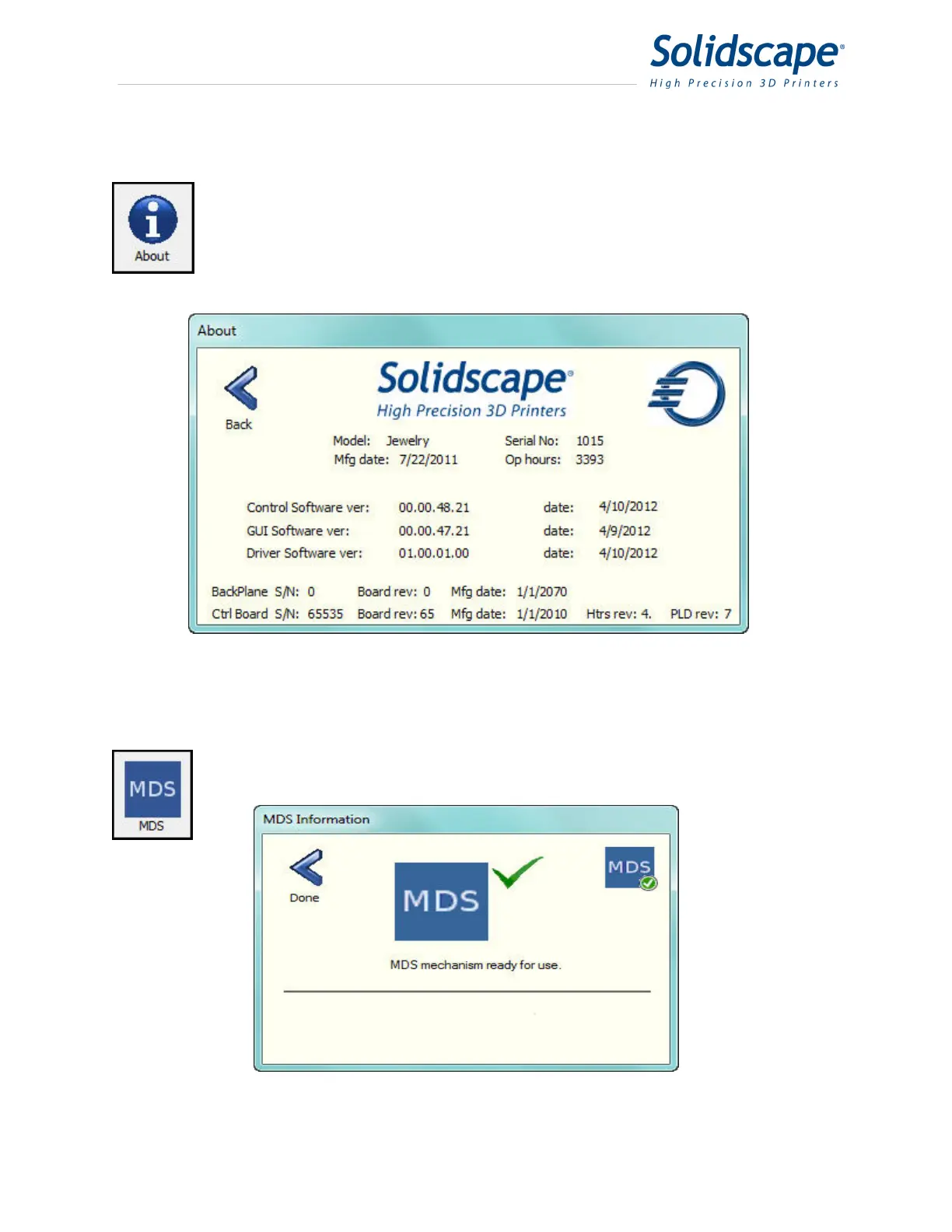
Touching the About icon will display important printer information. This information
is used to verify that the printer has the correct software and firmware revisions
installed. See Figure 8-6 About Printer Information.
Figure 8-6 About Printer Information
8.2.8 MDS
Touching the MDS icon will display the current status of the MDS calibration
sensor. See Figure 8-7 MDS Status Information.
Figure 8-7 MDS Status Information



 To Next Page