Connecting the Printer
52
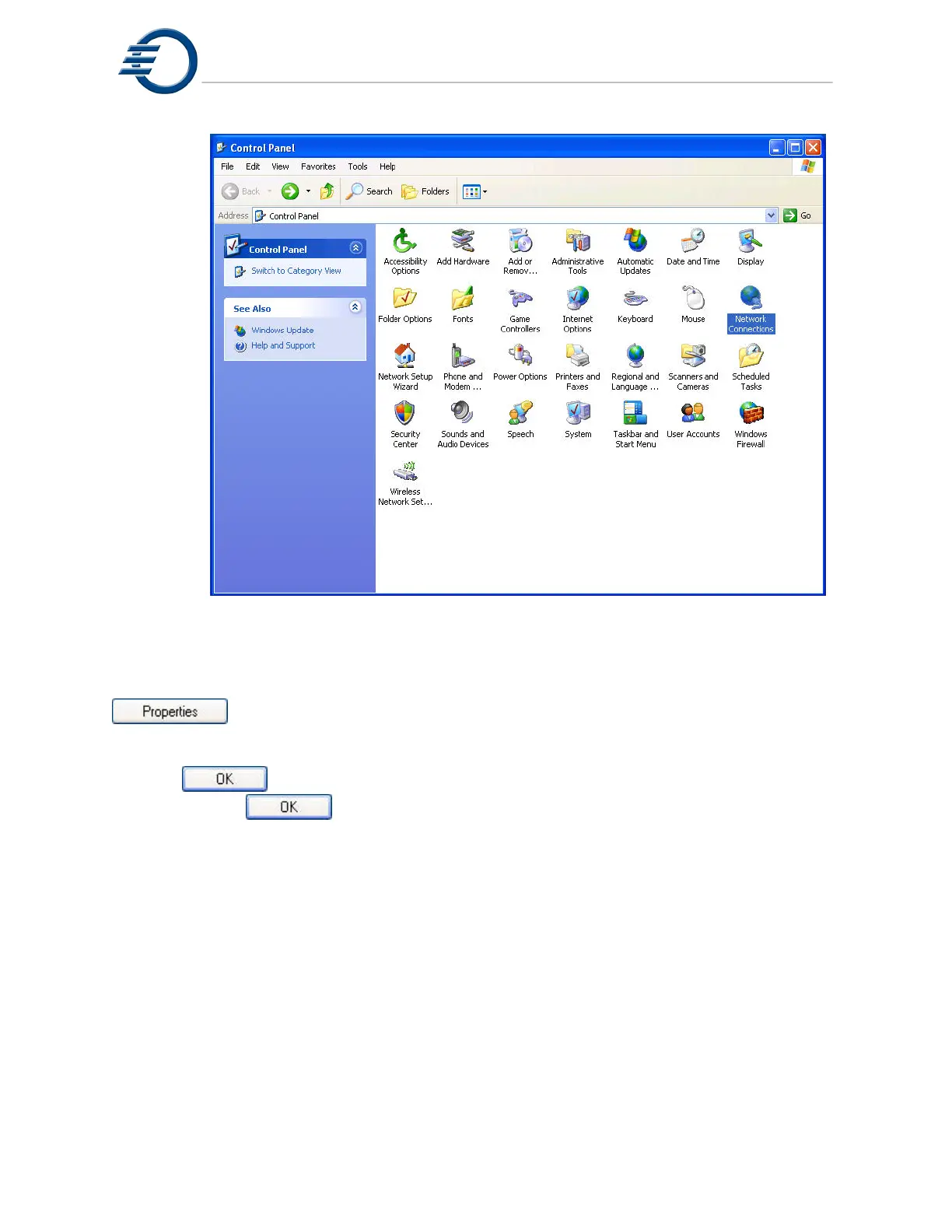
Figure 10-14 Windows XP Control Panel
In the Network Connections window, right click on the “Local Area Connection” icon and
select “Properties”, this will open the “Local Network Connection Properties” window. In the
Local Network Connection Properties window, select “Internet Protocol (TCP/IP)” and click the
button. This will open the “Internet Protocol (TCP/IP) Properties” window. In the
Internet Protocol (TCP/IP) Properties window, use the radio button to select “Use the following
IP address” and enter 192.168.0.1 for the IP address and 255.255.255.0 for the subnet mask.
Click the
button to close the Internet Protocol (TCP/IP) Properties window.
Click the
button to close the Local Area Connection Properties window.
Close any open windows and reboot the PC.



 To Next Page