Power on Procedure
9
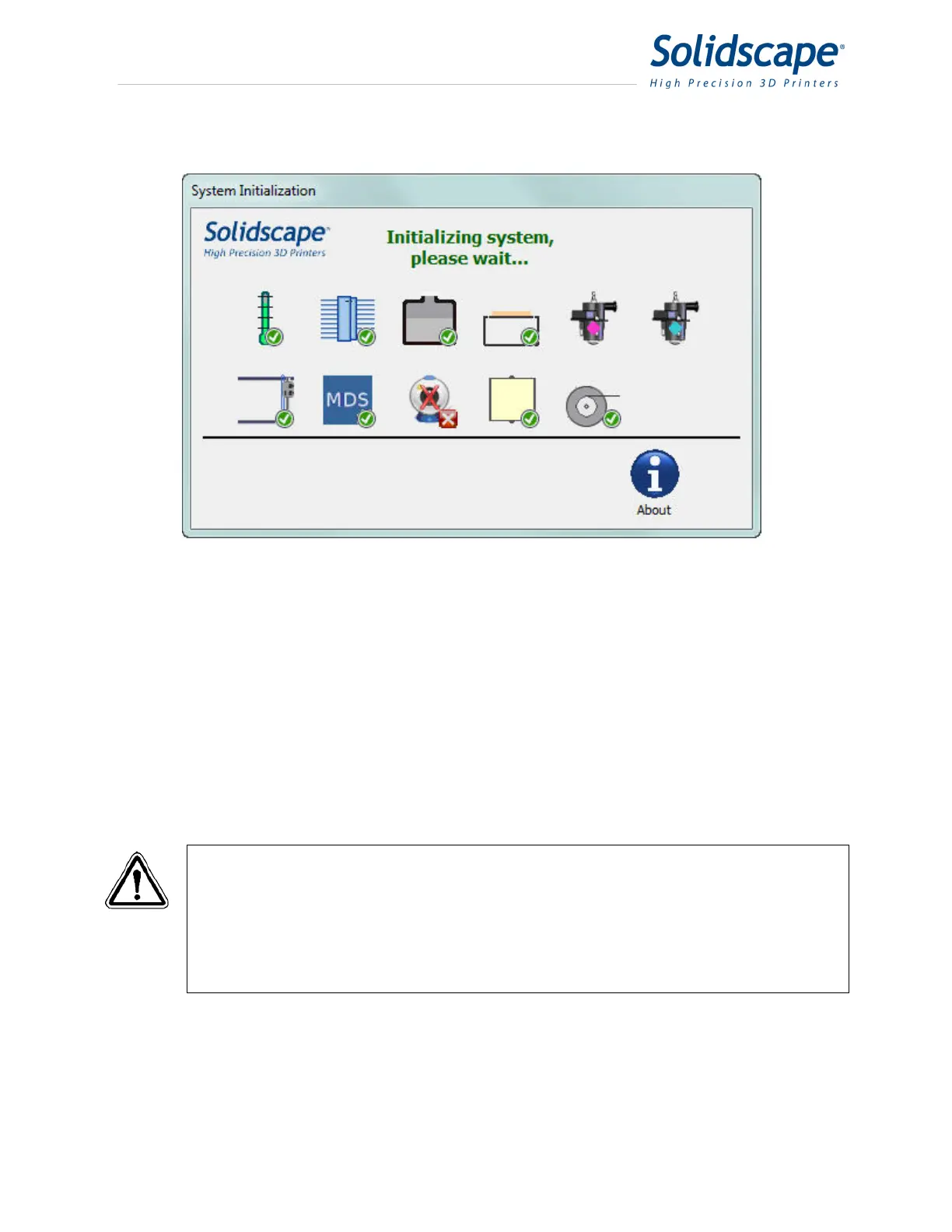
Figure 2-2 Initialization screen with Camera issue
6. If the system was shut down or lost power while a job was active, a temporary dialog box will
be displayed that disables all other operations during the twenty minute system warm up
period.
7. Following a normal software initialization, the control panel displays the idle screen as
shown in figure 3-1.
8. If the prior job was interrupted and has not completed, the last layer of the job will be cut
back and the job will automatically be continued from that point. This ‘automatic restart’
function is particularly valuable following power interruptions when no one is present.
WARNING: If the printer was powered off for an extended period, it requires a
minimum of eight hours for the material to fully melt before any
jetting or calibration can reliably be performed. Despite the
reading displayed in the Temperature Status window, the system
will not operate correctly until all the material in the reservoirs is
completely melted and all elements in the unit have attained full
thermal stability.



 To Next Page