Replacing Consumables
24
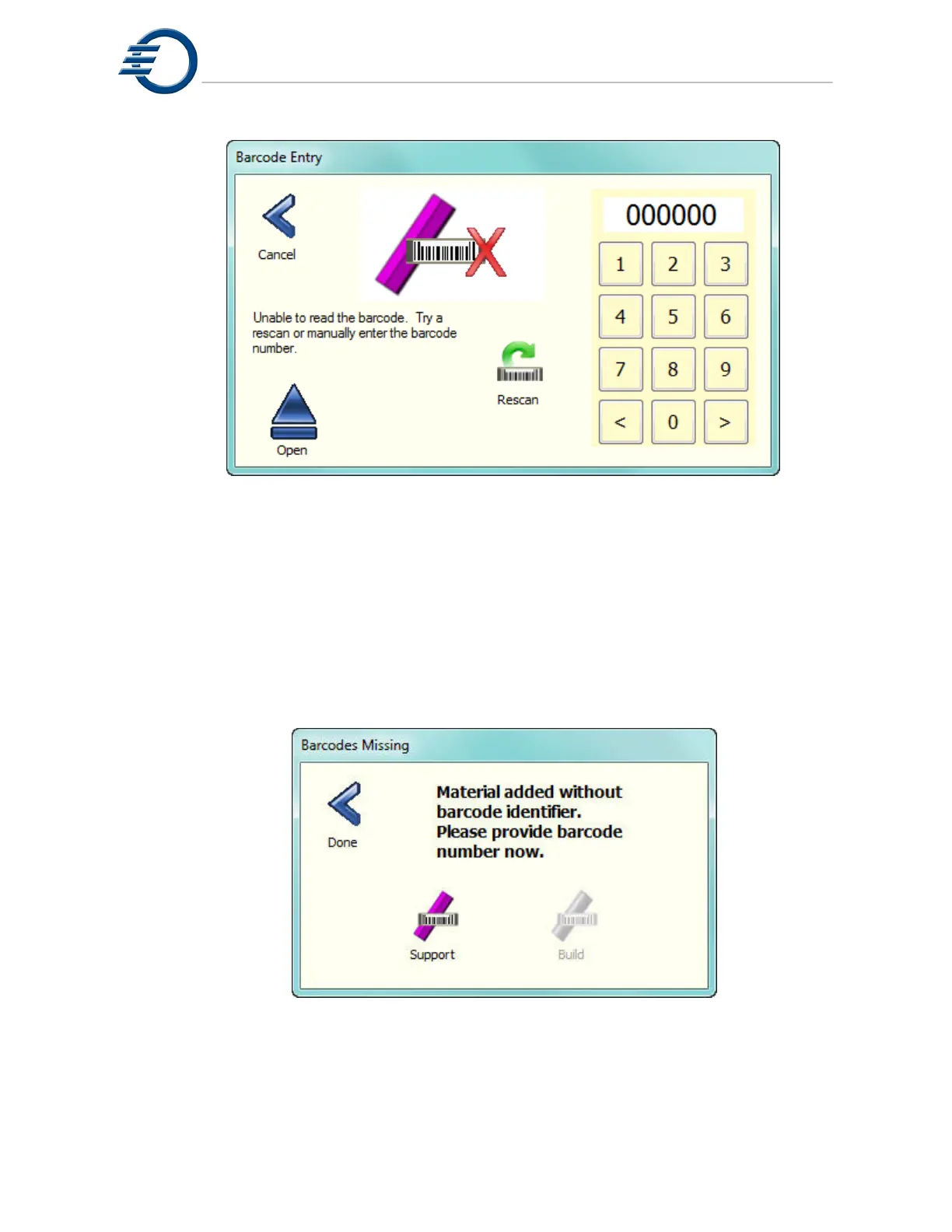
Figure 6-4 Entering Barcode Manually
If material is added without entering a barcode, the printer will routinely prompt the user to enter
a valid barcode. See Figure 6-5 Barcode Missing. A barcode should be entered as soon as
possible. The printer must be Idle and the cover closed to enable a barcode entry.
Note: Do Not Add Material to the printer. Enter a barcode only.
Figure 6-5 Barcode Missing



 To Next Page