3-3
BVW-55
9 S201
0 S202
SY-272 board
ON
OFF
1
2
5
4
7
6
3
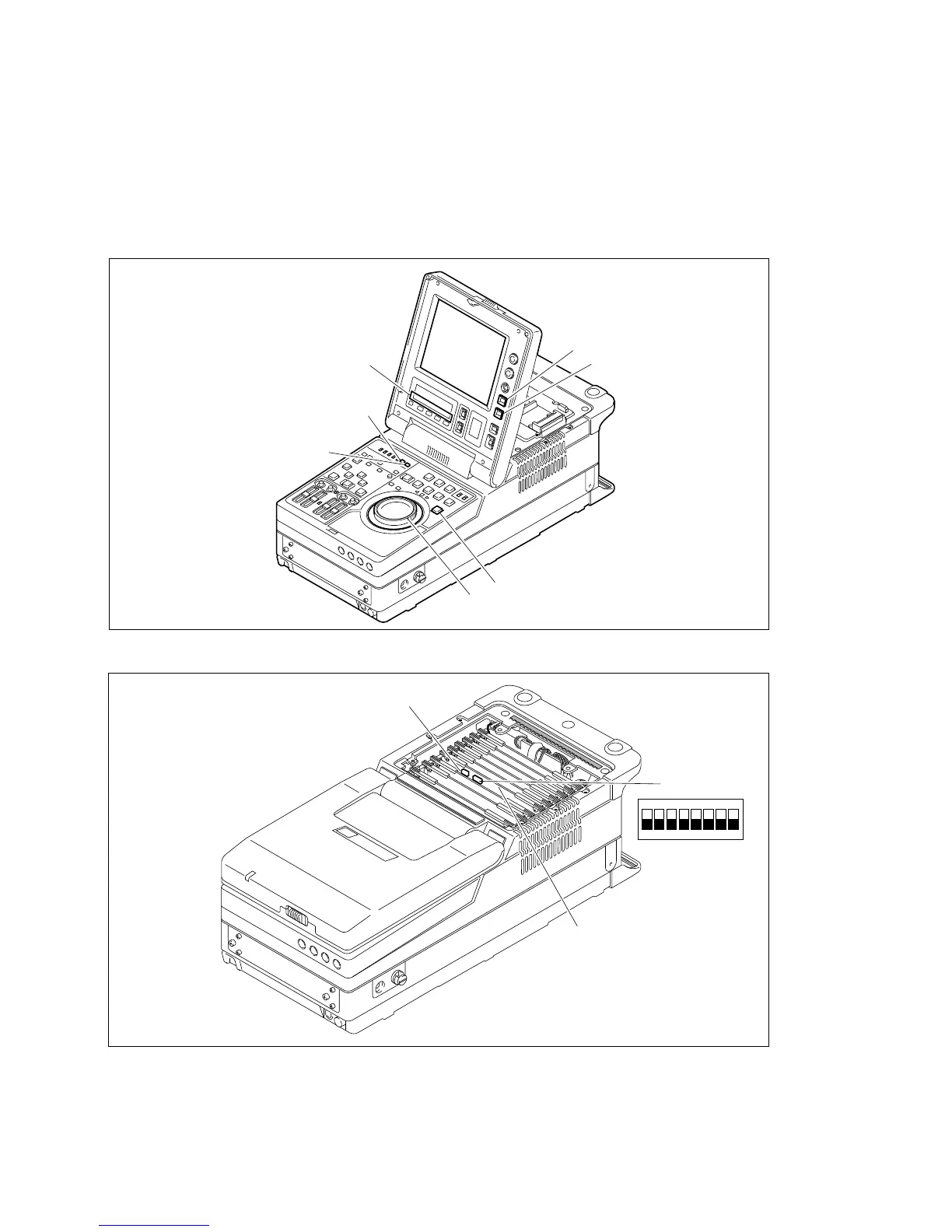
8 S201/SY-272 board: Maintenance mode start switch (MAINTE MODE START)
Press this switch to activate the maintenance mode.
9 S202-2/SY-272 board: Maintenance mode access permission switch (MAINTE MODE Access)
Set this switch to ON in advance when activating the maintenance mode by the button operation on
the control panel.
Lower Control Panel
Location of Switches on SY-272 Board
n
Remove the battery sub panel referring to Section 1-6-1 when operating the switches on the SY-272
board. Change the setting of DIP switch S202 with the power switch set to OFF.
3-1. Overview of Maintenance Mode








 To Next Page