C011 : FUNCTION CAM MOTOR
This menu checks the functions of a function cam.
(1) Slowly turn the JOG dial (JOG mode) in FORWARD (2) direction.
. Confirm that the threading motor rotates and that the threading link moves
threading direction and stops in the threading end state.
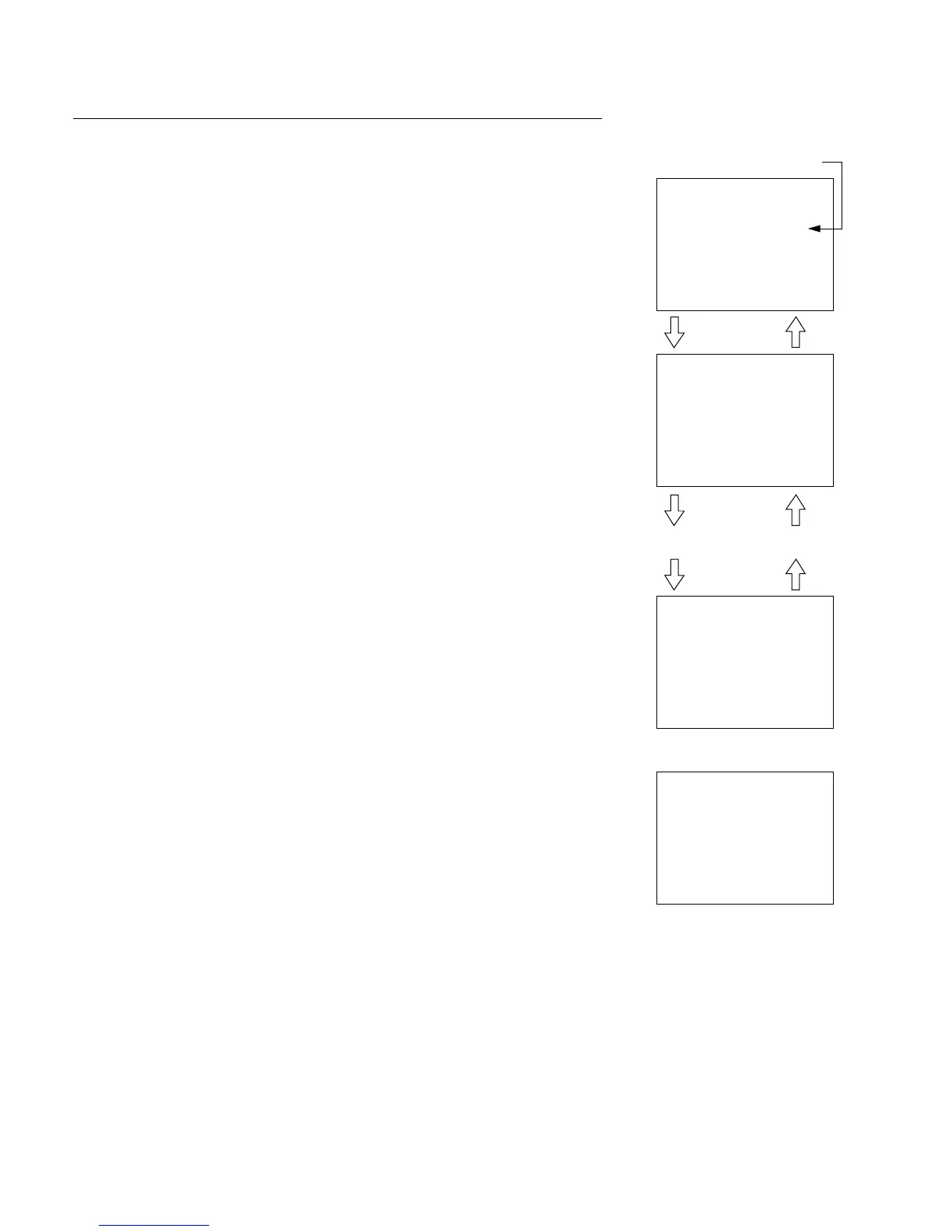
. Confirm that the LCD monitor changes as described below.
(Check that the function cam code changes following the table in next page.)
UNTHREAD END 8 ........... 8 (omitted) 8 THREAD END
1100 1100 0110
n
The threading motor also stops when the rotation of the JOG dial stops.
(2) Slowly turn the JOG dial (JOG mode) in REVERSE (3) direction.
. Confirm that the threading motor rotates and that the threading link moves
unthreading direction and stops in the unthreading end state.
. Confirm that the LCD monitor changes as described below.
(Check that the function cam code changes following the table in next page.)
THREAD END 8 ........... 8 (omitted) 8 UNTHREAD END
0110 0100 1110
n
The function cam also stops when the rotation of the JOG dial stops.
(3) To terminate the check, return to the unthreading end state and push the MENU
button.
n
Message “SET UNTHREAD END TO RETURN” is displayed if the threading
ring is not in the unthreading end state when the MENU button is pushed.
In case of NG
. Confirm that no mechanical abnormality exists.
. Check the function cam sensor (on the SV-206 board).
. Check the function cam sensor circuit (on the SV-206 board).
. Check the function cam motor drive circuit (on the SV-206 board).
. Check the function cam motor.
3-2. TAPE Maintenance Mode (M0)
3-2-2. SERVO CHECK Mode (C0)






 To Next Page