Version 5.2 Sourcefire 3D System Installation Guide 174
Hardware Specifications
Sourcefire 8000 Series Devices
Chapter 6
The 8000 Series System Components: Front View table describes the features on
the front of the appliance.
See the following sections for more information:
• 8000 Series Front Panel on page 174
• 8000 Series Chassis Rear View on page 178
8000 Series Front Panel
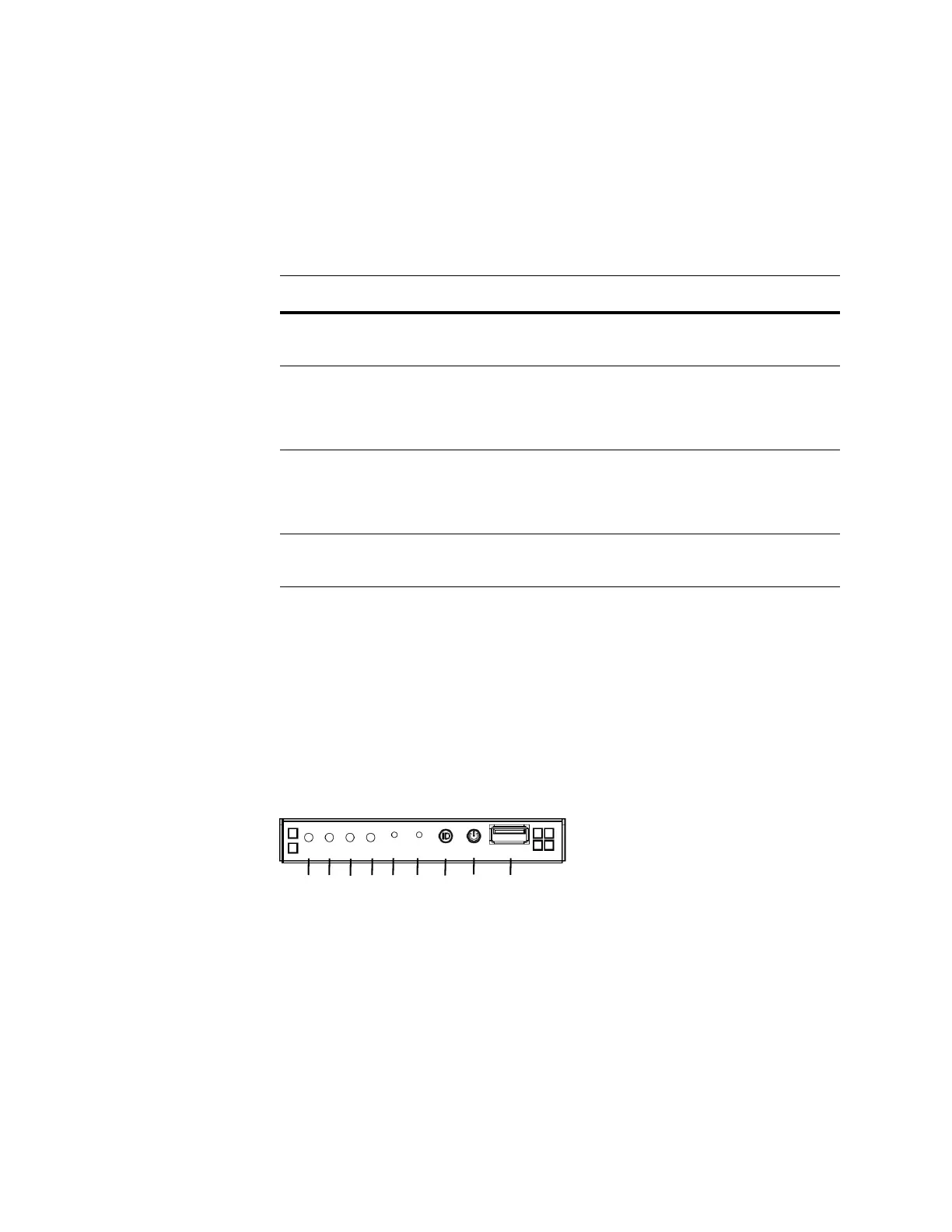
The front panel for the 81xx Family and 82xx Family contain the same
components.
81xx Family Front Panel
8000 Series System Components: Front View
FEATURE DESCRIPTION
Module slots Contain the modules. For information on available
modules, see 8000 Series Modules on page 185.
LCD panel Operates in multiple modes to configure the device,
display error messages, and view system status. For
more information, see Using the LCD Panel on a Series 3
Device on page 111.
Front panel
controls
Houses LEDs that display the system’s operating state, as
well as various controls, such as the power button. For
more information, see 82xx Family Front Panel on
page 175.
Front panel USB
port
The USB 2.0 port allows you to attach a keyboard to the
device.



 To Next Page