Version 5.2 Sourcefire 3D System User Guide 262
Inserting and Removing 8000 Series Modules
Inserting a Module or Slot Cover
Appendix C
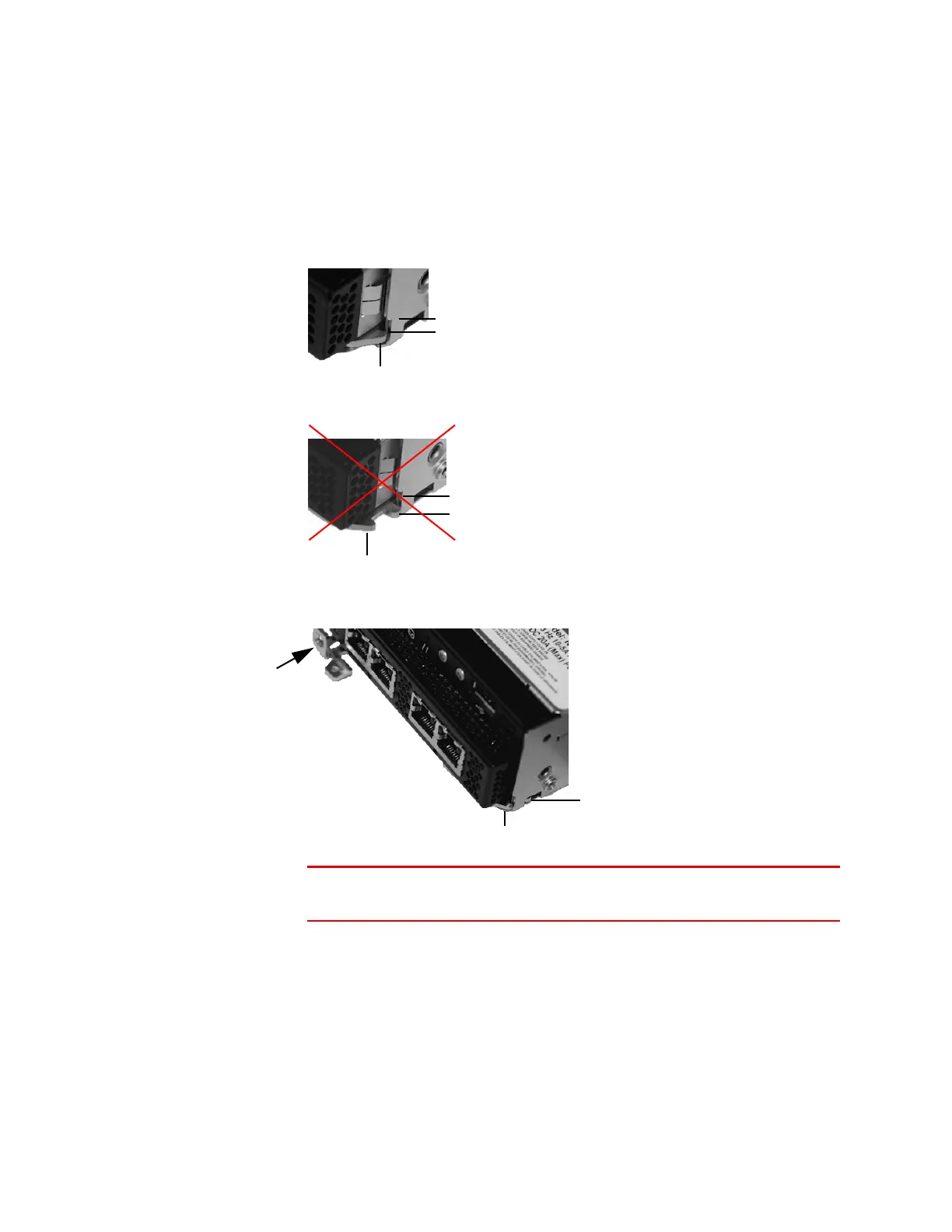
3. Insert the module into the slot until the far end of the latch is inside the slot
and the near end of the latch touches the outside of the module slot.
4. Push the lever toward the module so that the latch engages and pulls the
module into the slot.
WARNING! Do not use excessive force. If the latch does not engage,
remove and realign the module, and then try again.
Near end of latch (touches outside module slot)
Far end of latch (inside module slot)
Correct module alignment
Module slot
Far end of latch (outside module slot)
Incorrect module alignment
Near end of latch
Module slot
Near end of latch (engaged outside module slot)
Far end of latch (engaged inside module slot)



 To Next Page