Version 5.2 Sourcefire 3D System User Guide 263
Inserting and Removing 8000 Series Modules
Inserting a Module or Slot Cover
Appendix C
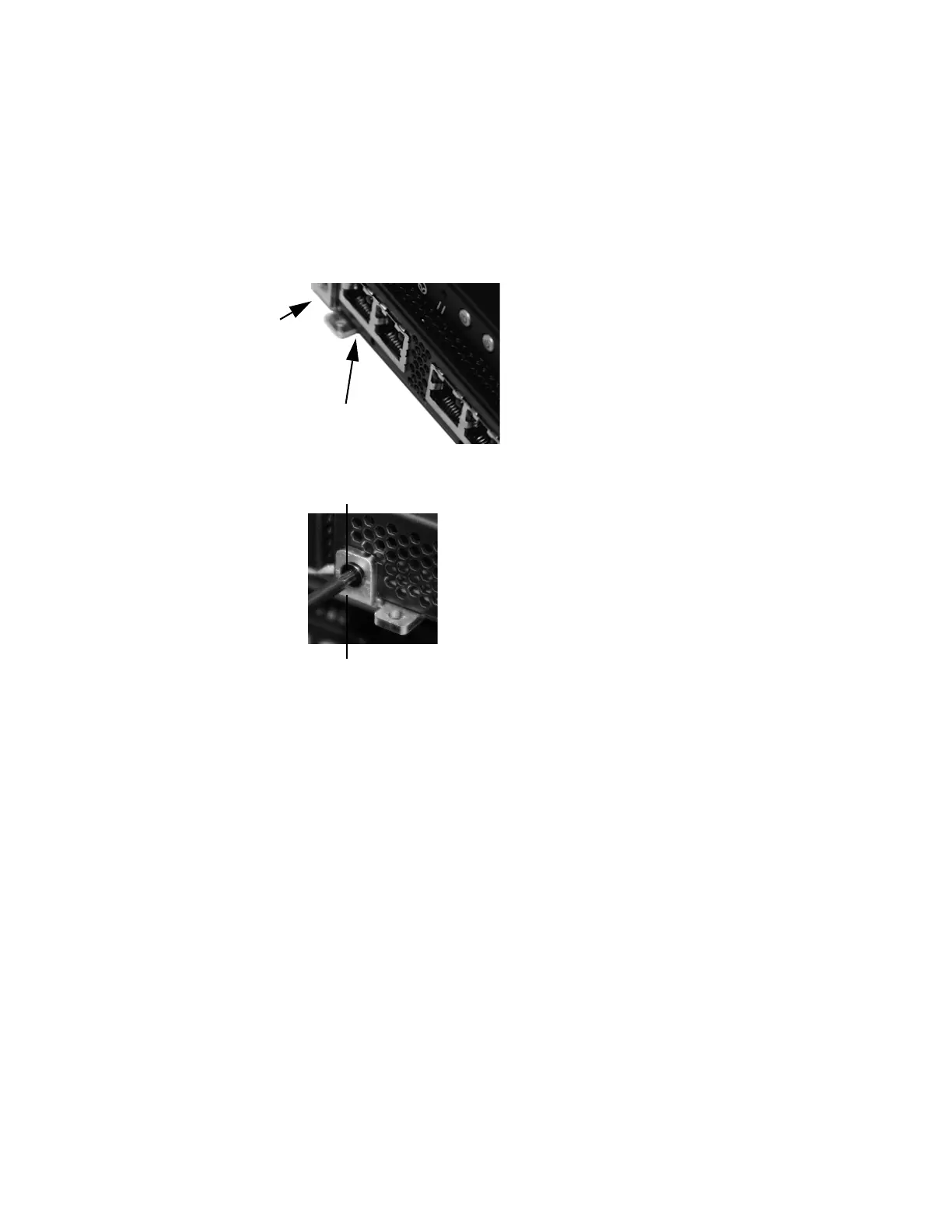
5. Press firmly on the screw hole to push the lever fully against the module to
secure the latch.
The lever is fully against the module, and the module is flush with the
chassis.
6. Insert and tighten the reserved T8 Torx screw into the lever.



 To Next Page