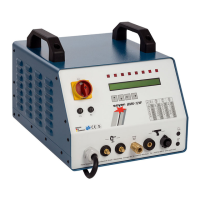
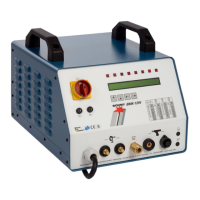
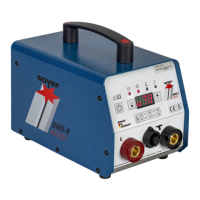
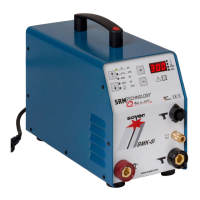
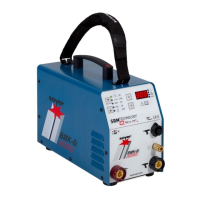
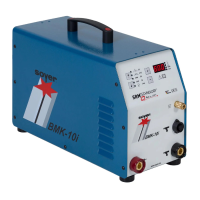
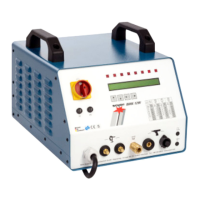
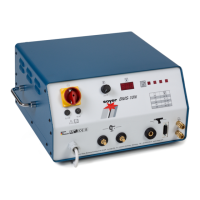
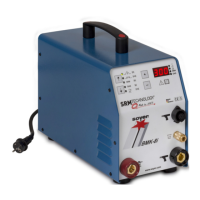
Description of the BMK-8i ACCU stud welding device
Operating Instructions Soyer Bolzenschweißtechnik 29
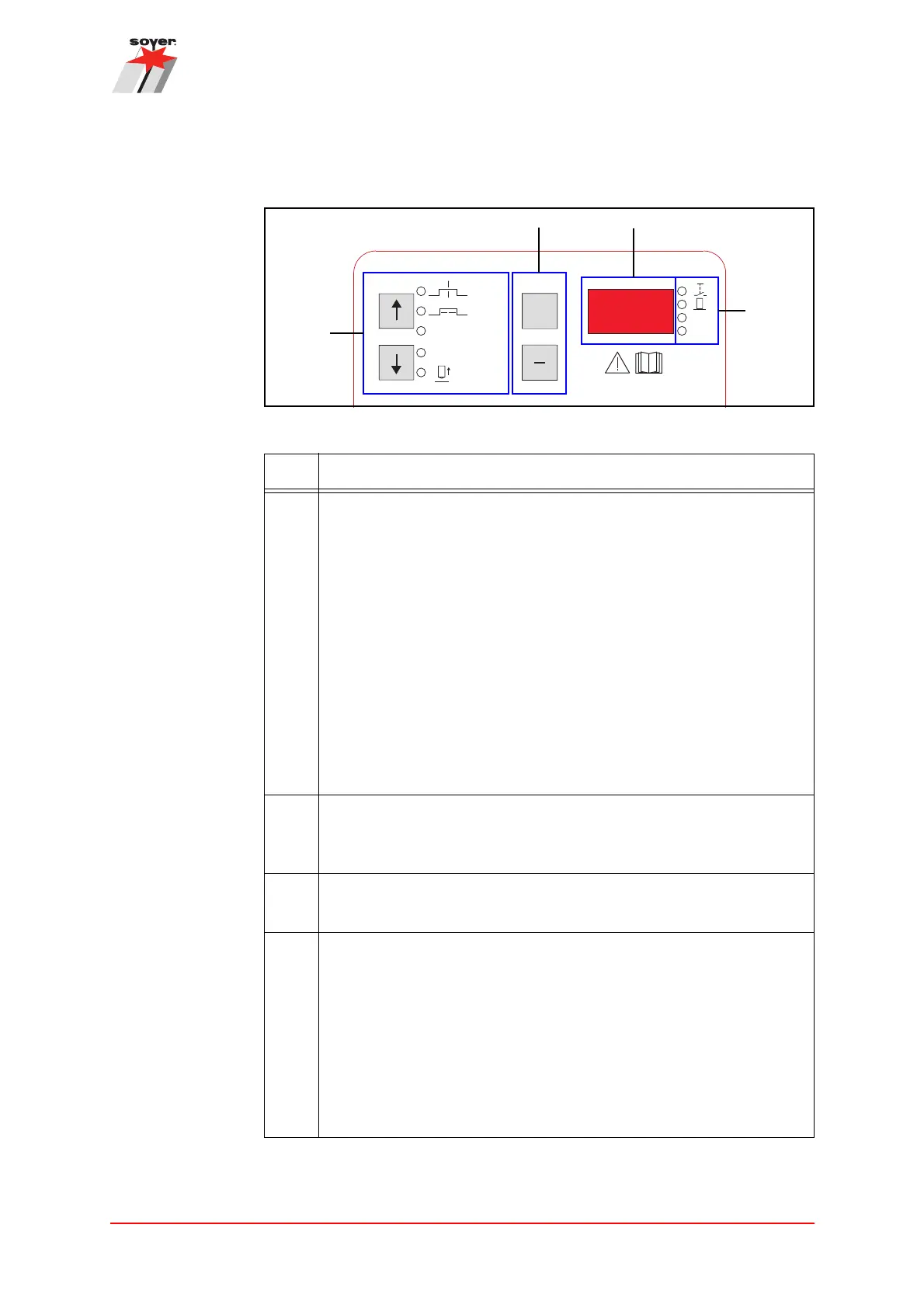
7.3.1 Display and setting range
Figure 3: Display and setting range
Please also observe chapter “7.4.1 Maximum settings” on page 33.
Item Designation
a Function selection
Using the arrow keys, the following functions can be selected:
• Welding current
• Welding time
• SRM® current (deactivated at a value of 0 A, activated at a
value >0 A)
• Gas pre-flow time (deactivated at a value of 0 s, activated at a
value >0 s)
• Lift test (see chapter “13.1.5 Adjusting the lift time (height of lift) in
the setting mode” on page 69)
The LED next to the selected function lights up.
Please note: When the device is in the standby mode, the menu LED
selected last flashes.
b +/- keys
These keys are used to adjust the value of the function selection
shown on the display.
c Display
The display shows the set values of the respectively selected function.
d Display of the operating status
The following operating states are displayed during the welding
process:
• Release button of the gun is pressed
• Gun is positioned on the workpiece and ready for welding
• SRM® is active
• Gas pre-flow is active
The LED lights up next to the respectively active operating status.
+
SRM
GAS
[A]
[ms]
[A]
[s]
[ms]
GAS
SRM
>
>
>
>


 To Next Page