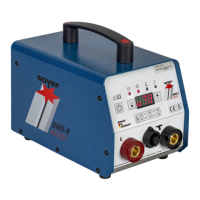
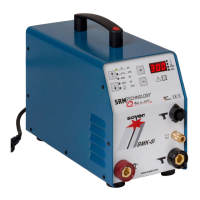
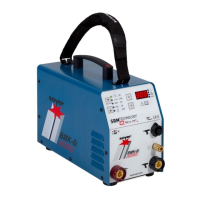
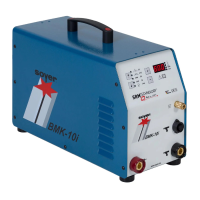
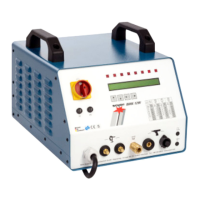
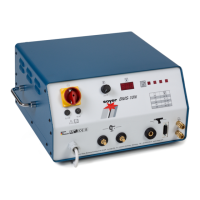
Description of the PH-9 SRM
12
stud welding gun
42 Operating Instructions Soyer Bolzenschweißtechnik
9.3 Replacing the SRM
12
support tube insert of PH-9 SRM
12
In case of heavy wear or heavy contamination, it may be necessary to replace the
support tube insert.
Item number of the support tube insert: F06748
Use original spare parts only.
Replacing the SRM
12
support tube insert.
Step 1:
WARNING
Switch off the stud welding device when the gun is
connected to it.
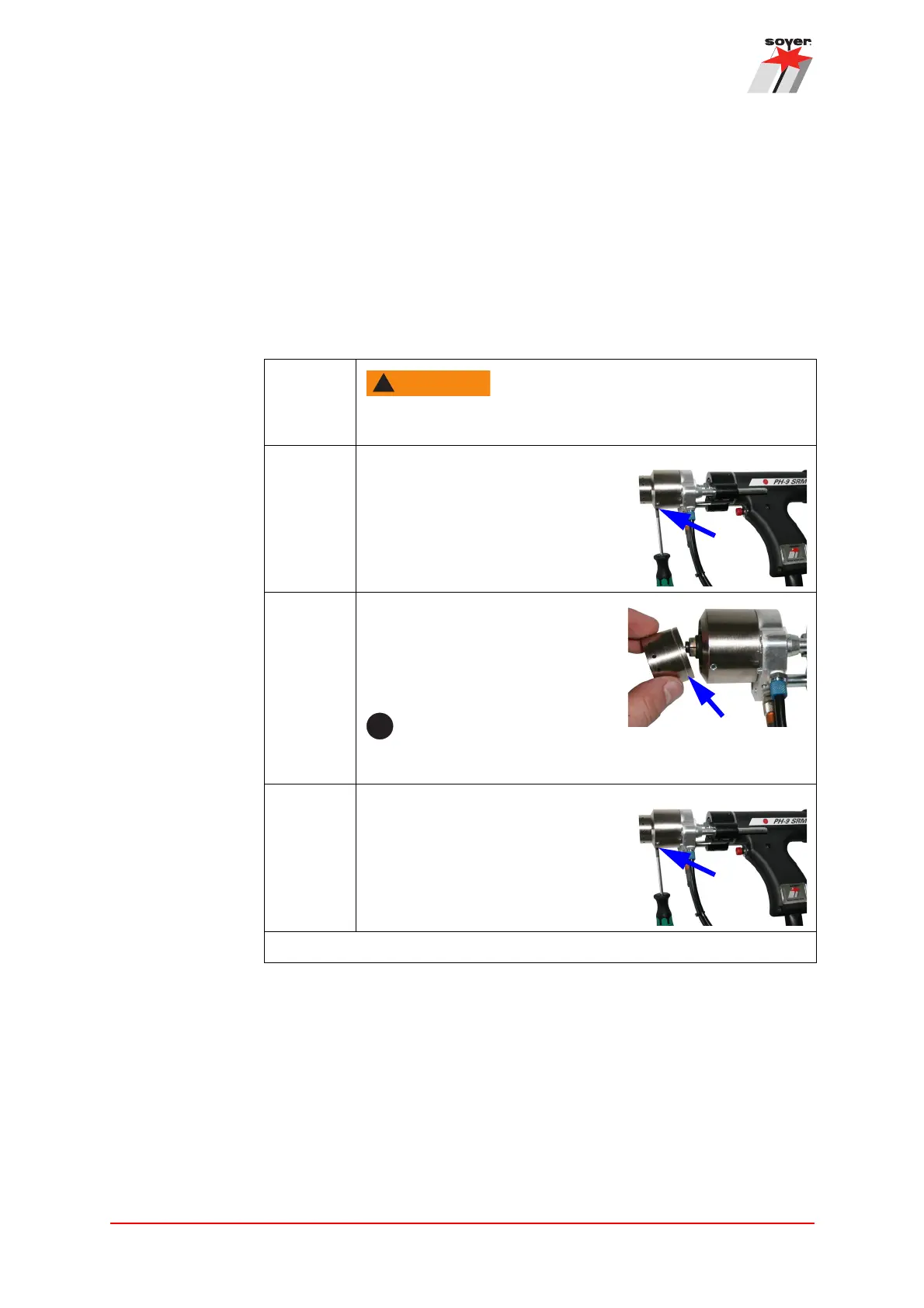
Step 2: Loosen the two threaded pins on the
support housing.
Step 3: Remove the old support tube insert
and replace it with a new one.
Slide the new support ring up to the
stop into the holder.
When inserting it, make sure that the support tube insert
and the holder surface are clean.
Step 4: Tighten the two threaded pins on the
support housing hand-tight.
The assembly is complete.


 To Next Page