6-44 Programming Your Application
605C Frequency Inverter
OP STATION
The operator station block allows the
operation of the Operator Station to be
customised.
OP STATION
OP DATABASE [115]
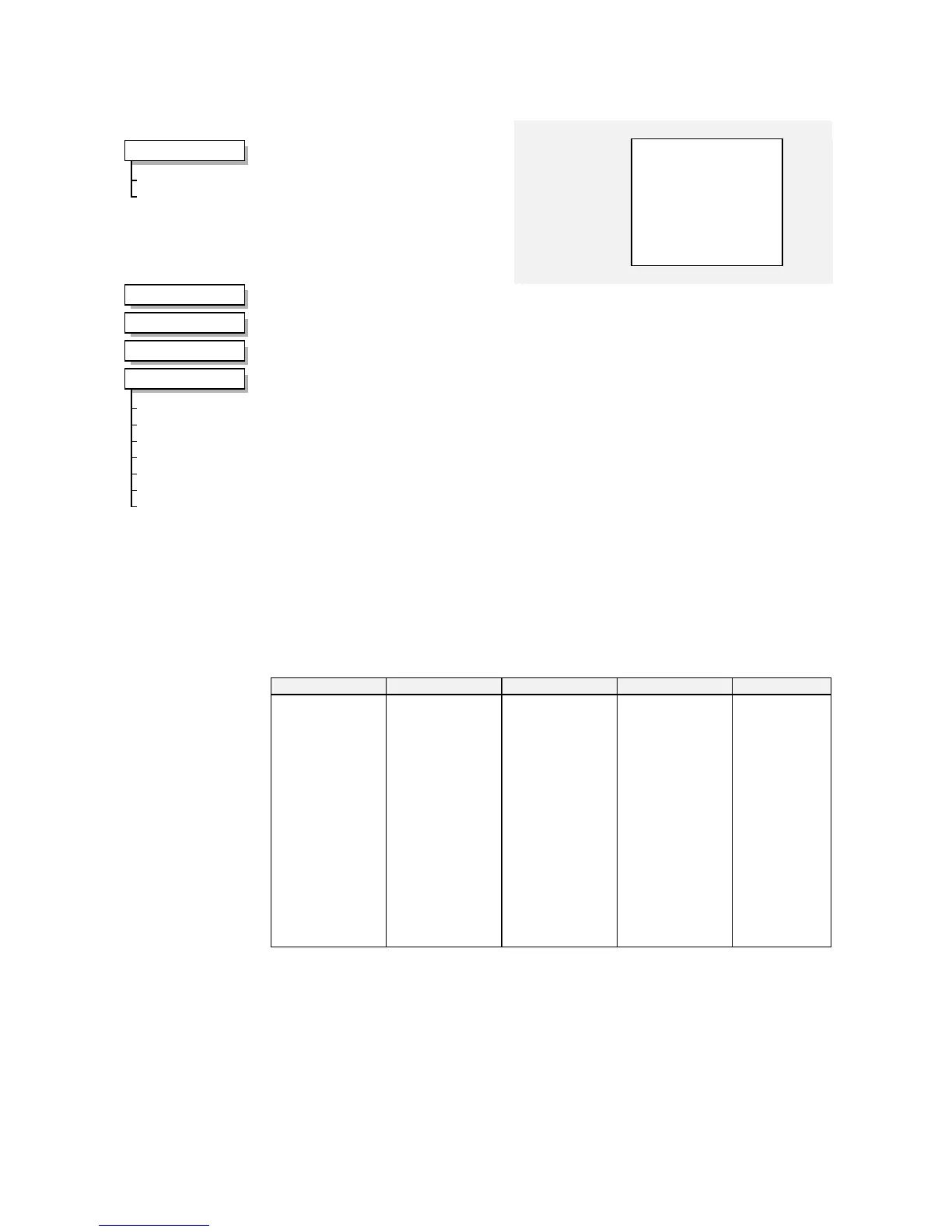
MMI Menu Map
1
MENUS
VIEW LEVEL
LANGUAGE
or
MMI Menu Map
1
SETUP PARAMETERS
2
FUNCTION BLOCKS
3
MENUS
4
OP STATION
VIEW LEVEL
LANGUAGE
ENABLED KEYS
AUTO BACKUP
CONFIGURATION ID
OP DATABASE
OP VERSION
Parameter Descriptions
VIEW LEVEL
Range: Enumerated - see below
The menu to be displayed by the Operator Station.
Enumerated Value : Viewing Level
0 : OPERATOR
1 : BASIC
2 : ADVANCED
LANGUAGE
Range: Enumerated - see below
The display language for the menu.
Enumerated Value : Language
0 : ENGLISH
1 : DEUTSCH
2 : FRANCAIS
3 : ESPANOL
ENABLED KEYS
Range: 0000 to FFFF
The following keys on the Operator Station can be enabled or disabled separately. The
combination produces the parameter setting as in the table below.
Parameter Setting RUN L/R JOG DIR
0000
0010
0020
0030
0040
0050
0060
0070
0080
0090
00A0
00B0
00C0
00D0
00E0
00F0
-
-
-
-
-
-
-
-
ENABLED
ENABLED
ENABLED
ENABLED
ENABLED
ENABLED
ENABLED
ENABLED
-
-
-
-
ENABLED
ENABLED
ENABLED
ENABLED
-
-
-
-
ENABLED
ENABLED
ENABLED
ENABLED
-
-
ENABLED
ENABLED
-
-
ENABLED
ENABLED
-
-
ENABLED
ENABLED
-
-
ENABLED
ENABLED
-
ENABLED
-
ENABLED
-
ENABLED
-
ENABLED
-
ENABLED
-
ENABLED
-
ENABLED
-
ENABLED


 To Next Page