5-2 The Operator Station
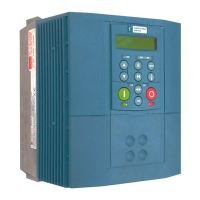
605C Frequency Inverter
Controlling the Drive using the Operator Station
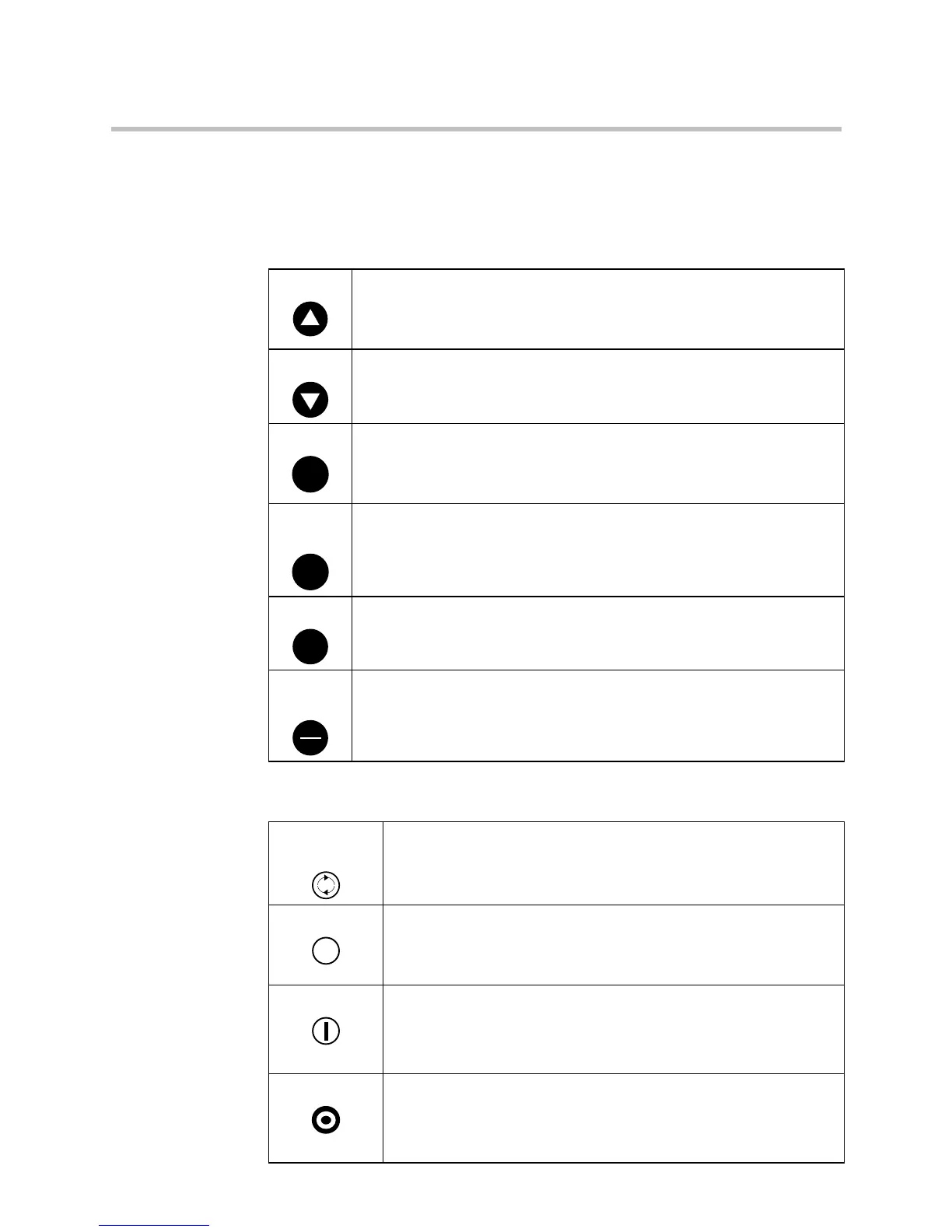
Control Key Definitions
Note: Refer to Chapter 4: “Operating the Inverter” for more detail about Remote and Local
modes.
Keys for Programming the Drive
Note: See “Navigating the Menu System”, page 5-4 for a quick-start to using the menu.
UP
Navigation - Moves upwards through the list of parameters.
Parameter - Increments the value of the displayed parameter.
Command Acknowledge - Confirms action when in a command menu.
DOWN Navigation - Moves downwards through the list of parameters.
Parameter - Decrements the value of the displayed parameter.
ESCAPE
E
Navigation - Displays the previous level’s Menu.
Parameter - Returns to the parameter list.
Trip Acknowledge - Acknowledges displayed Trip or Error message.
MENU
M
Navigation - Displays the next Menu level, or the first parameter of the
current Menu.
Parameter - Allows a writable parameter to be modified (this is indicated
by
→ appearing on the left of the bottom line).
PROG
PROG
Navigation - Toggles between current locations within the Operator
menu and any other menu.
LOCAL/
REMOTE
R
L
Control - Toggles between Remote and Local Control for both Start/Stop
(Seq) and Speed Control (Ref). When toggling, the display automatically
goes to the relevant SETPOINT screen, and the SETPOINT (LOCAL)
screen will have the ▲ and ▼ keys enabled to alter the setpoint.
Keys for Operating the Drive Locally
FORWARD/
REVERSE
Control - Changes the direction of motor rotation. Only operates
when the drive is in Local Speed Control mode.
JOG
JOG
Control - Runs the motor at a speed determined by the JOG
SETPOINT parameter. When the key is released, the drive returns to
“stopped”. Only operates when the drive is “stopped“ and in Local
Start/Stop mode.
RUN Control - Runs the motor at a speed determined by the LOCAL
SETPOINT or REMOTE SETPOINT parameter.
Trip Reset - Resets any trips and then runs the motor as above. Only
operates when the drive is in Local Start/Stop (Seq) mode.
STOP/RESET Control - Stops the motor. Only operates when the drive is in Local
Sequence mode.
Trip Reset - Resets any trips and clears displayed message if trip is
no longer active.


 To Next Page