4-4 Operating the Inverter
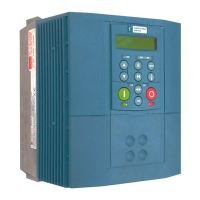
605C Frequency Inverter
Start-up Routines
IMPORTANT: Refer to the ANALOG INPUT and ANALOG OUTPUT function blocks in Chapter 6 for the
correct settings of Configuration Switches SW1 and SW2 before operation.
Remote Control using Control Terminals (default set-up)
This is the simplest method of operating the Inverter. No Set-up or tuning is required.
This routine assumes that the Inverter’s control terminals are wired as shown in Figure 3-9.
Note: Ensure that the speed potentiometer is set to zero.
1. Power-up the unit. The HEALTH LED will light (the RUN LED remains off).
If the HEALTH LED flashes, the Inverter has tripped. Refer to Chapter 7: “Trips and Fault
Finding” to investigate and remove the cause of the trip. Reset the unit by momentarily
closing either the RESET switch or the RUN switch. The HEALTH LED will now light.
2. Close the RUN switch. The RUN LED will flash if the setpoint is at zero. Turn the speed
potentiometer up a little to apply a small speed setpoint. The RUN LED will light and the
motor will rotate slowly.
Reverse the motor’s direction of rotation either by pressing the DIR key, or by swapping two of
the motor phases (WARNING: Disconnect the mains supply first).
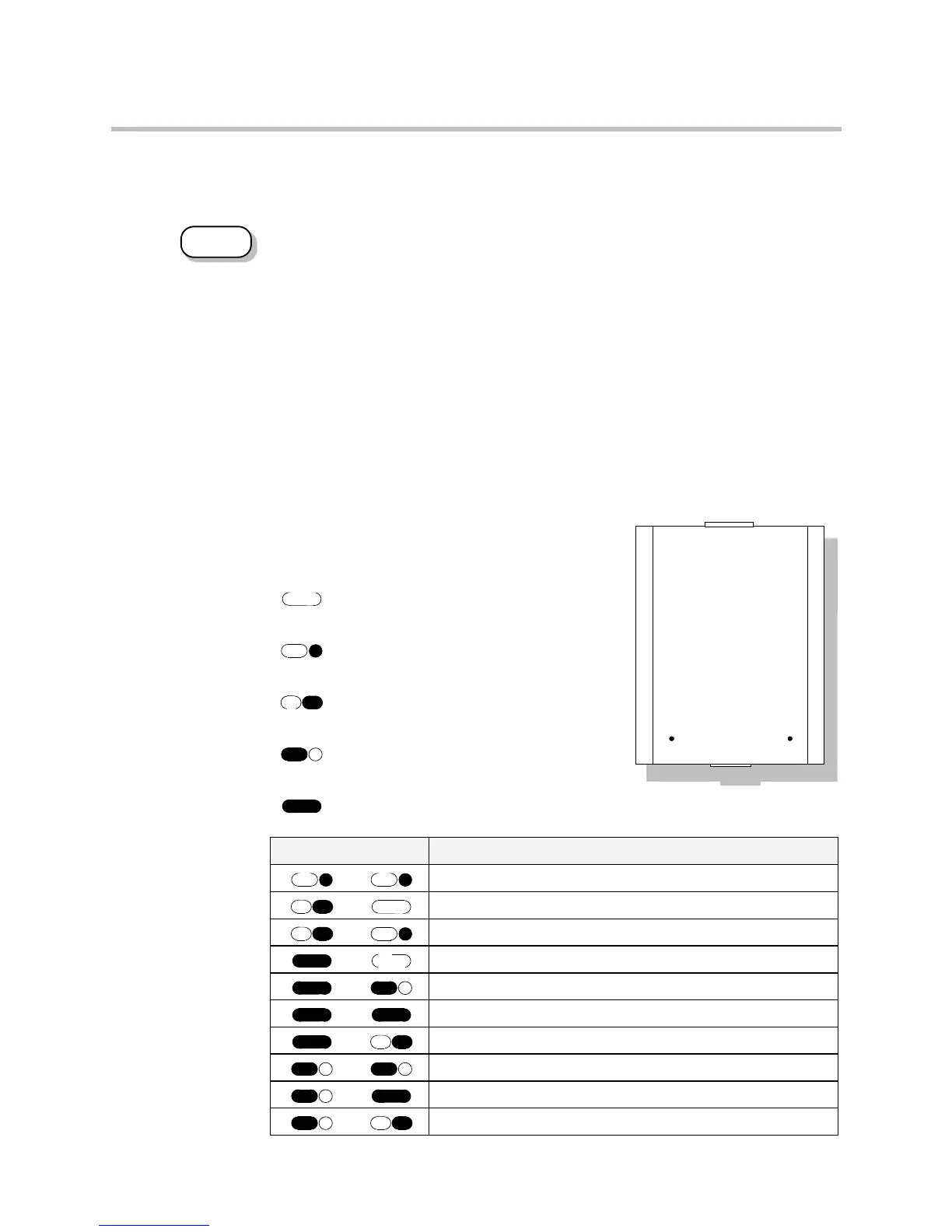
Reading the Status LEDs
The HEALTH and RUN LEDs indicate status. The
LEDs are considered to operate in five different ways:
OFF
SHORT FLASH
EQUAL FLASH
LONG FLASH
ON
Table 4-1 Status indications given by the Health and Run LEDs
DEFAULT
RUN HEALT H
Figure 4-4 Blank Cover
showing LEDs
HEALTH RUN Inverter State
Re-configuration, or corrupted non-volatile memory at power-up
Tripped
Auto Restarting
Stopped
Running with zero reference
Running
Stopping
Braking and running with zero reference
Braking and running
Braking and stopping


 To Next Page