6-8 Programming Your Application
605C Frequency Inverter
ANALOG INPUT
The analog input block converts the input voltage or current into a value expressed as a
percentage of a configurable range.
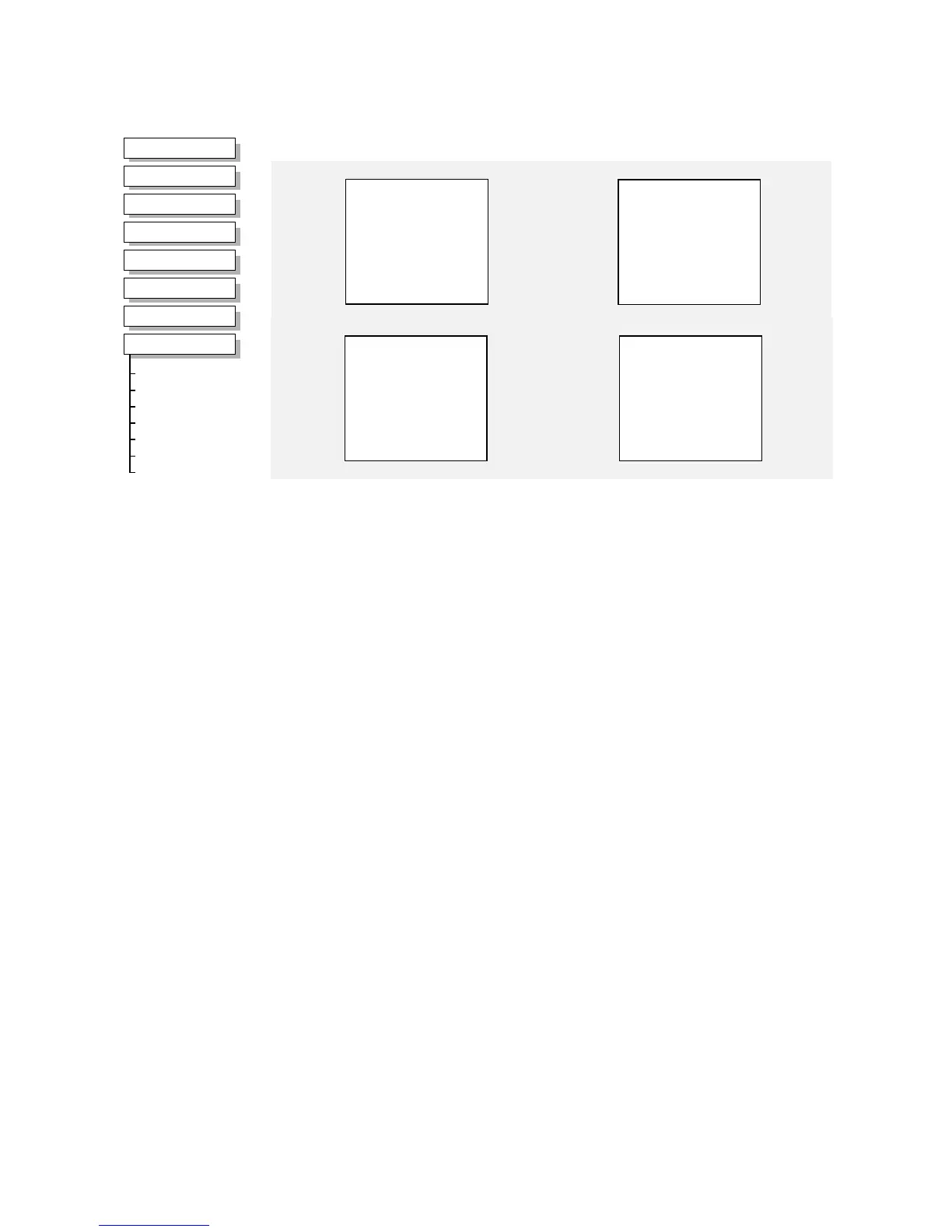
MMI Menu Map
1
SETUP PARAMETERS
2
FUNCTION BLOCKS
3
INPUTS & OUTPUTS
4
ANALOG INPUT
5
ANALOG INPUT 1
5
ANALOG INPUT 2
5
ANALOG INPUT 3
5
ANALOG INPUT 4
AIN 4 SCALE
AIN 4 OFFSET
AIN 4 TYPE
AIN 4 BREAK ENBL
AIN 4 BREAK VAL
AIN 4 VALUE
AIN 4 BREAK
ANALOG INPUT 1
VALUE [ 16] – 0.00 %
BREAK [ 18] – FALSE
100.00 % – [ 14] SCALE –
0.00 % – [ 15] OFFSET –
0..+10 V – [ 13] TYPE –
FALSE – [ 12] BREAK ENABLE –
0.00 % – [ 17] BREAK VALUE –
ANALOG INPUT 2
VALUE [ 25] – 0.00 %
BREAK [ 27] – FALSE
100.00 % – [ 23] SCALE –
0.00 % – [ 24] OFFSET –
0..+10 V – [ 22] TYPE –
FALSE – [ 21] BREAK ENABLE –
0.00 % – [ 26] BREAK VALUE –
ANALOG INPUT 4
VALUE [722] – 0.00 %
BREAK [724] – FALSE
100.00 % – [720] SCALE –
0.00 % – [721] OFFSET –
0..+10 V – [719] TYPE –
FALSE – [718] BREAK ENABLE –
0.00 % – [723] BREAK VALUE –
ANALOG INPUT 3
VALUE [715] – 0.00 %
BREAK [717] – FALSE
100.00 % – [713] SCALE –
0.00 % – [714] OFFSET –
0..20 mA – [712] TYPE –
FALSE – [711] BREAK ENABLE –
0.00 % – [716] BREAK VALUE –
Parameter Descriptions
SCALE
Range: -300.00 to 300.00 %
A scaling factor applied to the raw input. With a scaling factor of 100.00% and an offset of
0.00%, an input equal to the low input range will appear as a value of 0.00%. Similarly, an
input equal to the high input range will appear as a value of 100.00%.
OFFSET
Range: -300.00 to 300.00 %
An offset added to the input after the scaling factor has been applied.
TYPE
Range: Enumerated - see below
The input range and type.
• ANALOG INPUT 1 and ANALOG INPUT 2 can use all types.
• ANALOG INPUT 3 is used for current measurement only, if any voltage type is selected
then VALUE will be set to zero.
• ANALOG INPUT 4 supports unipolar (positive) volts inputs only, if the bipolar or current
types are selected then VALUE will be set to zero.
Warning: For correct operation, ensure that the hardware range selected using switch bank
SW1 corresponds to the TYPE selected.
Enumerated Value : Type
0 : 0..+10 V
1 : +2..+10 V
2 : 0..+5 V
3 : +1..+5 V
4 : -10..+10 V
5 : 0..20 mA
6 : 4..20 mA
7 : 20..4 mA
8 : 20..0 mA


 To Next Page