Application Macros 15-1
605C Frequency Inverter
15 APPLICATION MACROS
The Default Application
The Inverter is supplied with 8 macros, Macro 0 to Macro 6 and Macro 99. Each macro recalls
a pre-programmed set of parameters when it is loaded.
• Macro 1 is the factory default macro, providing for basic speed control
• Macro 2 supplies speed control with Run Forward/Run Reverse
• Macro 3 is a set-up providing speed control with Raise/Lower Trim
• Macro 4 is for PID process control
• Macro 5 supplies speed control using preset speeds
• Macro 6 is a set-up using closed-loop speed feedback
• Macro 99 provides speed control with 584S terminal allocation
Note: To return to the default application, perform the Quick Restore Default procedure, refer to
Chapter 5: “The Operator Station” - Menu Shortcuts and Special Key Combinations.
How to Load a Macro
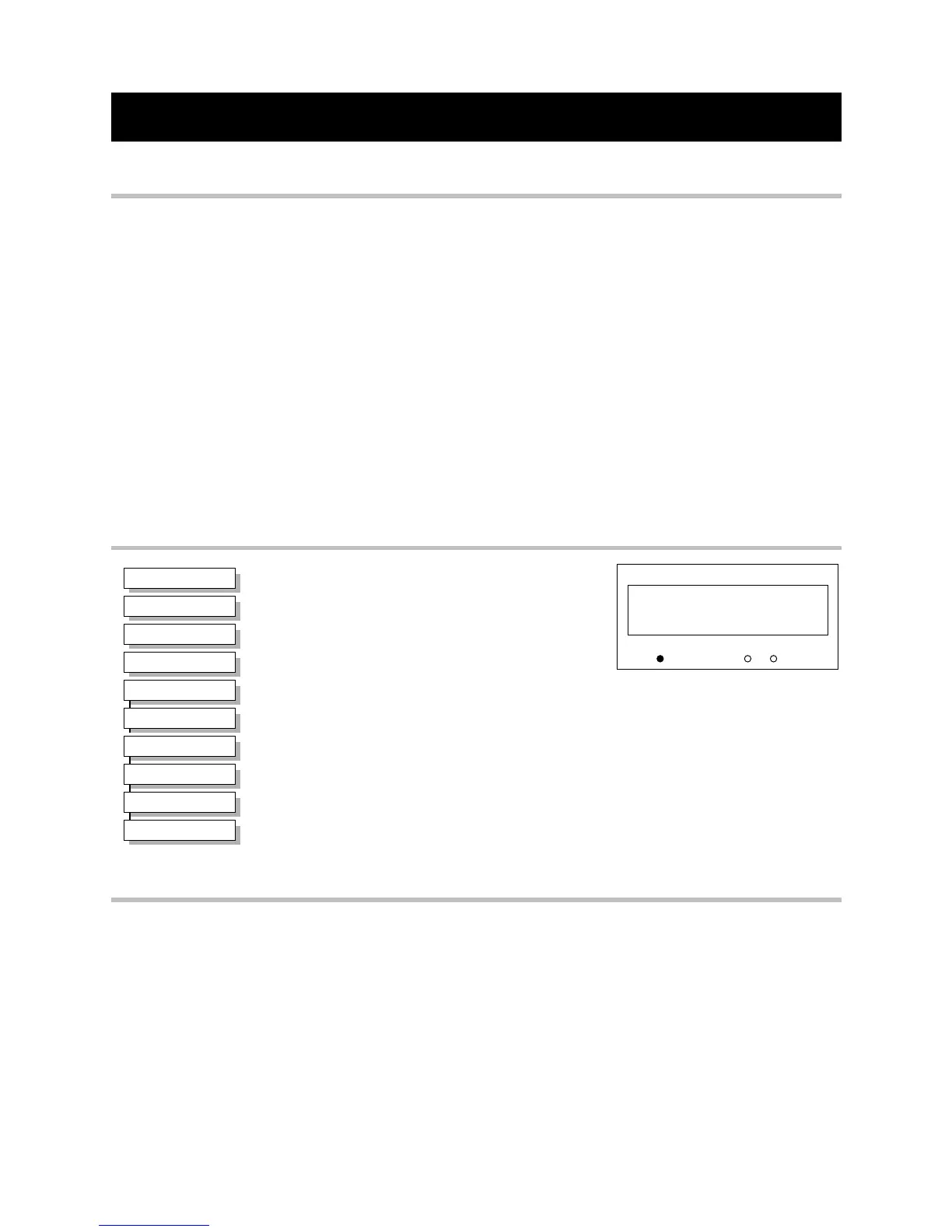
In the OPERATOR menu, go to the RESTORE
DEFAULTS menu at level 2, press the M key.
The macros are stored in this menu.
Use the up (∆) and down (∇) keys to select the
appropriate macro, press the M key.
Pressing the up (∆) key as instructed, loads the macro.
Now update the non-volatile memory within the Inverter by performing a SAVE TO
MEMORY. Refer to Chapter 5: “The Operator Station” - Saving Your Application.
Macro Descriptions
Note: Parameters whose default values are product-related are indicated in the block diagrams
with
* or **. Refer to Chapter 2: “An Overview of the Inverter” - Product-Related Default
Values.
Macro 0
This macro will not control a motor.
It is included to document the differences between all the configurations, using this as the base-
line.
Loading Macro 0 removes all internal links, and sets all parameter values to the values defined
for each function block in Chapter 6: Programming Your Application.
HEALTH
LOCAL
SEQ
REF
1
1
menu at level 2
RESTORE DEFAULTS
MMI Menu Map
1
SYSTEM
2
RESTORE DEFAULTS
3
MACRO 1
3
MACRO 2
3
MACRO 3
3
MACRO 4
3
MACRO 5
3
MACRO 6
3
MACRO 99
3
MACRO 0


 To Next Page