5-12 The Operator Station
605C Frequency Inverter
Selecting the Display Language
There is an option to select a different display language without changing the product code
information.
The choice of display language is selected by the LANGUAGE parameter in MENUS menu at
level 1. Although the display language will change, the unit will still be operating with the
existing product code information. Remember to use the SAVE TO MEMORY parameter if you
need the new language to be saved on power-down.
The available languages are: ENGLISH, FRENCH, GERMAN, SPANISH.
Control Key Enable/Disable
The ENABLED KEYS parameter, in the OP STATION menu at level 4, allows you to enable
and disable the control keys on the front of the Operator Station. This may be very important in
situations where say, changing the direction of the Inverter could have disastrous results.
Refer to Chapter 6: “Programming Your Application “ - OP STATION.
Password Protection
When in force, the password prevents unauthorised parameter modification by making all
parameters “read-only”. If you attempt to modify a password protected parameter, it will cause
an ‘alert/reason’ message to be displayed. By default, the password feature is disabled, i.e. 0000.
There are two password parameters, stored in the PASSWORD menu at level 1:
ENTER PASSWORD and CHANGE PASSWORD.
The ENTER PASSWORD and CHANGE PASSWORD values are hidden by “XXXX” until
you press the M key to begin editing the parameter.
To Activate Password Protection
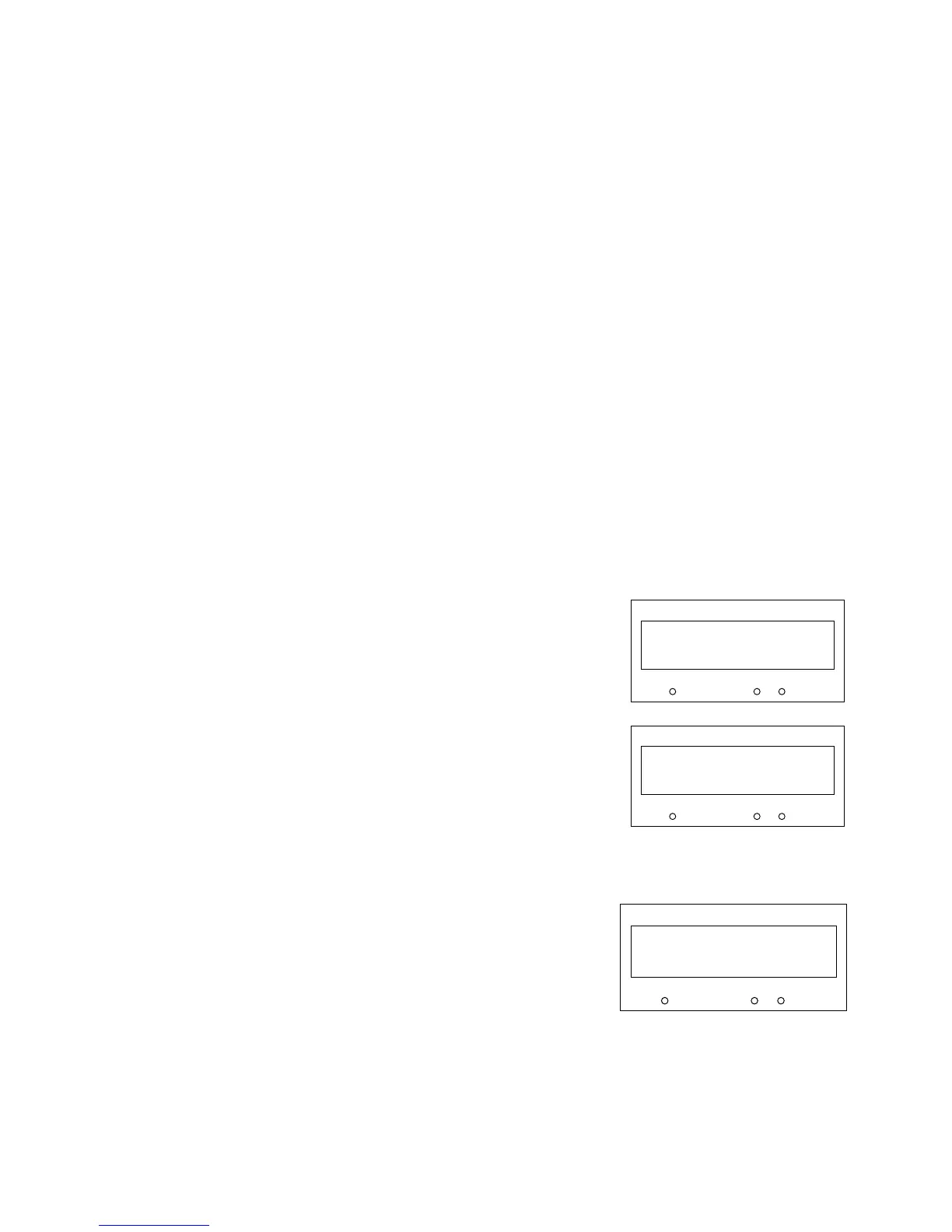
1. Use the ∆ and ∇ keys in the CHANGE PASSWORD
parameter to set a password (anything other than
0000). Press the E key to exit the parameter.
1. Move to the ENTER PASSWORD parameter. Enter
any number other than the password and press the E
key to exit. The system is now `password locked’.
Having activated the password protection, you can no
longer edit the CHANGE PASSWORD parameter until
you deactivate the password protection.
To Deactivate Password Protection
Enter the current password in the ENTER PASSWORD
parameter. Press the E key to exit.
Note: You can also choose to have the password protect
the entire OPERATOR menu, or just the SETPOINT
(LOCAL) parameter. Under default conditions these
are not protected. Refer to Chapter 6: “Programming
Your Application” - PASSWORD.
HEALTH
LOCAL
SEQ
REF
1
1
0000
CHANGE PASSWORD
HEALTH
LOCAL
SEQ
REF
1
1
0000
ENTER PASSWORD
HEALTH
LOCAL
SEQ
REF
1
1
0000
ENTER PASSWORD


 To Next Page