Application Macros 15-12
605C Frequency Inverter
Macro 5: Preset Speeds
Digital inputs select up to 8 preset speeds.
Additional Operator Menu display parameters.
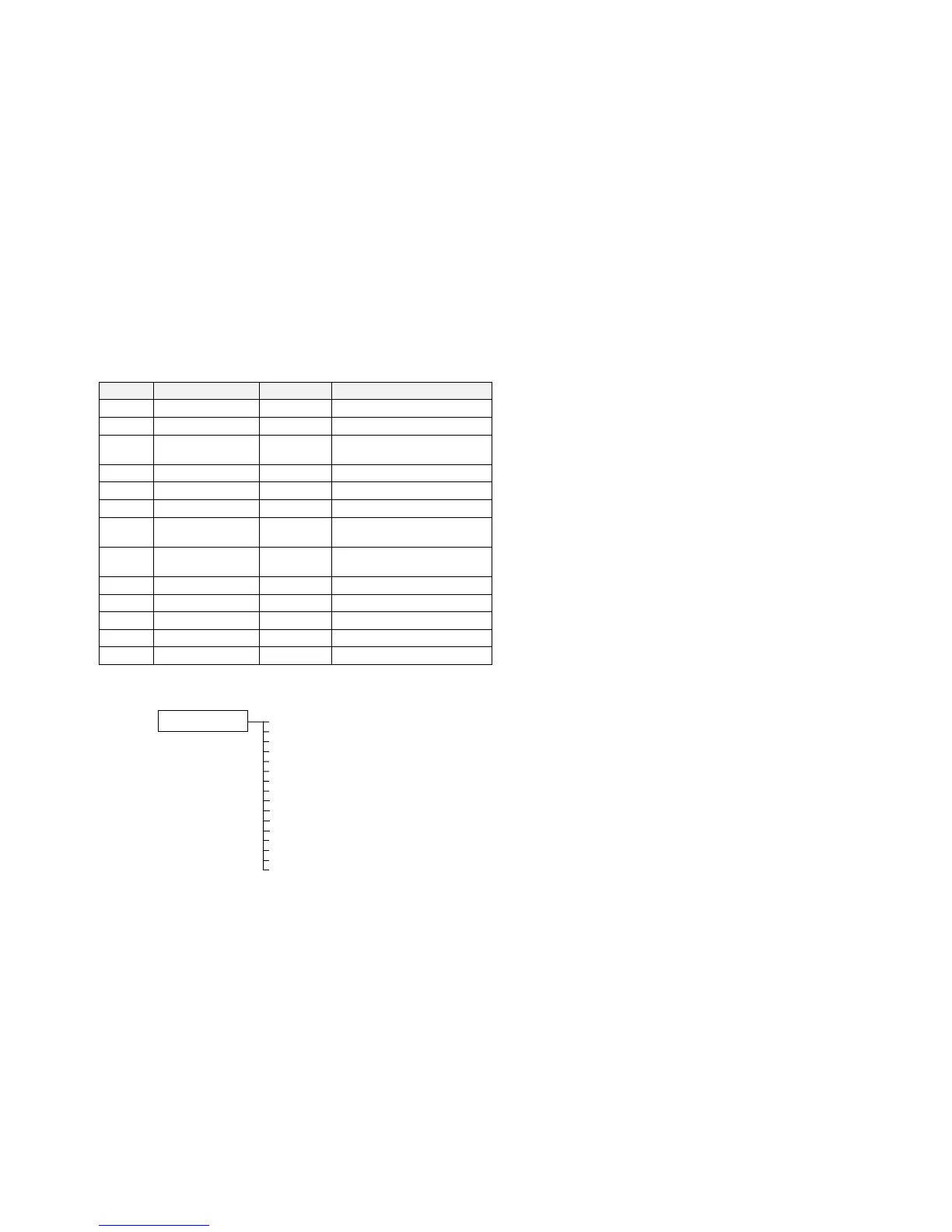
Terminal Name Purpose Comment
1 ANALOG INPUT 1 Setpoint 0V = 0%, 10V = 100%
2 ANALOG INPUT 2 Setpoint Trim 0V = 0%, 10V = 100%
6 ANALOG OUTPUT 1 Ramp Output Absolute Speed Demand,
0V = 0%, 10V = 100%
13 DIGITAL INPUT 1 Run 24V = Run
14 DIGITAL INPUT 2 Trip Reset 0V to 24V transition to reset trips.
15 DIGITAL INPUT 3 Direction 0V = Forward, 24V = Reverse
16 DIGITAL INPUT 4 External Trip 0V = Trip
(connect to terminal 18)
17 DIGITAL INPUT 5 PID Enable 0V = PID Disabled,
24V = PID Enabled
18 DIGITAL INPUT 6 Preset 1 Preset Speed Select
19 DIGITAL INPUT 7 Preset 2 Preset Speed Select
20 DIGITAL INPUT 8 Preset 3 Preset Speed Select
21, 22 DIGITAL OUTPUT 1 Health 0V = Tripped, i.e. not healthy
23, 24 DIGITAL OUTPUT 2 Running 0V = Stopped, 24V = Running
The Operator Menu System for Macro 5
The default Operator menu system is shown below.
SETPOINT (REMOTE)
SPEED DEMAND
DRIVE FREQUENCY
MOTOR CURRENT
LOAD
PRESET 1 SELECT
PRESET 1 OUTPUT 1
PRESET 1 INPUT 0
STARTUP SCREEN
PRESET 1 INPUT 1
PRESET 1 INPUT 2
PRESET 1 INPUT 3
PRESET 1 INPUT 4
PRESET 1 INPUT 5
PRESET 1 INPUT 6
PRESET 1 INPUT 7
ENTER PASSWORD


 To Next Page