139
Stand
-by
Stand
-by
Stand
-by
Stand
-by
Zone 1
Zone 1
© STULZ GmbH – all rights reserved EN/06.2019/G57
C7000 INSTRUCTIONS fOR A/C UNITS
Standby state
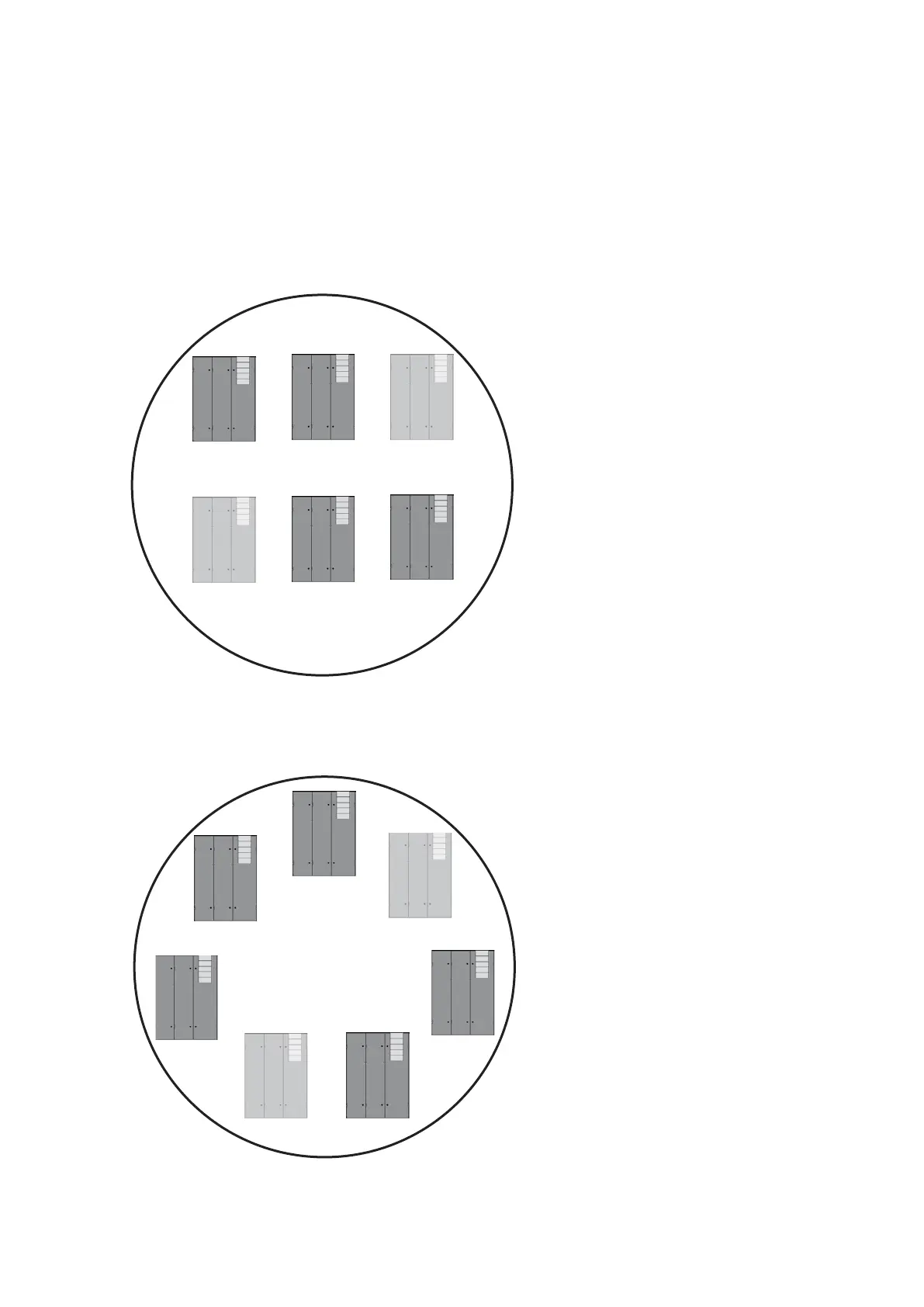
Cycle 1: Unit 3 and 6
Cycle 2: Unit 4 and 1
Cycle 3: Unit 5 and 2
Cycle 4: Unit 3 ...
etc.
SAPSM with sequencing
If the sequencing is enabled, the SAPSM delay must be set on different values on principle at all units in the
zone, because the standby state moves over all units.
In the first example there are 6 units in a zone, two of which are standby units. Here two different SAPSM
delays are sufficient, as always the same pairs of units are in standby.
e.g.:
for unit 3, 4 and 5
SAPSM delay = 120 s
for unit 6, 1 and 2
SAPSM delay = 180 s
Unit 1
Unit 2
Unit 3
Unit 4
Unit 5
Unit 6
Unit 7
Standby state
Cycle 1: Unit 3 and 6
Cycle 2: Unit 4 and 7
Cycle 3: Unit 5 and 1
Cycle 4: Unit 6 and 2
Cycle 5: Unit 7 and 3
Cycle 6: Unit 1 and 4
Cycle 7: Unit 2 and 5
etc.
e.g.:
for unit 1, 2 and 3
SAPSM delay = 120 s
for unit 4, 5 and 6
SAPSM delay = 180 s
for unit 7
SAPSM delay = 240 s
Example 1:
Example 2:
By the possible combinations of standby units you
can determine how many different SAPSM delays are
necessary.
Unit 1 Unit 2 Unit 3
Unit 6 Unit 5 Unit 4
Hint:
Set the fan over-runtime and the pre-time of the louver on the same values for each unit in the zone. Set the
SAPSM delay twice as big as the fan over-runtime.



 To Next Page