Sunrise Internet Box User Manual
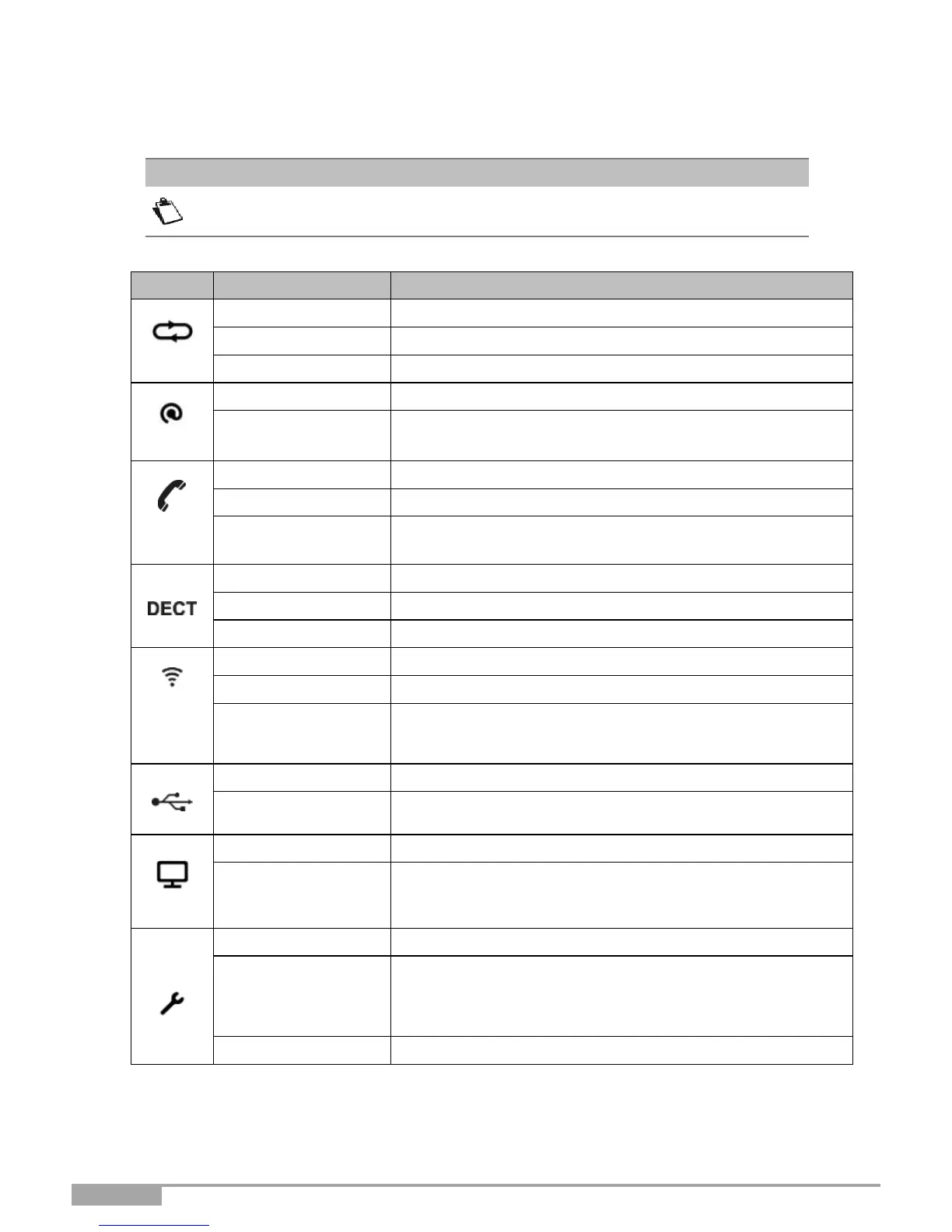
A.3 Front panel LEDs
When the Sunrise Internet Box is switched on, the LED on the front panel is white.
DSL Up / Fiber (SFP or WAN) mode activated.
•
DSL signal found / synchronization in progress.
•
No DSL signal / Fiber (SFP or WAN) mode not activated.
Power Off / DSL down / No WAN IP.
Telephone service is configured and line is registered.
Telephone service is configured.
DECT pairing mode in progress.
DECT base Off or radio disabled (eco mode).
Easy pairing (WPS) cycle in progress.
Set Top Box DHCP release received.
Set Top Box is connected and turned on (Set Top Box
detected by DHCP: DHCP ACK received according to the
vendor class identifier).
•
Firmware upgrade and service of Sunrise ongoing or
•
for as long as the reset button is pressed.
The device is rebooting based on user's request.



 To Next Page