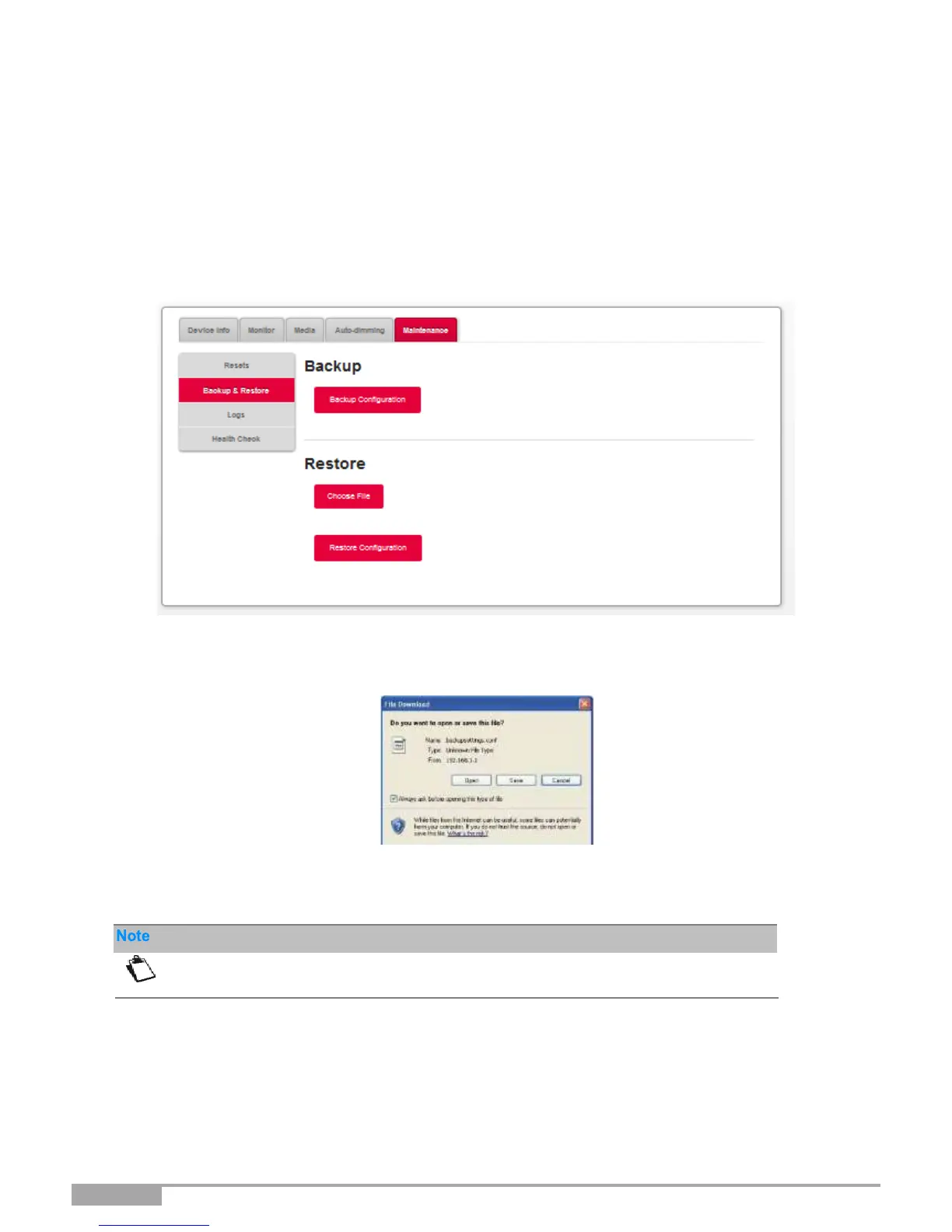
3.3.10.2 Backup and Restore
Objective: This menu is used to:
•
Backup the current configuration to a file with a “conf” extension.
•
Restore a saved configuration.
•
In the My Sunrise Internet Box menu, select Maintenance > Backup &
Restore. The following screen opens:
To back up the current configuration:
•
Click on the Backup configuration button; the following screen appears:
•
Click on the Save button to save the current configuration, for example, on your computer.
•
Select the directory where you want to save the "backupsettings.conf" configuration file.
To restore a saved configuration:
•
Click on the Choose file... button; then select the desired file.
•
Click on the Restore Configuration button. The Sunrise Internet Box restarts automatically.



 To Next Page