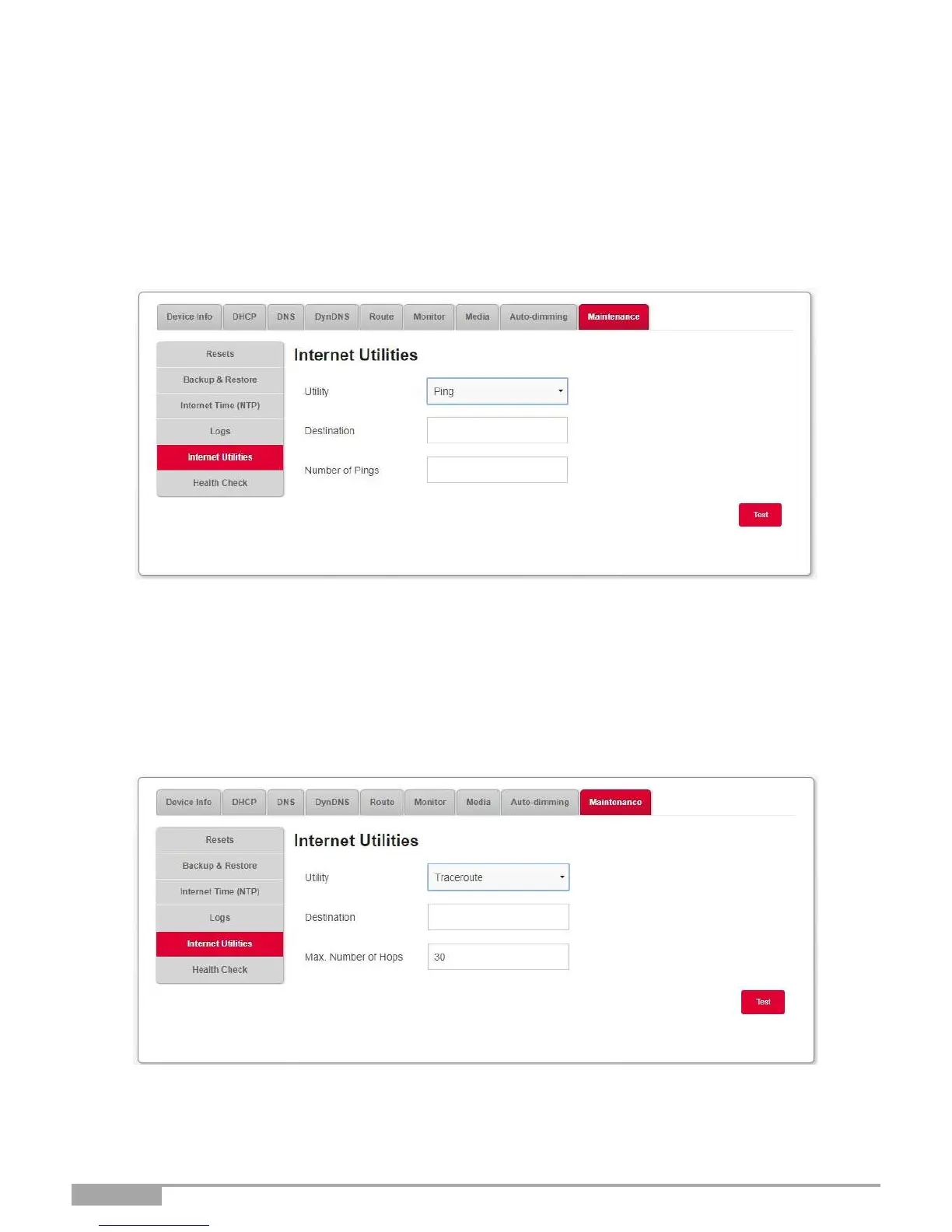
3.3.10.5 Internet Utilities
Objective: This menu is used to test the behavior of your Sunrise Internet Box using several tools.
•
In the My Sagemcom Box menu, select Maintenance > Internet Utilities. Ping
The ping tool shows how long it takes for packets to reach the host.
•
Select Ping in the list.
•
Enter the IP address of the target.
•
Define the number of pings.
•
Click on the Test button.
Traceroute
The visual traceroute tool displays the path Internet packets traverse to reach a specified destination.
•
Select Traceroute in the list.
•
Enter the IP address of the target.
•
Define the Max. Number of Hops
•
Click on the Test button.



 To Next Page