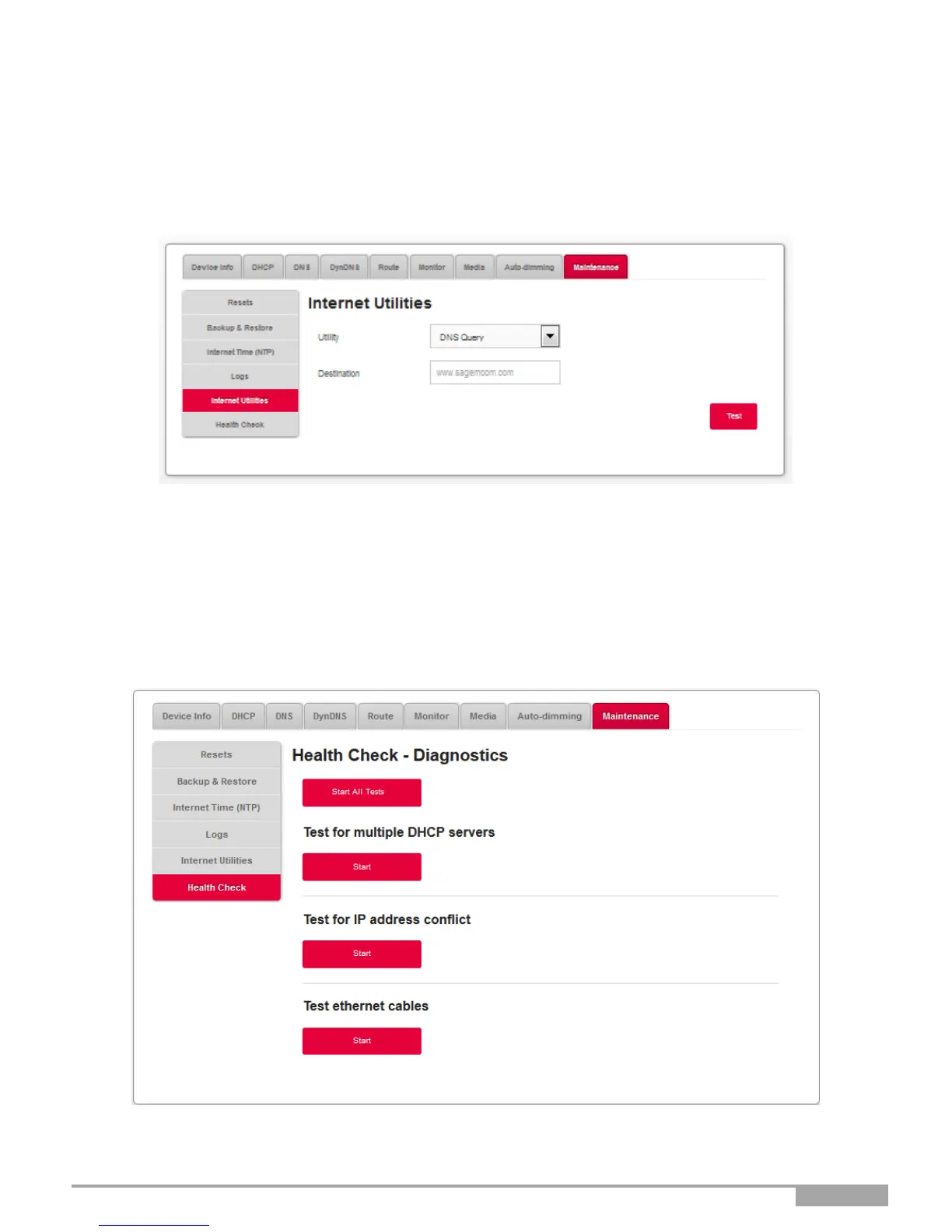
DNS Query
This allows you to check the current state of DNS propagation after having made changes to your
domains records.
•
Select DNS Query in the list.
•
Enter the IP address of the target.
•
Click on the Test button.
3.3.10.6 Health Check
Objective: This menu is used to perform diagnostics on your Sunrise Internet Box.
•
In the My Sunrise Internet Box menu, select Maintenance > Internet Utilities.



 To Next Page