•
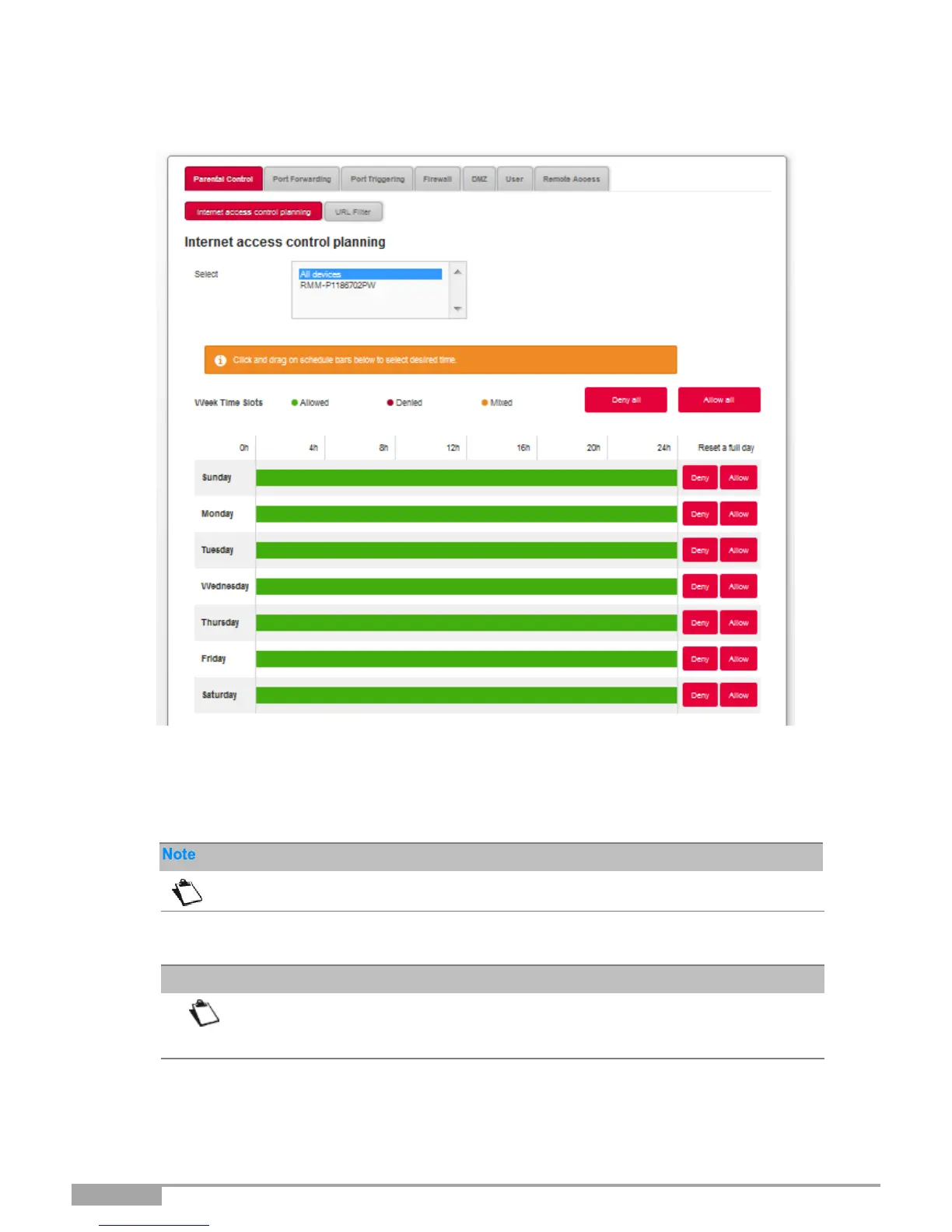
In the Access control menu, select Parental Control > Internet Access control
Planning. The following screen opens:
To define a time restriction, proceed as follows:
•
Select the desired device in the list (IP address, host name, etc.).
•
Configure the time restriction for each day of the week.
Allow all: Internet access is always authorized.
Deny all: Internet access is not allowed.
•
Click on the Apply button to save the configuration.



 To Next Page